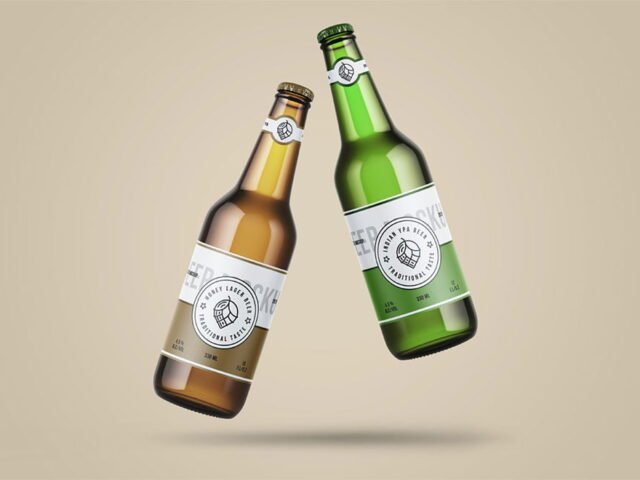
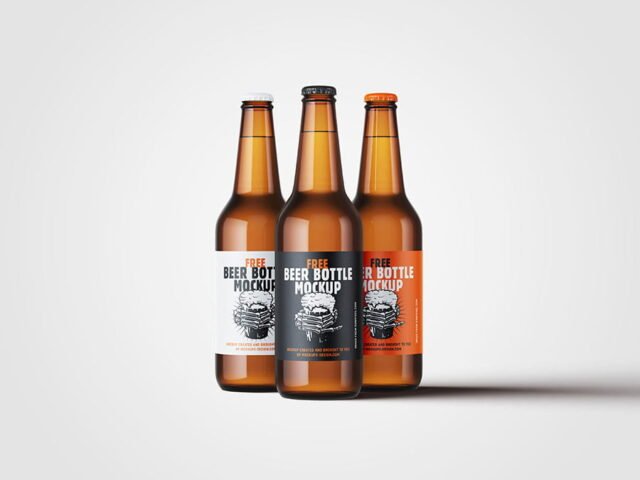
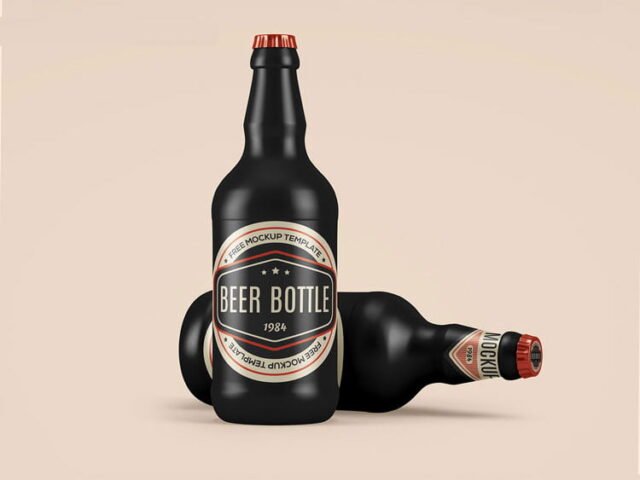
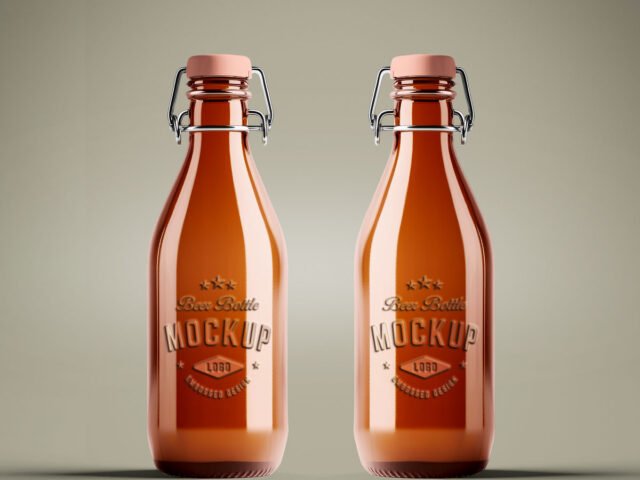
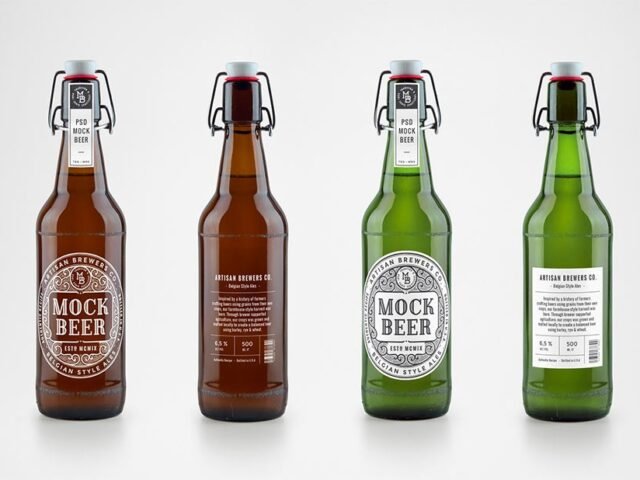
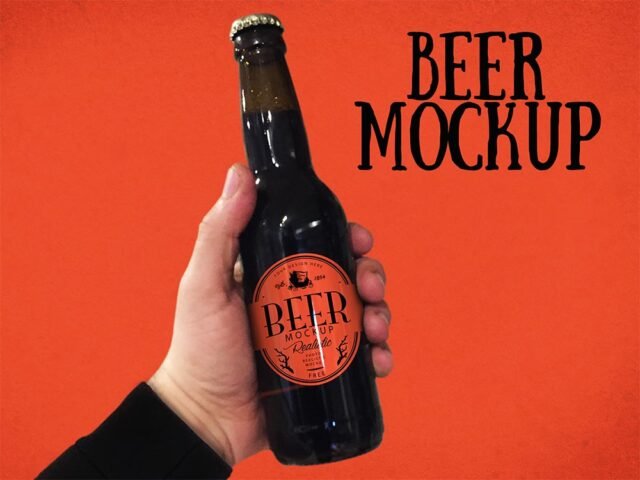
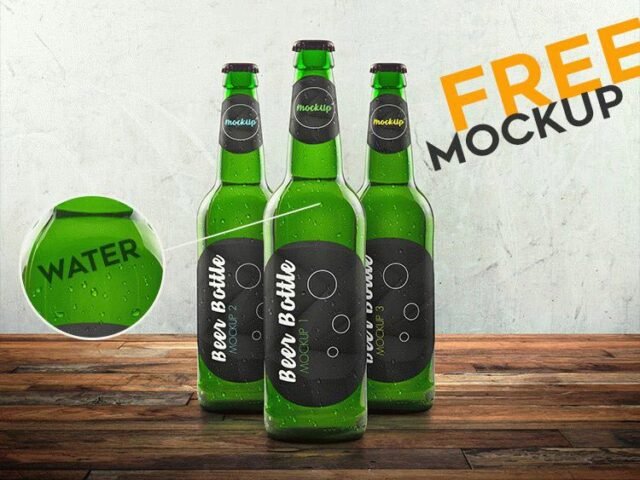
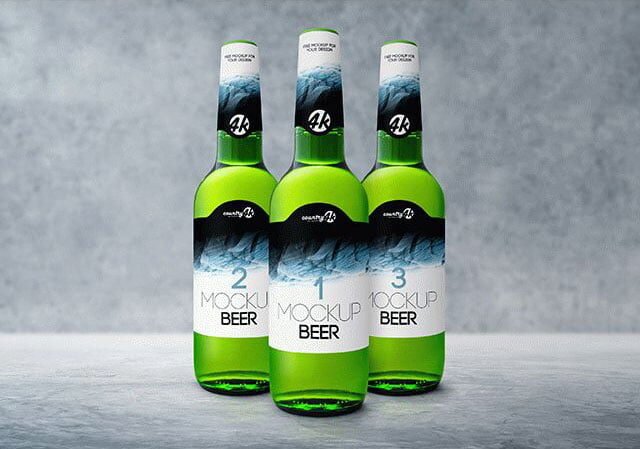
Beer Bottle Mock-up
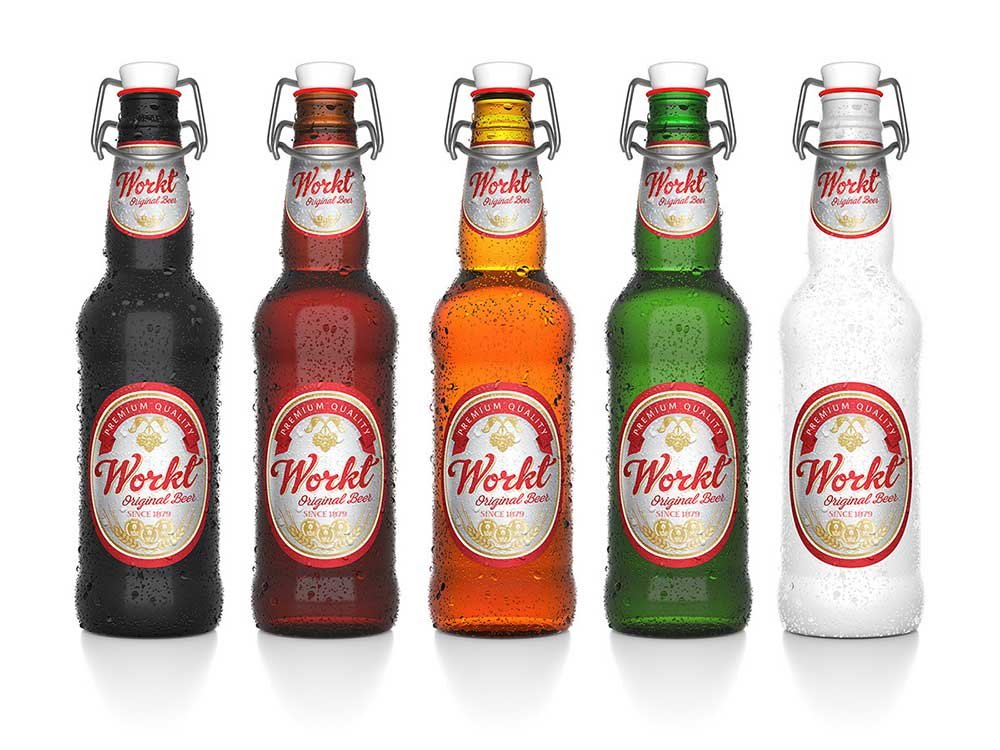
What's inside
- Applications Photoshop
- File Types PSD
- License Free (see author's terms)
- Author Behance
Need to show a beer label to a client? This beer bottle mockup does the job in a few minutes.
It’s a handy file for label designers and breweries. Quick tip: leave a little breathing room around the label edge so the highlight strip does not cut through your logo.
It’s also a good way to compare a few label directions side by side without printing anything.
The file is made by a designer on Behance. The download button takes you to their page, where you get the original file and the licence details.
What’s inside the Beer Bottle Mock-up PSD
Everything below is on its own layer:
- Label artwork, placed through the smart object
- Shadows
- Container colour
- Highlights and reflections
How to edit this Beer Bottle Mock-up in Photoshop
- Design the label flat and keep the logo in the middle third, where the curve bends it least.
- In the Layers panel, find the layer with the small smart object icon and double-click it.
- Paste your design, resize it to fill the area, then save (Ctrl/Cmd + S) and close that tab.
- Change the background to your brand colour.
- Save a JPG for clients and social media, and keep the PSD for later changes.
One more thing: transparent or glass items show the background through. Test your label on the actual background colour you’ll use.
Ways to use this Beer Bottle Mock-up
- Make two or three colour versions of a beer label and let the client pick.
- Show a six-pack carrier to a client before it goes to print or production.
- Use it as the cover image for a craft beer can in your portfolio.
Quick notes on this mockup
- Made by a designer on Behance. The download size and format are listed on their page.
- Built for Adobe Photoshop. A recent CC version handles the smart objects best.
- Check the licence on the author’s page. Personal and commercial terms differ from file to file.
- The preview shows the angle, background and lighting you’ll get.
Scroll down for similar beer mockups from other designers.
Questions about this mockup
What licence does it come with?
A designer on Behance sets the licence, and it can differ from file to file. Many free files allow personal and commercial use, but some are personal-only or ask for credit. Read the terms on the download page before a paid project.
How do I put my artwork on the beer packaging?
Find the smart object layer (it has a small icon on its thumbnail), double-click it, place your design, then save and close that tab.
Which Photoshop version do I need?
A recent Photoshop CC version is best. Older versions can open the file but sometimes have trouble with smart objects and effects.
Will the label bend with the shape?
Good curved-product mockups use a warp so the label wraps around. The preview shows it: if the edges of the label curve away, it does.