Blackview Grunge Textures
What's inside
- Applications Photoshop
- File Types Images
- License Free (see author's terms)
- Author Pixelbuddha
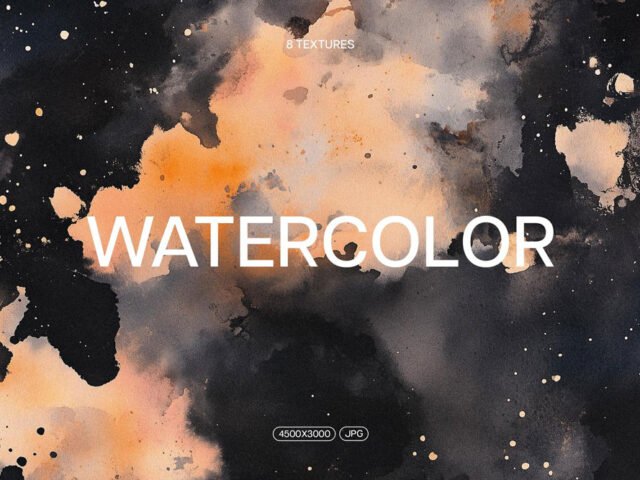
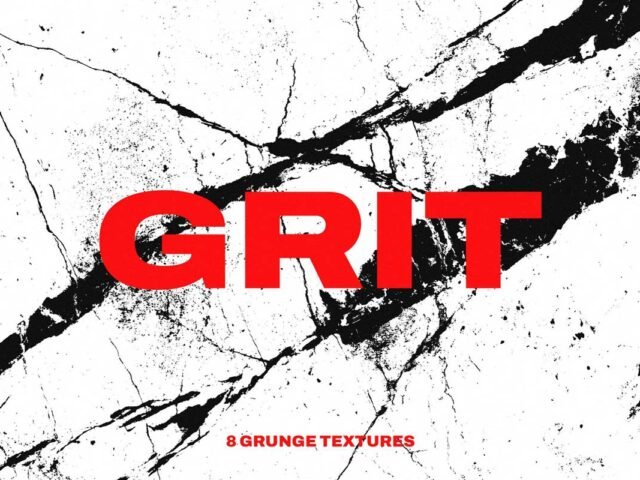
Blackview Grunge Textures is a texture pack that suits poster grain, backgrounds and overlays for photos.
Poster designers and photographers tend to get the most out of files like this. A small tip: set textures to Multiply or Overlay blend modes and lower the opacity; full strength rarely looks right.
It’s worth keeping a few good textures in your library for quick jobs where you don’t have time to make one from scratch.
Use it for
- Poster grain
- Backgrounds
- Overlays for photos
This is a free file from Pixelbuddha. When you click download you’ll land on their page to grab it.
How to use the Blackview Grunge Textures
- Unzip the pack after downloading it from the author’s page.
- Place a texture over your design in Photoshop as a new layer.
- Set the blend mode to Multiply, Overlay or Screen and lower the opacity.
- Mask out parts that should stay clean.
Worth remembering: read the author’s notes on the download page. Asset packs often include install steps or usage limits.
Quick notes on this mockup
- Made by Pixelbuddha. File size and format are listed on their page.
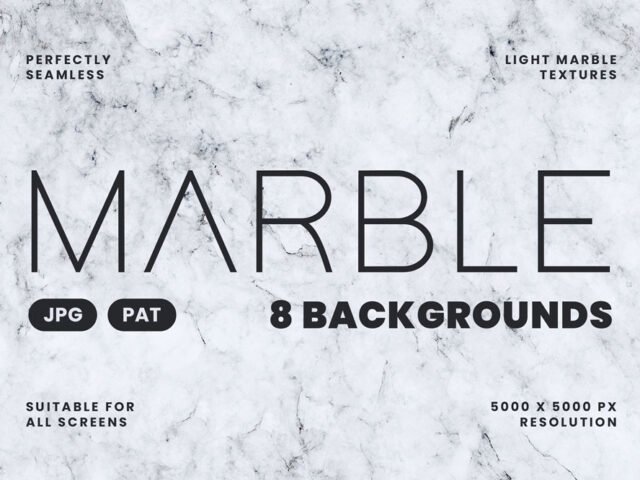
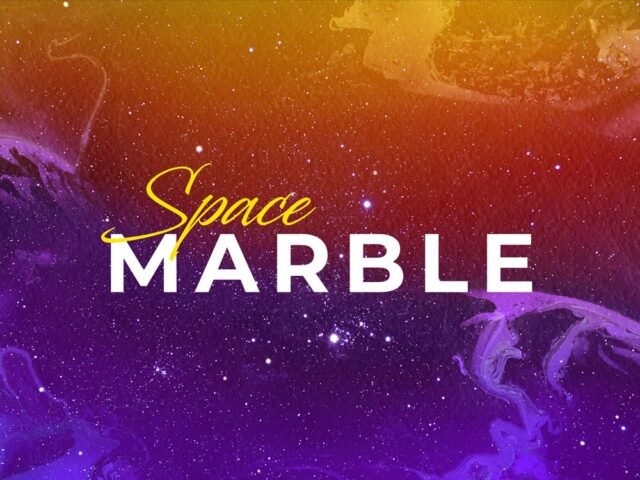
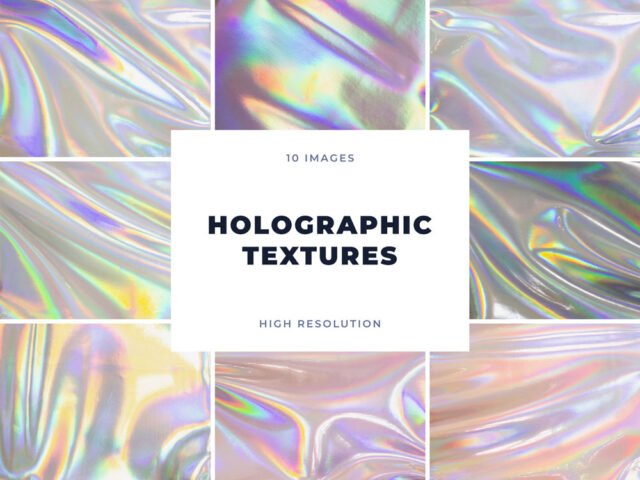
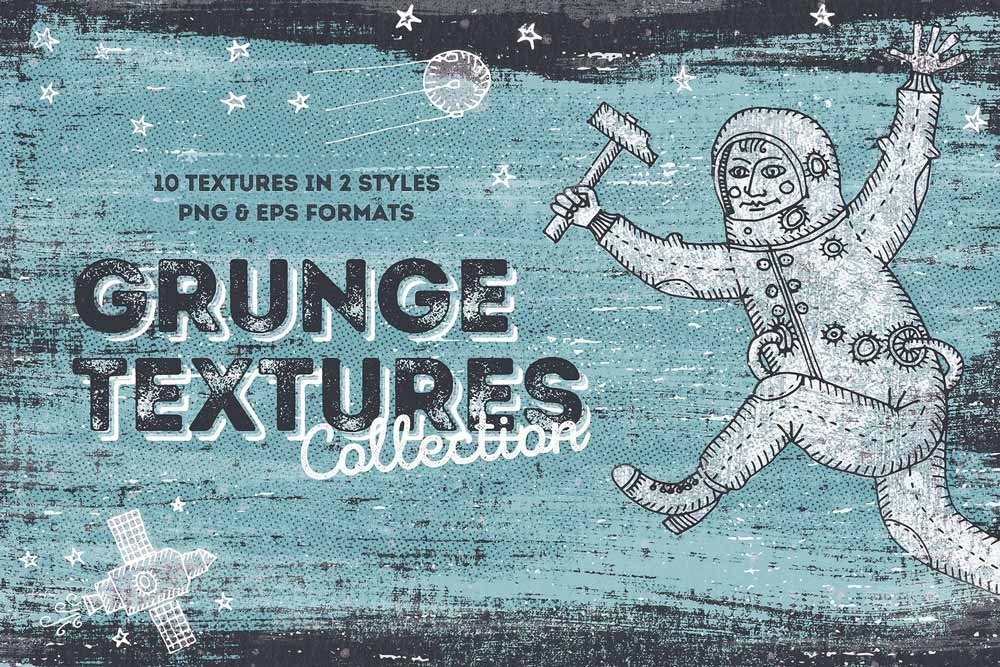
- The preview shows exactly what’s included.
- Check the licence on the author’s page, especially for client work.
Browse more free textures on Artistic Orbit, with new files added every day.
Questions about this mockup
Can I use this texture pack for client work?
That depends on the author's terms. The download page lists what is allowed; when in doubt, ask the author directly.
How do I use a texture as an overlay?
Place the texture above your artwork, set the blend mode to Multiply, Screen or Overlay depending on light or dark texture, and adjust opacity.