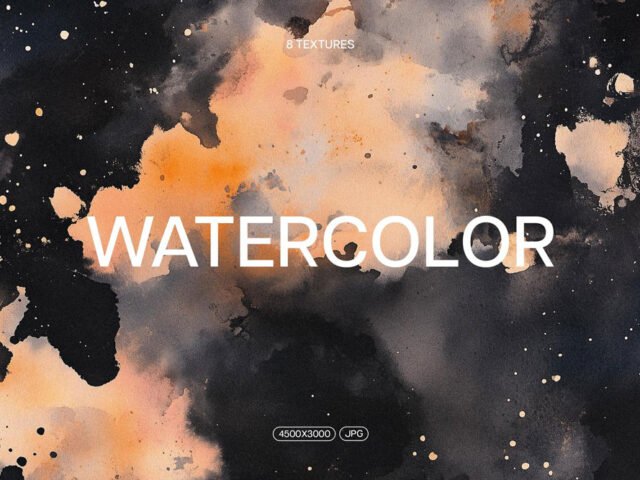
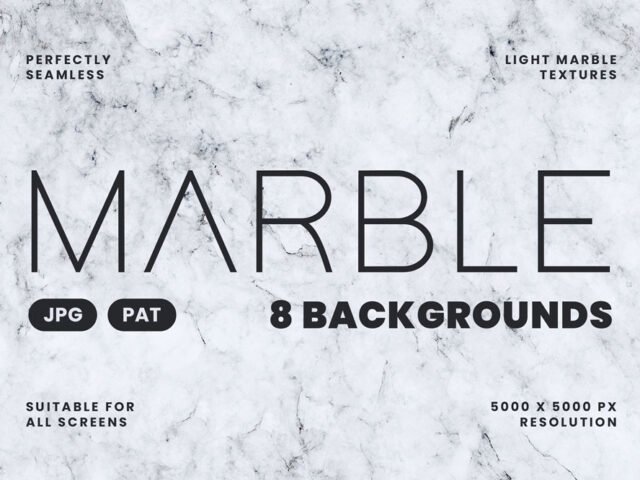
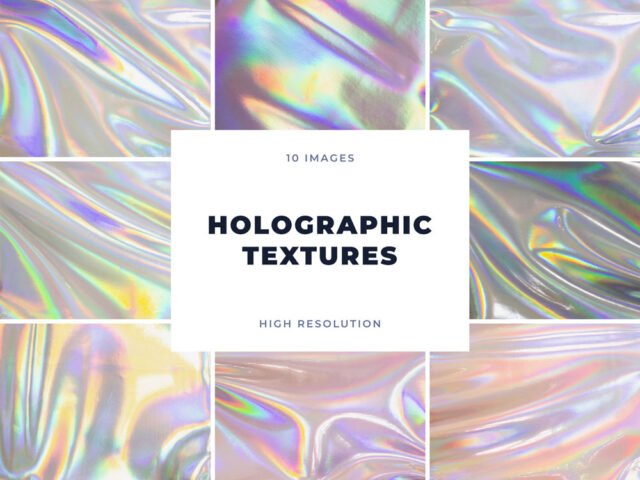
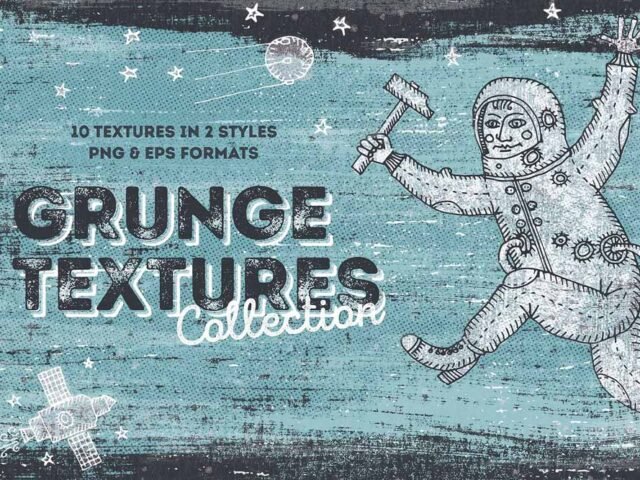
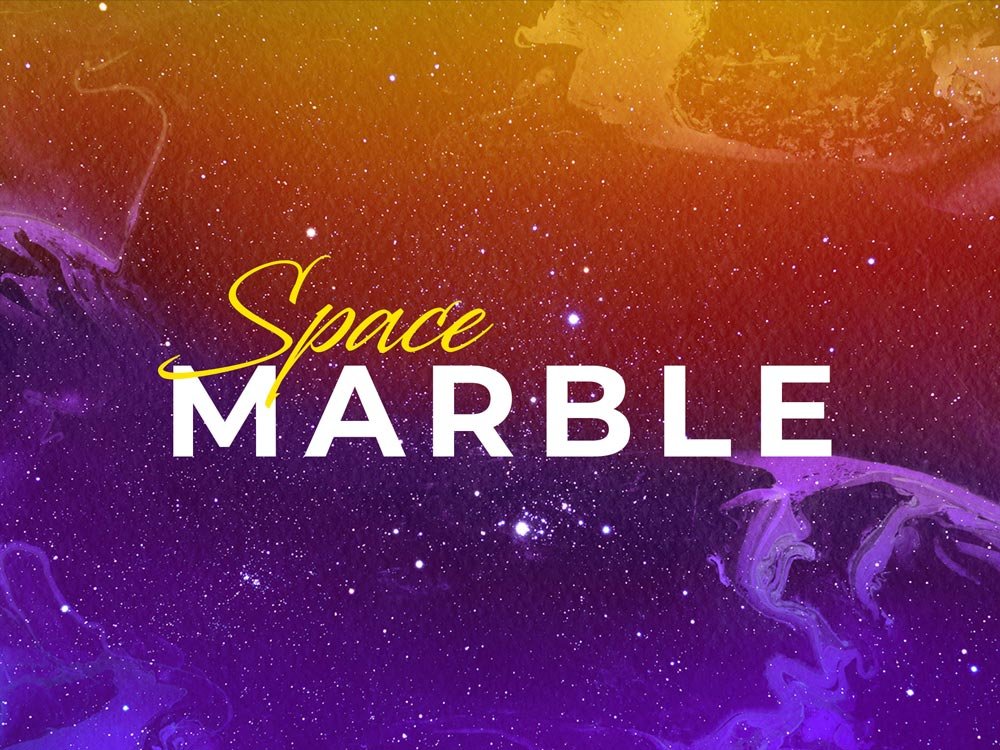
Space Marble Textures
What's inside
- Applications Photoshop
- File Types Images
- License Free (see author's terms)
- Author Pixelbuddha
Add Space Marble Textures to your toolkit if you work on poster grain or backgrounds a lot.
Useful for poster designers as much as for illustrators. One thing worth knowing: set textures to Multiply or Overlay blend modes and lower the opacity; full strength rarely looks right.
Free resources like this are a good way to try a style before committing to a paid pack.
Works well for
- Poster grain
- Backgrounds
- Overlays for photos
Pixelbuddha created this one and hosts the download on their own site, so you always get the latest version straight from the source.
Getting started with the Space Marble Textures
- Unzip the pack after downloading it from the author’s page.
- Place a texture over your design in Photoshop as a new layer.
- Set the blend mode to Multiply, Overlay or Screen and lower the opacity.
- Mask out parts that should stay clean.
One more thing: try the pack on a real project before adding it to your library; it’s the quickest way to see if the style fits.
Before you download
- Made by Pixelbuddha. File size and format are listed on their page.
- Check the licence on the author’s page, especially for client work.
- The preview shows exactly what’s included.
More free textures are listed below, each linking to the original author.
Questions about this mockup
What licence does it come with?
It's free to download, but the licence belongs to Pixelbuddha. Check their page: it states whether commercial use is allowed and if attribution is needed.
How do I use a texture as an overlay?
Place the texture above your artwork, set the blend mode to Multiply, Screen or Overlay depending on light or dark texture, and adjust opacity.