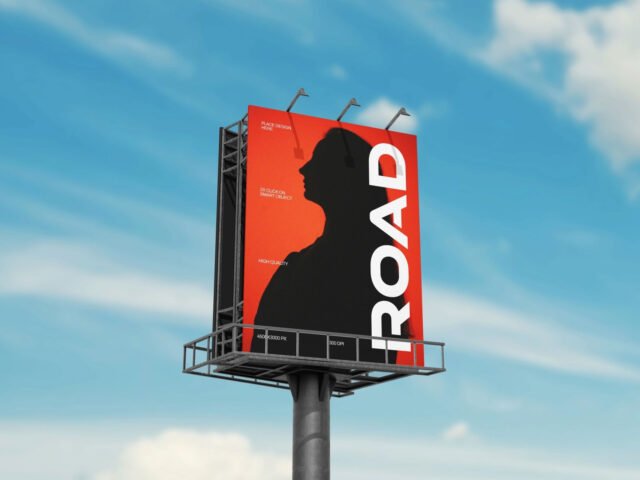
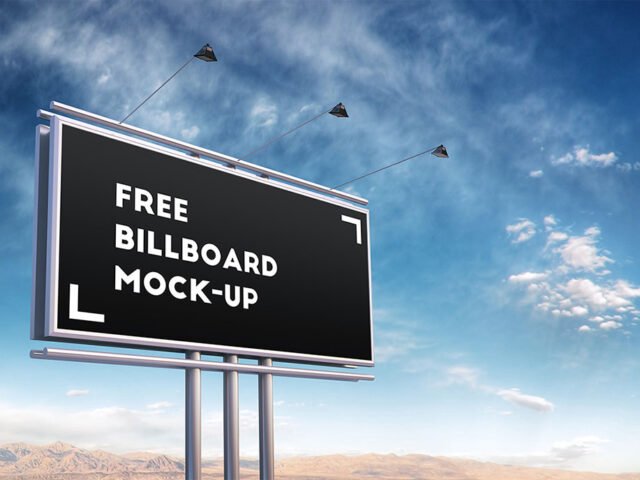
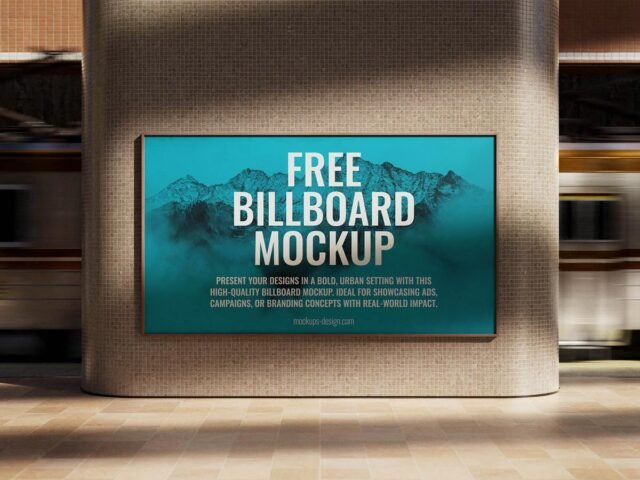
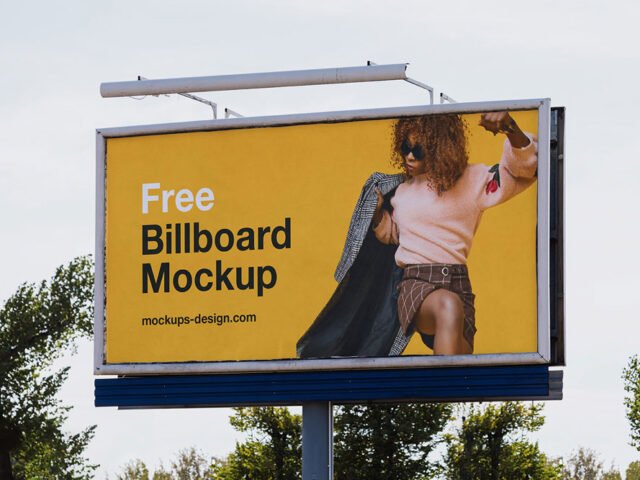
City Billboard Mockup

What's inside
- Applications Photoshop
- File Types PSD
- License Free (see author's terms)
- Author Vectogravic
If you’re presenting an ad campaign, this city billboard mockup makes the idea feel real before anything is produced.
Useful for students pitching campaigns as much as for ad agencies. Tip: night or backlit scenes usually have a glow layer. Push it up for lightboxes, down for printed paper.
Agencies use scenes like this in pitch decks, where a realistic placement often sells the idea more than the artwork alone. Combine it with a poster or bus stop ad to show the campaign across several placements.
Works well for
- An ad campaign
- A product launch visual
- A movie poster
The file is made by Vectogravic. The download button takes you to their page, where you get the original file and the licence details.
What you can edit in this City Billboard Mockup
Everything below is on its own layer:
- Ad artwork, placed through the smart object
- Glow layer for backlit scenes, where included
- Lighting and shadow layers
Editing the City Billboard Mockup, step by step
- Export the ad artwork large so it stays sharp in the scene.
- Open the PSD in Photoshop and find the smart object layer, usually named “Your Design” or “Place Here”.
- Place your design, hide the sample artwork, save, and go back to the main file.
- Check the crop so faces and logos stay inside the frame.
- Export a full-size image for your portfolio and a smaller one for social media.
Match the brightness of your design to the scene; a very bright graphic in a shaded spot looks pasted in.
Best uses for this City Billboard Mockup
- Share an ad campaign on Instagram, Behance or Dribbble with a real-looking preview.
- Make two or three colour versions of a movie poster and let the client pick.
- Present a product launch visual in a client proposal or brand guide.
Quick notes on this mockup
- Made by Vectogravic. The download size and format are listed on their page.
- Check the smart object size before you design, so your artwork fits without stretching.
- The preview shows the angle, background and lighting you’ll get.
Browse more free billboard mockups on Artistic Orbit, with new files added every day.
Questions about this mockup
Is it free for commercial use?
That depends on the author's terms. The download page lists what is allowed; when in doubt, ask the author directly.
How do I put my artwork on the billboard?
Find the smart object layer (it has a small icon on its thumbnail), double-click it, place your design, then save and close that tab.
Which Photoshop version do I need?
A recent Photoshop CC version is best. Older versions can open the file but sometimes have trouble with smart objects and effects.
What ratio should my artwork be?
Open the smart object and check its canvas; design to that ratio. Most outdoor mockups use common print ratios, but it varies from file to file.