Dropper Box Mockup
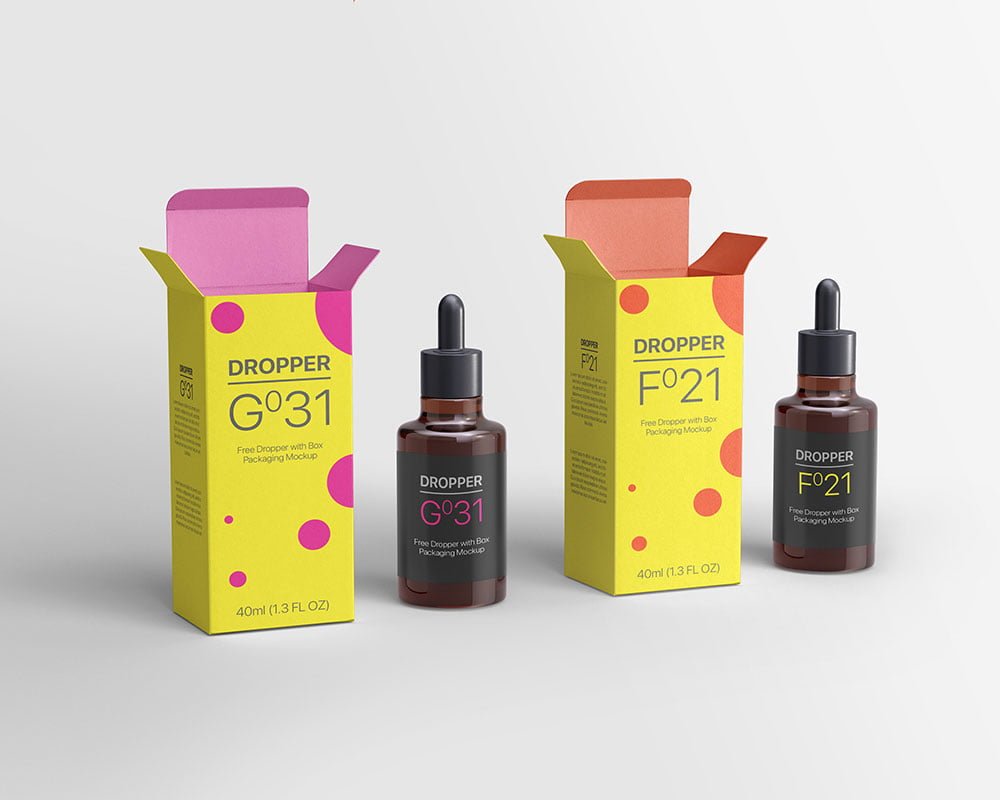
What's inside
- Applications Photoshop
- File Types PSD
- License Free (see author's terms)
- Author Pixpine
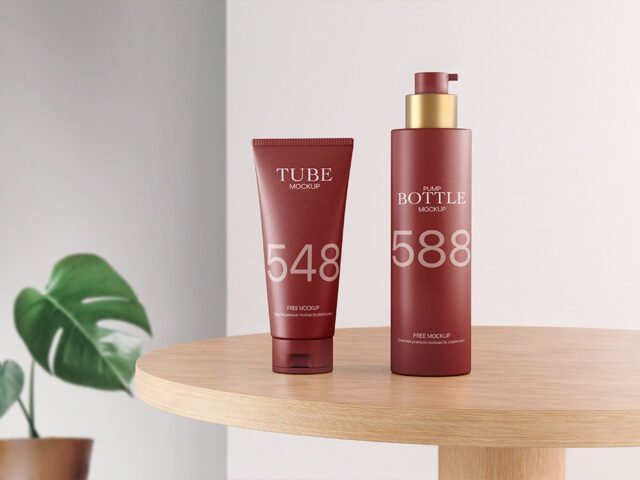
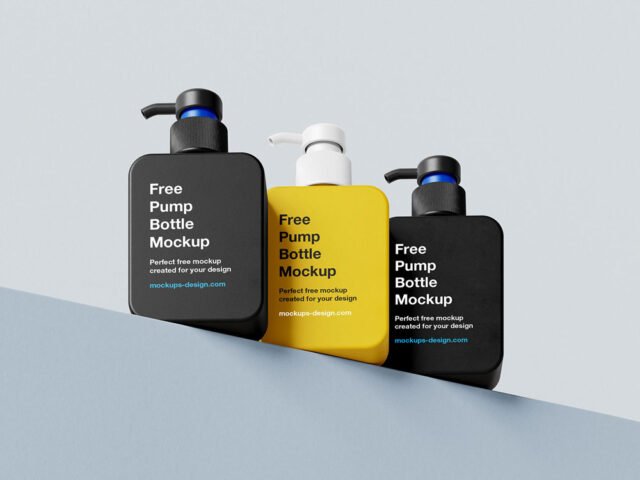
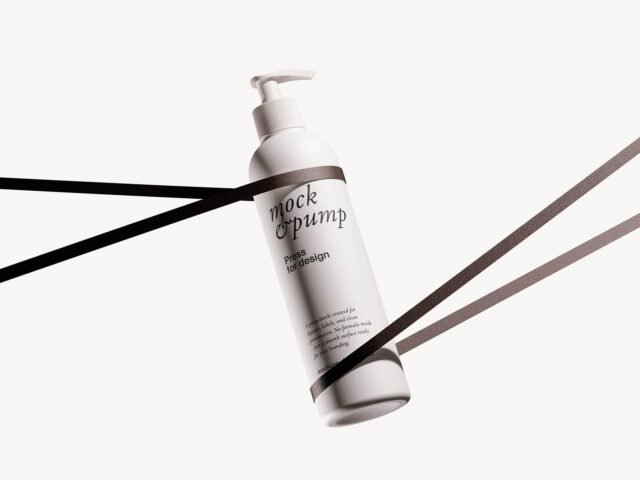
A dropper bottle label looks better on a dropper box mockup than on a white artboard, and this mockup is set up for exactly that.
Good pick for packaging designers, cosmetic startups or anyone putting together a portfolio. Quick tip: leave a little breathing room around the label edge so the highlight strip does not cut through your logo.
It’s also a good way to compare a few label directions side by side without printing anything.
The file is made by Pixpine. The download button takes you to their page, where you get the original file and the licence details.
Dropper Box Mockup: editable parts
The PSD is layered, so you can change:
- Label artwork, placed through the smart object
- Container colour
- Background colour
- Shadows
How to edit this Dropper Box Mockup in Photoshop
- Export the label at the size of the smart object.
- Open the PSD in Photoshop and find the smart object layer, usually named “Your Design” or “Place Here”.
- Place your design, hide the sample artwork, save, and go back to the main file.
- Change the container colour.
- Export a full-size image for your portfolio and a smaller one for social media.
One more thing: transparent or glass items show the background through. Test your label on the actual background colour you’ll use.
Ways to use this Dropper Box Mockup
- Show a tube design on your online shop or product page.
- Make two or three colour versions of a skincare label and let the client pick.
- Share a dropper bottle label on Instagram, Behance or Dribbble with a real-looking preview.
Good to know
- Made by Pixpine. The download size and format are listed on their page.
- Check the licence on the author’s page. Personal and commercial terms differ from file to file.
- Built for Adobe Photoshop. A recent CC version handles the smart objects best.
Scroll down for similar cosmetic mockups from other designers.
Questions about this mockup
Is it free for commercial use?
Pixpine sets the licence, and it can differ from file to file. Many free files allow personal and commercial use, but some are personal-only or ask for credit. Read the terms on the download page before a paid project.
How do I put my artwork on the cosmetic packaging?
Find the smart object layer (it has a small icon on its thumbnail), double-click it, place your design, then save and close that tab.
Which Photoshop version do I need?
A recent Photoshop CC version is best. Older versions can open the file but sometimes have trouble with smart objects and effects.
Can I change the liquid or container colour?
Most bottle, can and cup mockups keep the container colour on its own layer. Liquid colour, where visible, is usually adjustable too.