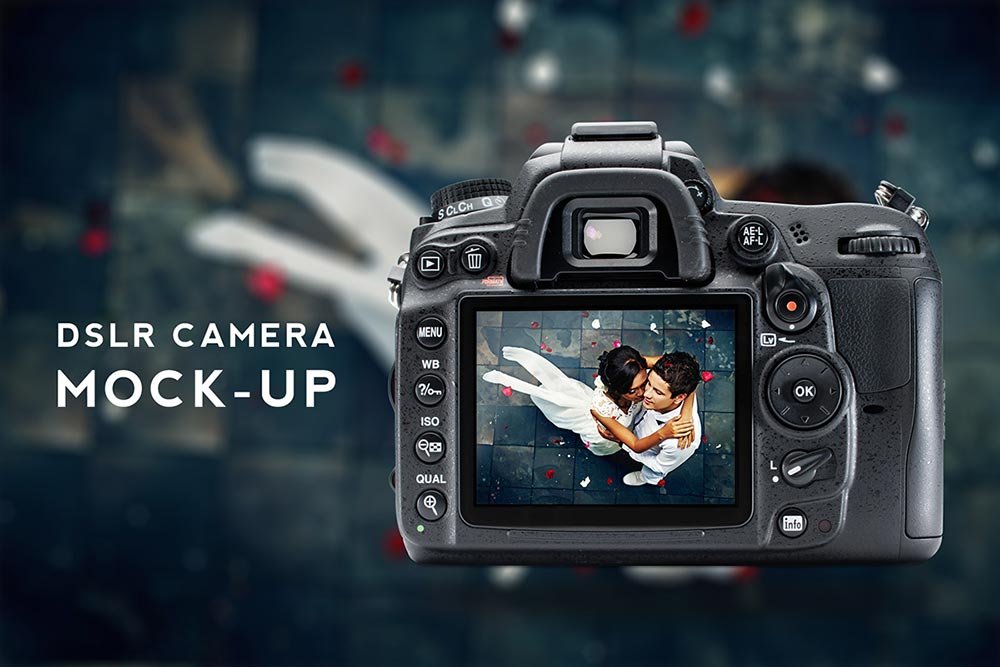
DSLR Camera Mockup
What's inside
- Applications Photoshop
- File Types PSD
- License Free (see author's terms)
- Author Graphics Egg
A dslr camera mockup, made for presenting a pattern. Drop in your artwork and the lighting and shadows stay as they are.
Good pick for product designers, Etsy sellers or anyone putting together a portfolio. Quick tip: use a PNG with transparency for logos so the material around them keeps its texture.
Small branded items are often the part of an identity that clients remember, so it’s worth showing them properly.
Use it for
- A pattern
- A small logo
- Merch branding
Graphics Egg created this one and hosts the download on their own site, so you always get the latest version straight from the source.
Editable options in the DSLR Camera Mockup PSD
The PSD is layered, so you can change:
- Logo or artwork, placed through the smart object
- Background colour
- Shadows
How to use the DSLR Camera Mockup
- Prepare the artwork in your brand colours.
- In the Layers panel, find the layer with the small smart object icon and double-click it.
- Paste your design, resize it to fill the area, then save (Ctrl/Cmd + S) and close that tab.
- Change the background colour at the bottom of the layer stack.
- Export with File › Export › Export As: JPG for sharing, PNG for the web.
Worth remembering: keep your artwork simple. Small objects shrink details quickly, so a bold mark reads better than fine lines.
Ways to use this DSLR Camera Mockup
- Use it as the cover image for a pattern in your portfolio.
- Present a small logo in a client proposal or brand guide.
- Make two or three colour versions of merch branding and let the client pick.
Before you download
- Made by Graphics Egg. The download size and format are listed on their page.
- The preview shows the angle, background and lighting you’ll get.
- Some free mockups ask for credit when you post them. A short line in your caption is enough.
- Built for Adobe Photoshop. A recent CC version handles the smart objects best.
Need a different angle? The accessories mockups category has plenty more free PSD files.
Questions about this mockup
What licence does it come with?
That depends on the author's terms. The download page lists what is allowed; when in doubt, ask the author directly.
How do I put my artwork on the accessory?
Find the smart object layer (it has a small icon on its thumbnail), double-click it, place your design, then save and close that tab.
Do I need Photoshop?
Yes. This is a PSD mockup built with smart objects, so you edit it in Adobe Photoshop. Any recent CC version works.
Can I change the background?
Most object mockups have a background colour or image layer at the bottom of the stack that you can swap.