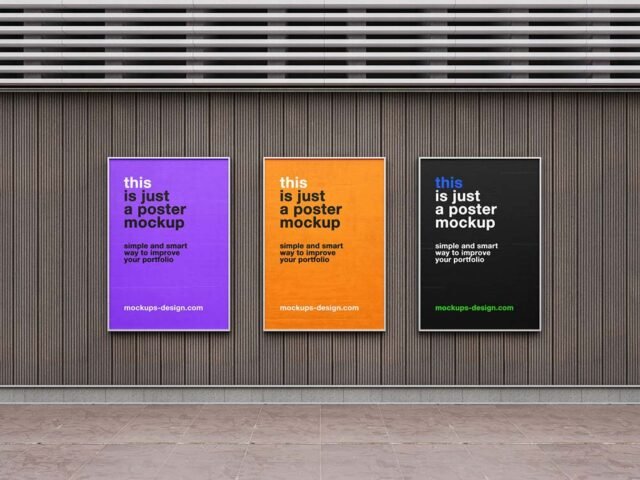
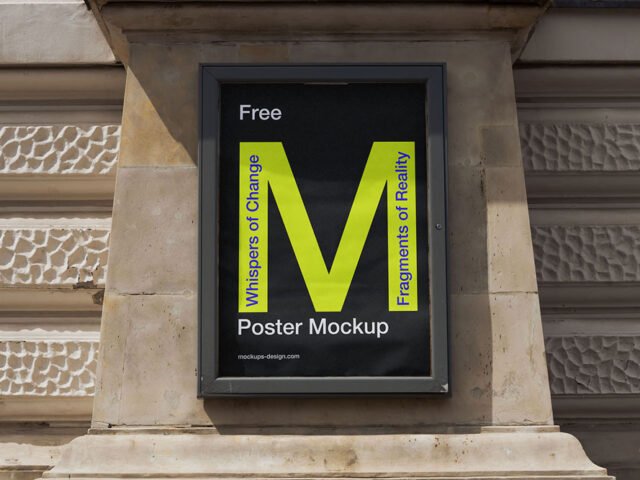
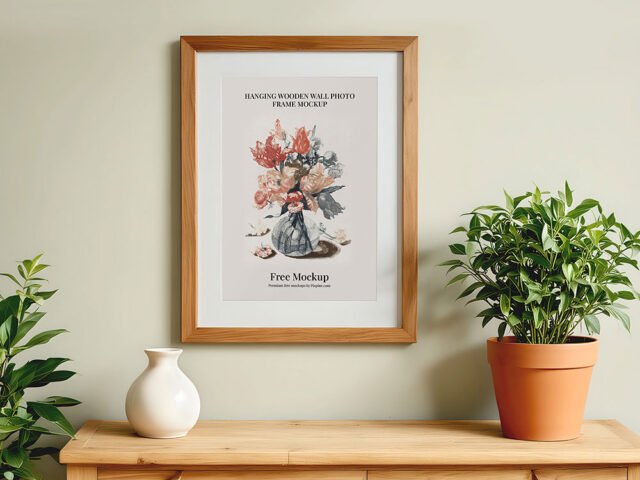
Floor Frame Poster Mockup
What's inside
- Applications Photoshop
- File Types PSD
- License Free (see author's terms)
- Author Mockups Design
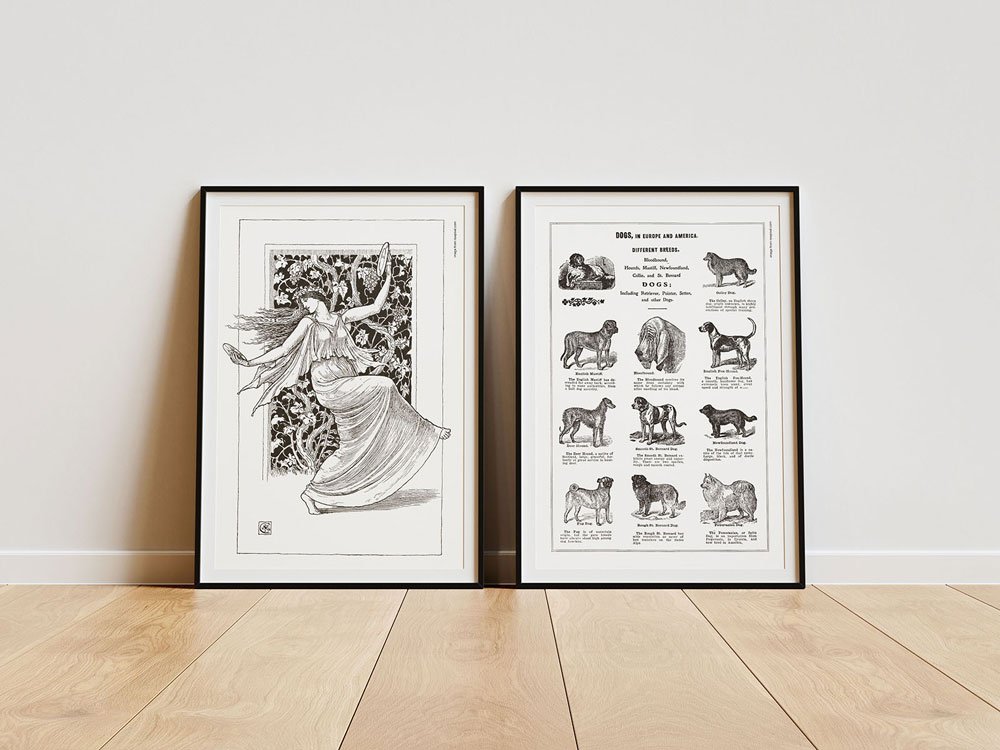
Need to show a photo to a client? This floor frame poster mockup does the job in a few minutes.
Good pick for artists, photographers or anyone putting together a portfolio. One thing worth knowing: match the frame ratio to your print (A-series, 4:5, 2:3). Printing sellers get returns when the preview ratio is wrong.
Print sellers on Etsy and similar shops use images like this as the main listing photo, because buyers want to see the piece on a wall.
Mockups Design created this one and hosts the download on their own site, so you always get the latest version straight from the source.
Floor Frame Poster Mockup: editable parts
Main things you can change in Photoshop:
- Artwork, placed through the smart object
- Shadows on the wall
- Frame colour, where the file offers options
- Glass reflection layer
How to use the Floor Frame Poster Mockup
- Pick the print you want to show: photo, illustration or typography.
- In the Layers panel, find the layer with the small smart object icon and double-click it.
- Paste your design, resize it to fill the area, then save (Ctrl/Cmd + S) and close that tab.
- Switch the frame colour if the file has options.
- Export a full-size image for your portfolio and a smaller one for social media.
Worth remembering: pick a print size that matches the frame’s ratio; stretched or cropped art gives the game away.
Ways to use this Floor Frame Poster Mockup
- Show an art print on your online shop or product page.
- Share a quote print on Instagram, Behance or Dribbble with a real-looking preview.
- Make two or three colour versions of a photo and let the client pick.
Good to know
- Made by Mockups Design. The download size and format are listed on their page.
- The preview shows the angle, background and lighting you’ll get.
- Built for Adobe Photoshop. A recent CC version handles the smart objects best.
More free frame mockups are listed below, each linking to the original author.
Questions about this mockup
What licence does it come with?
It's free to download, but the licence belongs to Mockups Design. Check their page: it states whether commercial use is allowed and if attribution is needed.
How do I put my artwork on the frame?
Find the smart object layer (it has a small icon on its thumbnail), double-click it, place your design, then save and close that tab.
Do I need Photoshop?
Yes. This is a PSD mockup built with smart objects, so you edit it in Adobe Photoshop. Any recent CC version works.
Can I change the frame colour?
Many frame mockups include black, white and wood options or a colour layer for the frame itself. The preview usually shows the options.
Why does the download open another website?
We list free files from designers around the web and link to the original page, so Mockups Design gets the visit and you get the file exactly as they published it.