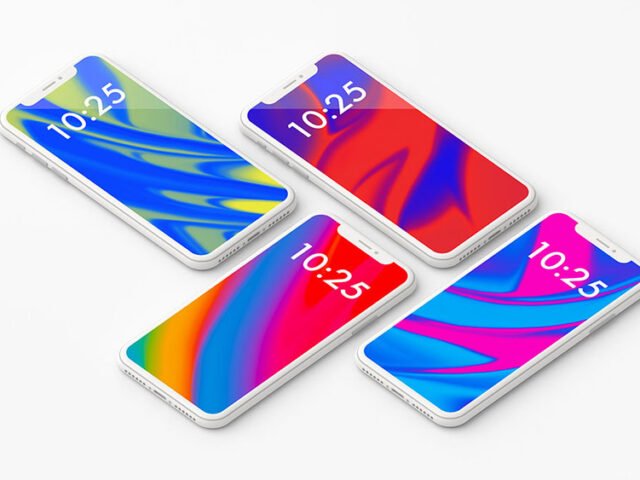
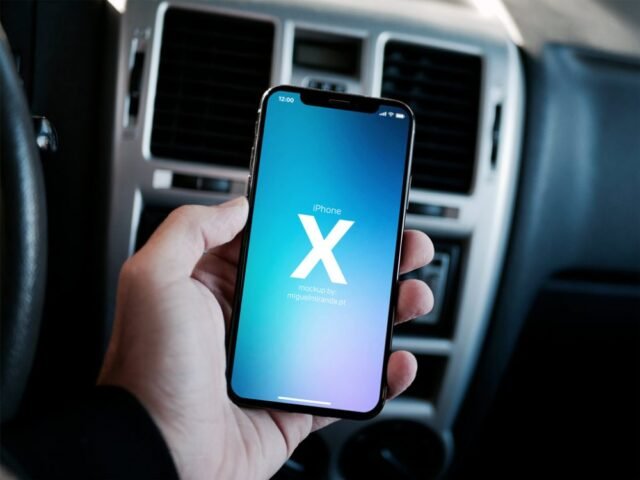
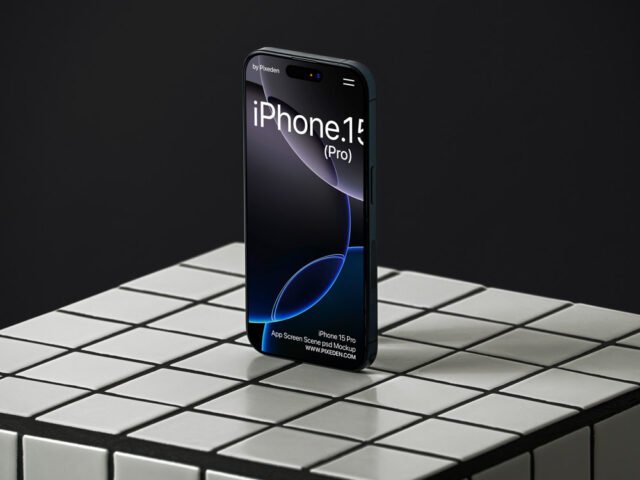
iPhone 13 Mockup

What's inside
- Applications Photoshop
- File Types PSD
- License Free (see author's terms)
- Author Pixelsdesign
Show a website on mobile the way it will actually look: on an iPhone 13 mockup.
Good pick for app designers, UI freelancers or anyone putting together a portfolio. For recent iPhones, keep important UI clear of the notch or Dynamic Island area.
It’s also a quick way to make case study images look consistent: same device, same angle, different screens. For a fuller case study, combine it with a laptop or tablet mockup showing the desktop version.
This is a free file from Pixelsdesign. When you click download you’ll land on their page to grab it.
iPhone 13 Mockup: editable parts
Everything below is on its own layer:
- Screen design, placed through the smart object
- Shadow under the device
- Screen glare and reflection layers
Add your design to the iPhone 13 Mockup
- Pick one strong screen. It reads better than a crowded one.
- In the Layers panel, find the layer with the small smart object icon and double-click it.
- Drop your artwork in, fit it to the canvas, save and close. The mockup updates by itself.
- Save a JPG for clients and social media, and keep the PSD for later changes.
Another tip: turn the screen glare layer down if your UI has small type. Glare looks nice but hides detail.
Best uses for this iPhone 13 Mockup
- Present a landing page in a client proposal or brand guide.
- Show a website on mobile on your online shop or product page.
- Show an Instagram story design to a client before it goes to print or production.
Before you download
- Made by Pixelsdesign. The download size and format are listed on their page.
- Check the licence on the author’s page. Personal and commercial terms differ from file to file.
- Built for Adobe Photoshop. A recent CC version handles the smart objects best.
- The preview shows the angle, background and lighting you’ll get.
More free iphone mockups are listed below, each linking to the original author.
Questions about this mockup
What licence does it come with?
That depends on the author's terms. The download page lists what is allowed; when in doubt, ask the author directly.
How do I add my design?
Open the file in Photoshop, double-click the smart object thumbnail, paste or place your artwork in the new tab, save it (Ctrl/Cmd + S) and close. The main file updates on its own.
Which Photoshop version do I need?
A recent Photoshop CC version is best. Older versions can open the file but sometimes have trouble with smart objects and effects.
Which iPhone model is this?
The model is in the title. Screen sizes differ between generations, so always check the smart object size before exporting your screen.
Why does the download open another website?
We list free files from designers around the web and link to the original page, so Pixelsdesign gets the visit and you get the file exactly as they published it.