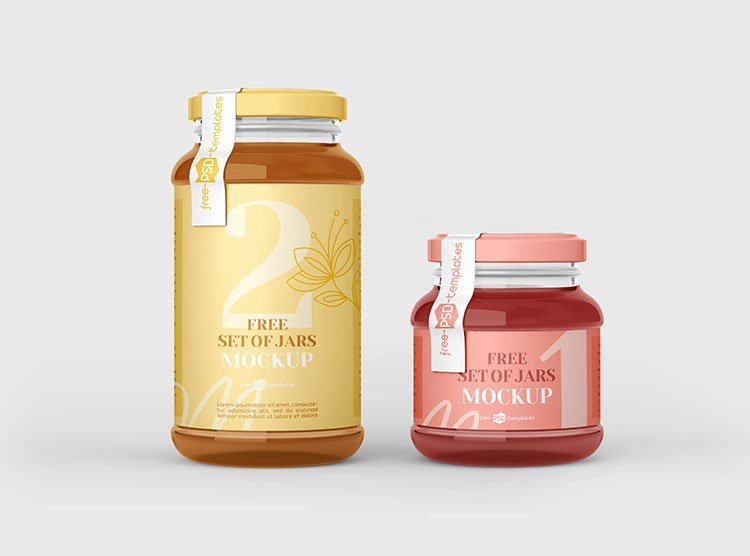
Jam Jar Mockup Set
What's inside
- Applications Photoshop
- File Types PSD
- License Free (see author's terms)
- Author Free PSD Templates
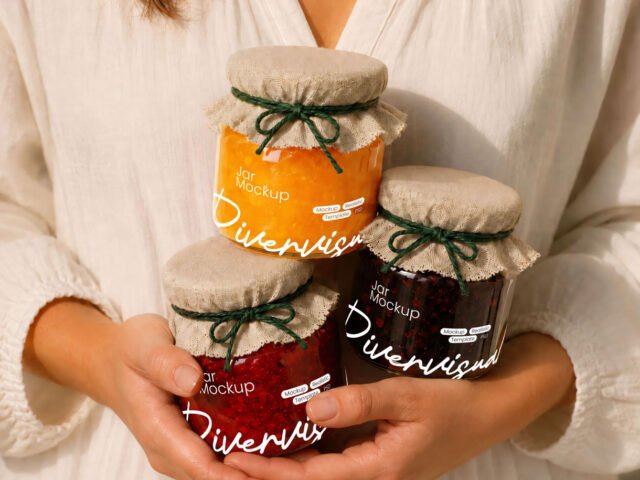
If you’re presenting a candle jar label, this jam jar mockup makes the idea feel real before anything is produced. Having several angles in one download saves you hunting for a matching second shot.
Good pick for Etsy makers, food producers or anyone putting together a portfolio. Tip: labels on curved surfaces compress at the sides, so keep key text in the middle third.
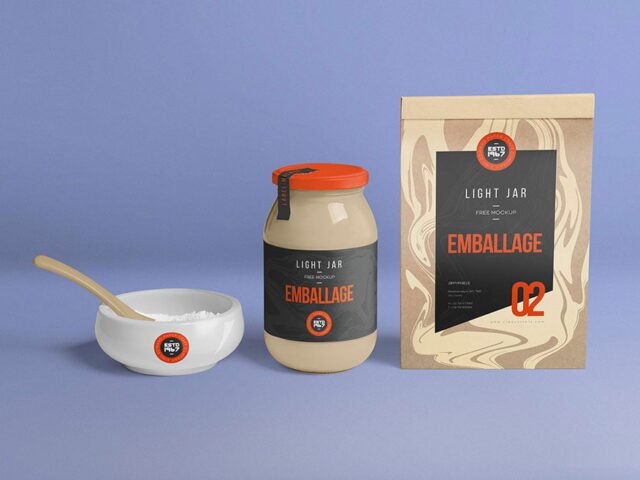
Labels behave differently once they wrap around a shape, and this is where you find out if yours still reads. Pair it with a box or bag mockup to show the full product range.
Use it for
- A candle jar label
- A honey or jam label
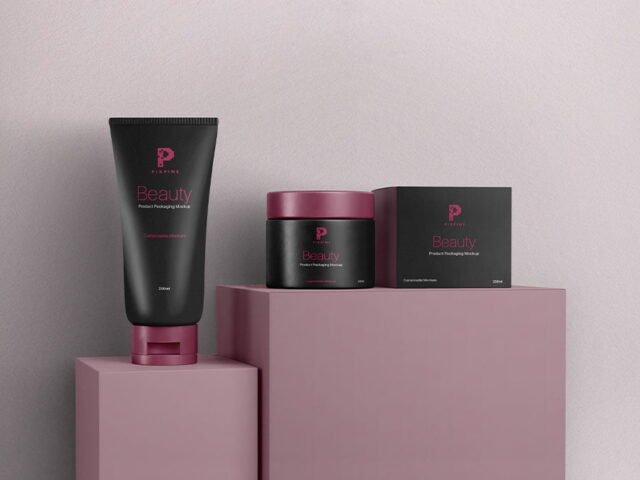
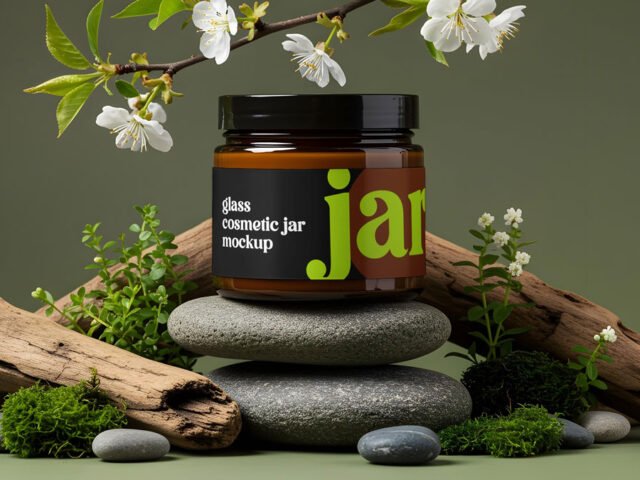
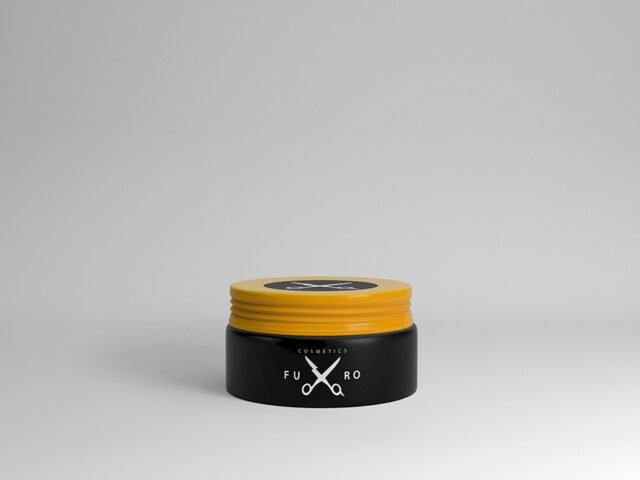
- A cosmetic jar lid
Free PSD Templates created this one and hosts the download on their own site, so you always get the latest version straight from the source.
Jam Jar Mockup Set: editable parts
Everything below is on its own layer:
- Label artwork, placed through the smart object
- Container colour
- Highlights and reflections
Add your design to the Jam Jar Mockup Set
- Export the label at the size of the smart object.
- Open the PSD in Photoshop and find the smart object layer, usually named “Your Design” or “Place Here”.
- Paste your design, resize it to fill the area, then save (Ctrl/Cmd + S) and close that tab.
- Save a JPG for clients and social media, and keep the PSD for later changes.
Worth remembering: transparent or glass items show the background through. Test your label on the actual background colour you’ll use.
Ways to use this Jam Jar Mockup Set
- Present a candle jar label in a client proposal or brand guide.
- Share a cosmetic jar lid on Instagram, Behance or Dribbble with a real-looking preview.
- Make two or three colour versions of a honey or jam label and let the client pick.
Before you download
- Made by Free PSD Templates. The download size and format are listed on their page.
- Built for Adobe Photoshop. A recent CC version handles the smart objects best.
- The preview shows the angle, background and lighting you’ll get.
- Check the smart object size before you design, so your artwork fits without stretching.
Need a different angle? The jar mockups category has plenty more free PSD files.
Questions about this mockup
What licence does it come with?
Free PSD Templates sets the licence, and it can differ from file to file. Many free files allow personal and commercial use, but some are personal-only or ask for credit. Read the terms on the download page before a paid project.
How do I add my design?
Open the file in Photoshop, double-click the smart object thumbnail, paste or place your artwork in the new tab, save it (Ctrl/Cmd + S) and close. The main file updates on its own.
Do I need Photoshop?
Yes. This is a PSD mockup built with smart objects, so you edit it in Adobe Photoshop. Any recent CC version works.
Will the label bend with the shape?
Good curved-product mockups use a warp so the label wraps around. The preview shows it: if the edges of the label curve away, it does.
Why does the download open another website?
We list free files from designers around the web and link to the original page, so Free PSD Templates gets the visit and you get the file exactly as they published it.