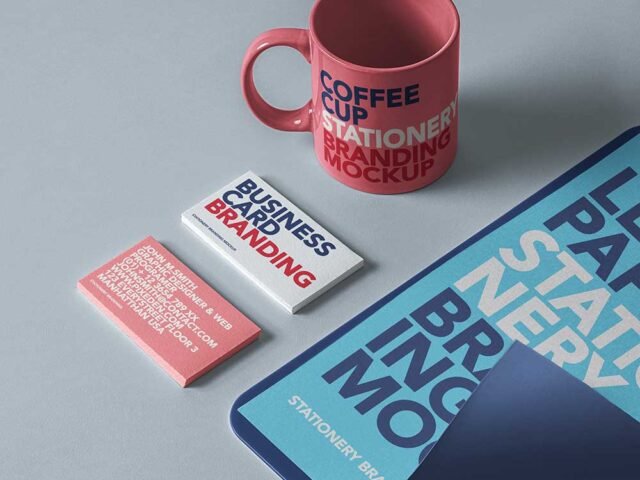
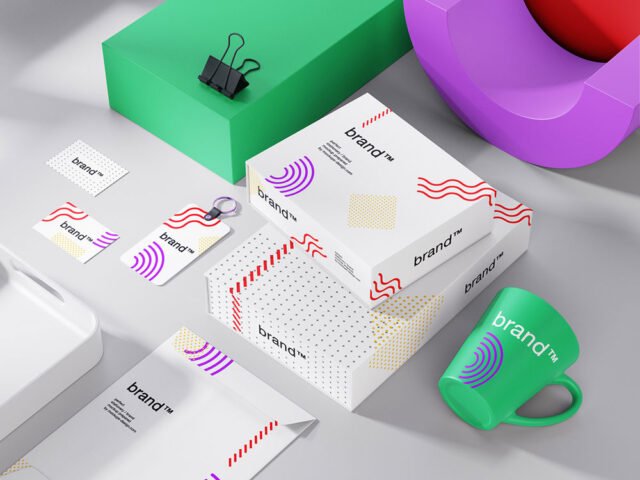
Materials Stationery Mockup
What's inside
- Applications Photoshop
- File Types PSD
- License Free (see author's terms)
- Author Mockups Design
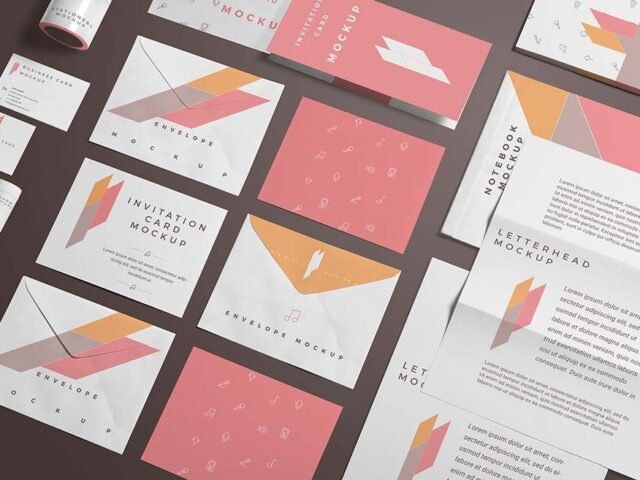
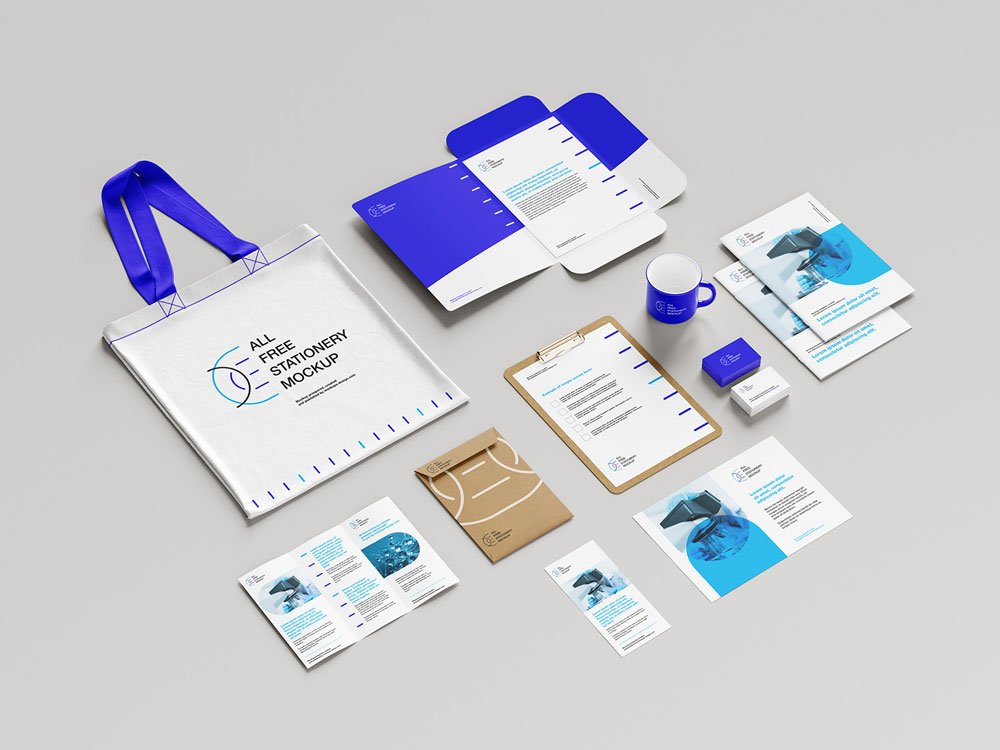
This materials stationery mockup is a quick way to show letterhead, card and envelope without a photo shoot.
Good pick for branding studios, design students or anyone putting together a portfolio. Tip: use the same margins on every item in the set; it’s the detail that makes an identity look designed rather than assembled.
It also makes a good cover image for a Behance or Dribbble post, where the first thumbnail decides whether anyone clicks.
Mockups Design created this one and hosts the download on their own site, so you always get the latest version straight from the source.
Materials Stationery Mockup: editable parts
The PSD is layered, so you can change:
- Your design, placed through the smart object
- Shadows and highlights on their own layers
- Front and back artwork, where both sides are shown
- Paper or background colour
How to edit this Materials Stationery Mockup in Photoshop
- Export your artwork as a high-resolution PNG or JPG, around 300 ppi at print size.
- Open the file in Photoshop and double-click the smart object thumbnail in the Layers panel.
- Paste your design, resize it to fill the area, then save (Ctrl/Cmd + S) and close that tab.
- Tweak the shadow and highlight layers to suit your colours.
- Export with File › Export › Export As: JPG for sharing, PNG for the web.
Another tip: if the paper has texture, drop the opacity of your art by a few percent so the grain shows through.
Ways to use this Materials Stationery Mockup
- Use it as the cover image for a full brand identity in your portfolio.
- Show letterhead, card and envelope to a client before it goes to print or production.
- Present a brand guideline cover in a client proposal or brand guide.
Before you download
- Made by Mockups Design. The download size and format are listed on their page.
- Check the smart object size before you design, so your artwork fits without stretching.
- Some free mockups ask for credit when you post them. A short line in your caption is enough.
- Built for Adobe Photoshop. A recent CC version handles the smart objects best.
Browse more free stationery mockups on Artistic Orbit, with new files added every day.
Questions about this mockup
What licence does it come with?
It's free to download, but the licence belongs to Mockups Design. Check their page: it states whether commercial use is allowed and if attribution is needed.
How do I put my artwork on the stationery set?
Find the smart object layer (it has a small icon on its thumbnail), double-click it, place your design, then save and close that tab.
Do I need Photoshop?
Yes. This is a PSD mockup built with smart objects, so you edit it in Adobe Photoshop. Any recent CC version works.
Can I show both sides?
It depends on the file. Many print mockups include a front and a back smart object; the preview usually shows whether both sides are visible.