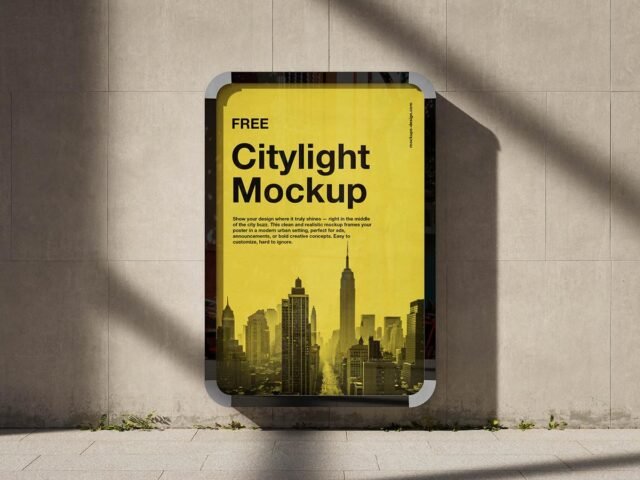
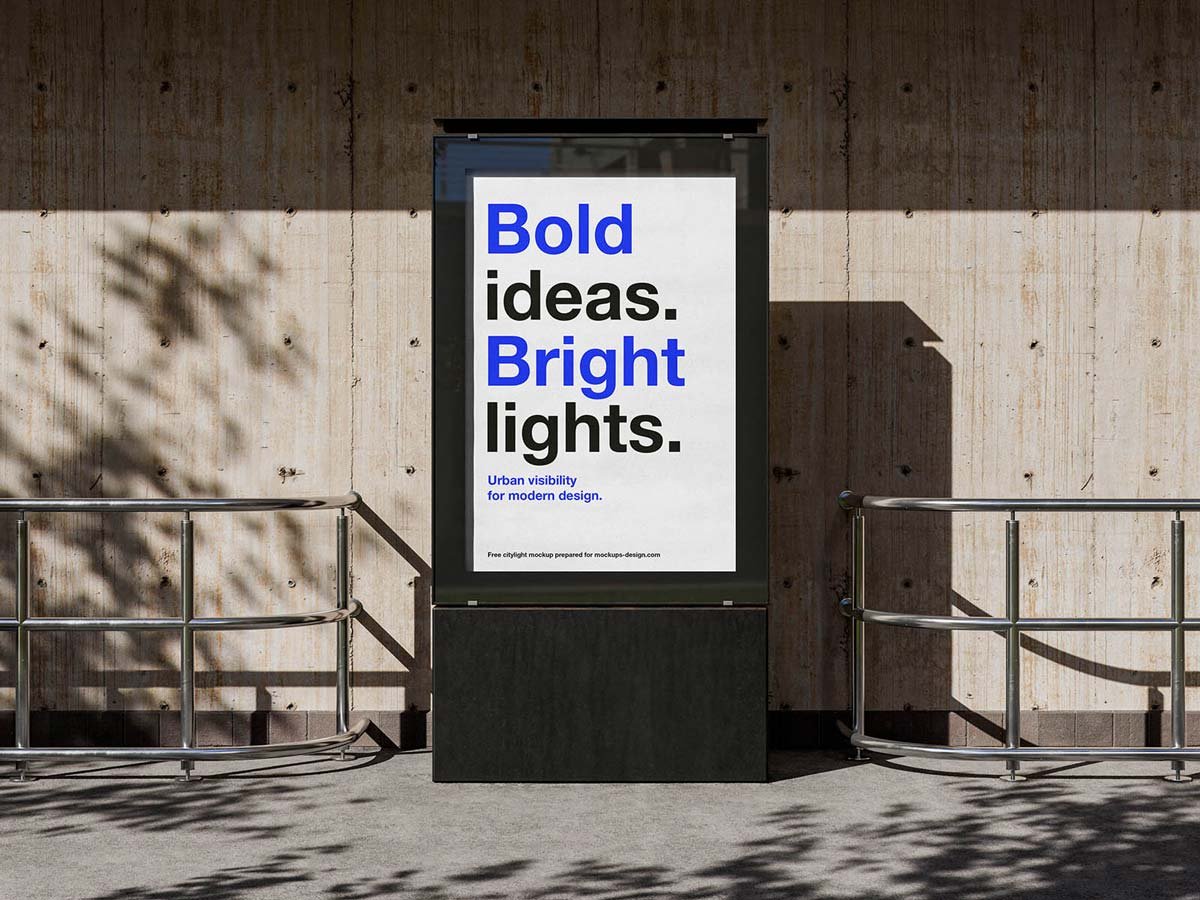
Modern Citylight Poster Mockup
What's inside
- Applications Photoshop
- File Types PSD
- License Free (see author's terms)
- Author Mockups Design
This modern citylight poster mockup is a quick way to show a city lightbox ad without a photo shoot.
Campaign designers and city marketers tend to get the most out of files like this. Tip: check your artwork’s aspect ratio against the smart object before you start, or faces and logos get cropped.
It’s also handy for student and portfolio work, when you want to show a campaign that never went live. Show the same visual on a billboard and a flyer to present a consistent campaign.
Works well for
- A city lightbox ad
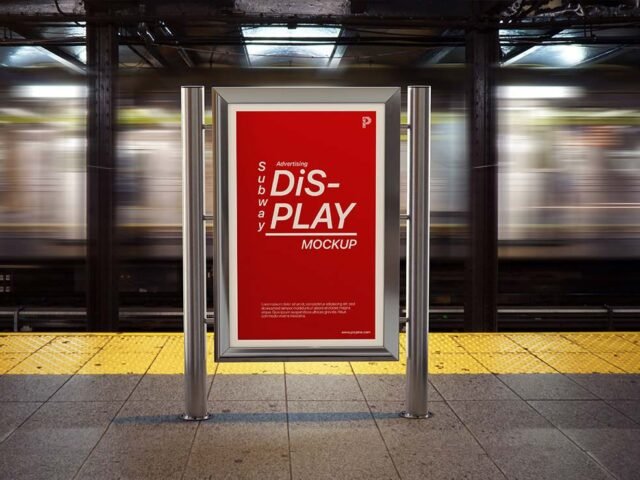
- A transit ad
- A campaign poster
This is a free file from Mockups Design. When you click download you’ll land on their page to grab it.
Modern Citylight Poster Mockup: editable parts
Everything below is on its own layer:
- Ad artwork, placed through the smart object
- Lighting and shadow layers
- Glow layer for backlit scenes, where included
Editing the Modern Citylight Poster Mockup, step by step
- Check the smart object’s ratio first, then build the ad to match it.
- Open the PSD in Photoshop and find the smart object layer, usually named “Your Design” or “Place Here”.
- Paste your design, resize it to fill the area, then save (Ctrl/Cmd + S) and close that tab.
- Export with File › Export › Export As: JPG for sharing, PNG for the web.
Another tip: outdoor ads are read in a second or two. Big type and one image will look far better in this scene than a busy layout.
Best uses for this Modern Citylight Poster Mockup
- Show a transit ad on your online shop or product page.
- Present a campaign poster in a client proposal or brand guide.
- Use it as the cover image for a city lightbox ad in your portfolio.
Good to know
- Made by Mockups Design. The download size and format are listed on their page.
- Check the licence on the author’s page. Personal and commercial terms differ from file to file.
- Some free mockups ask for credit when you post them. A short line in your caption is enough.
- Built for Adobe Photoshop. A recent CC version handles the smart objects best.
Browse more free bus stop mockups on Artistic Orbit, with new files added every day.
Questions about this mockup
What licence does it come with?
That depends on the author's terms. The download page lists what is allowed; when in doubt, ask the author directly.
How do I add my design?
Open the file in Photoshop, double-click the smart object thumbnail, paste or place your artwork in the new tab, save it (Ctrl/Cmd + S) and close. The main file updates on its own.
Do I need Photoshop?
Yes. This is a PSD mockup built with smart objects, so you edit it in Adobe Photoshop. Any recent CC version works.
What ratio should my artwork be?
Open the smart object and check its canvas; design to that ratio. Most outdoor mockups use common print ratios, but it varies from file to file.