Multipurpose Business Card Mockup
What's inside
- Applications Photoshop
- File Types PSD
- License Free (see author's terms)
- Author Mockup
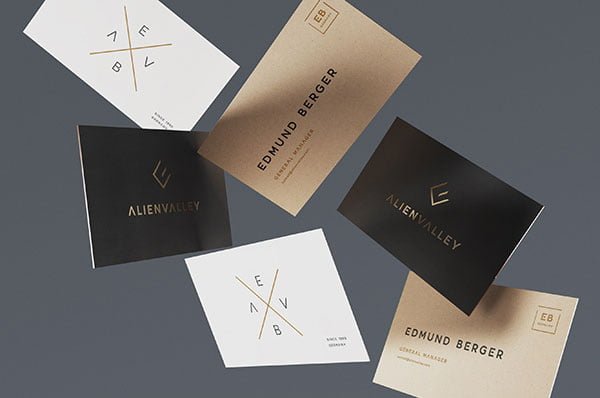
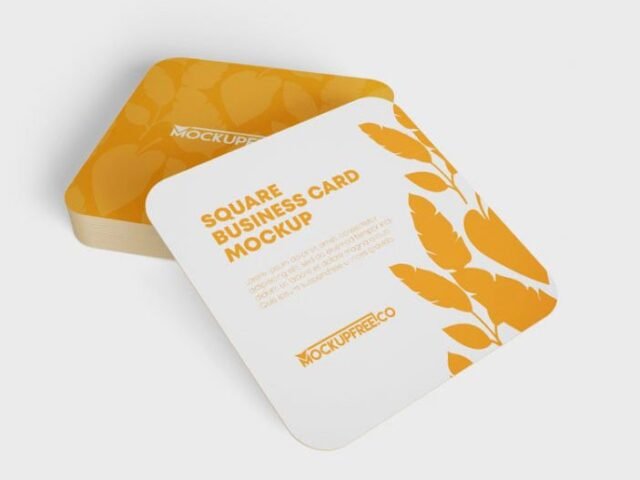
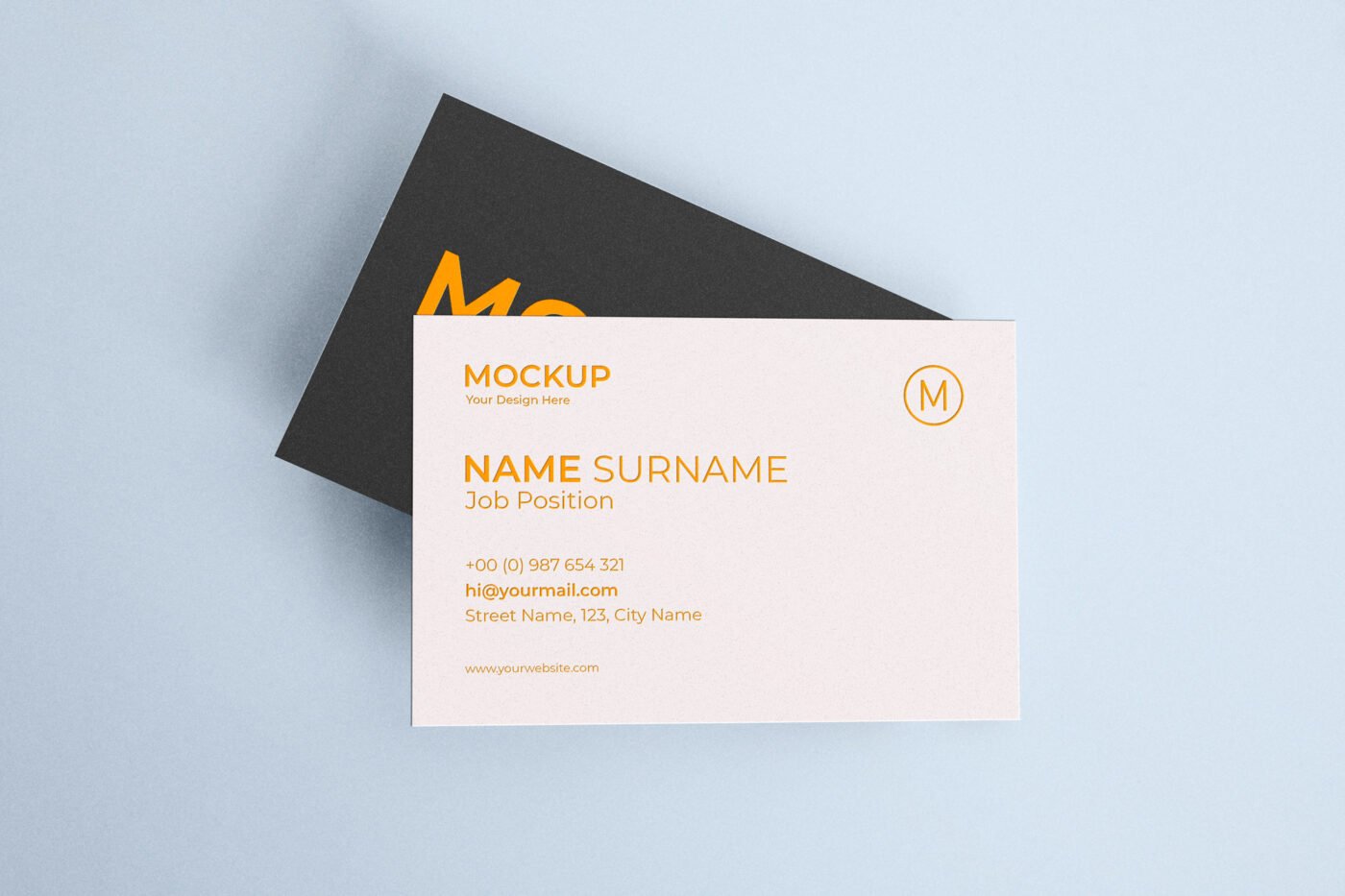
A multipurpose business card mockup, made for presenting a QR code card. Drop in your artwork and the lighting and shadows stay as they are.
Small businesses and freelance designers tend to get the most out of files like this. Tip: keep text at least a few millimetres from the edge. The mockup shows the trim, and cramped margins read as a mistake.
Clients sign off faster when they can picture the finished piece, and a flat PDF rarely does that as well as a photo of the business card. If you’re building a full identity, pair it with an envelope or letterhead mockup for a matching set.
Credit goes to Mockup. We link to their download page rather than re-uploading the file, so check their terms there before commercial use.
What’s inside the Multipurpose Business Card Mockup PSD
Main things you can change in Photoshop:
- Your design, placed through the smart object
- Front and back artwork, where both sides are shown
- Shadows and highlights on their own layers
Add your design to the Multipurpose Business Card Mockup
- Set up the design flat at the real print size and keep text inside a safe margin.
- Open the file in Photoshop and double-click the smart object thumbnail in the Layers panel.
- Paste your design, resize it to fill the area, then save (Ctrl/Cmd + S) and close that tab.
- Change the background or paper colour with the colour layer.
- Save a JPG for clients and social media, and keep the PSD for later changes.
Another tip: if the paper has texture, drop the opacity of your art by a few percent so the grain shows through.
Best uses for this Multipurpose Business Card Mockup
- Show a front and back card design on your online shop or product page.
- Use it as the cover image for a minimal logo card in your portfolio.
- Share a QR code card on Instagram, Behance or Dribbble with a real-looking preview.
Good to know
- Made by Mockup. The download size and format are listed on their page.
- Some free mockups ask for credit when you post them. A short line in your caption is enough.
- Built for Adobe Photoshop. A recent CC version handles the smart objects best.
Browse more free business card mockups on Artistic Orbit, with new files added every day.
Questions about this mockup
Is it free for commercial use?
It's free to download, but the licence belongs to Mockup. Check their page: it states whether commercial use is allowed and if attribution is needed.
How do I add my design?
Open the file in Photoshop, double-click the smart object thumbnail, paste or place your artwork in the new tab, save it (Ctrl/Cmd + S) and close. The main file updates on its own.
Do I need Photoshop?
Yes. This is a PSD mockup built with smart objects, so you edit it in Adobe Photoshop. Any recent CC version works.
Will my artwork look printed or pasted on?
Most print mockups keep the paper texture and lighting on separate layers above your design, so it takes on the grain and shadows. If it still looks too clean, lower the opacity of your artwork a little.
Why does the download open another website?
We list free files from designers around the web and link to the original page, so Mockup gets the visit and you get the file exactly as they published it.