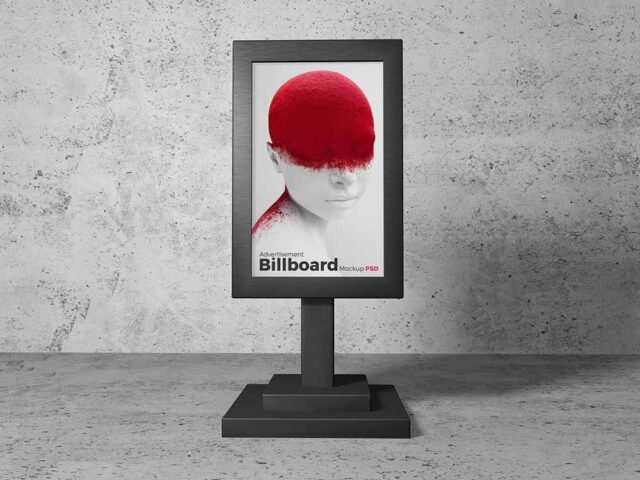
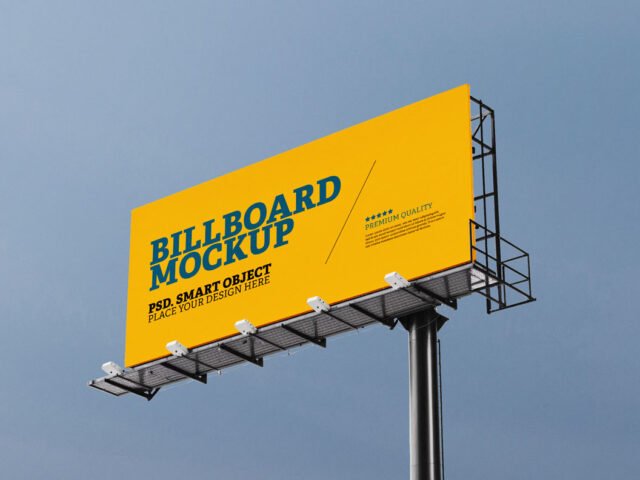
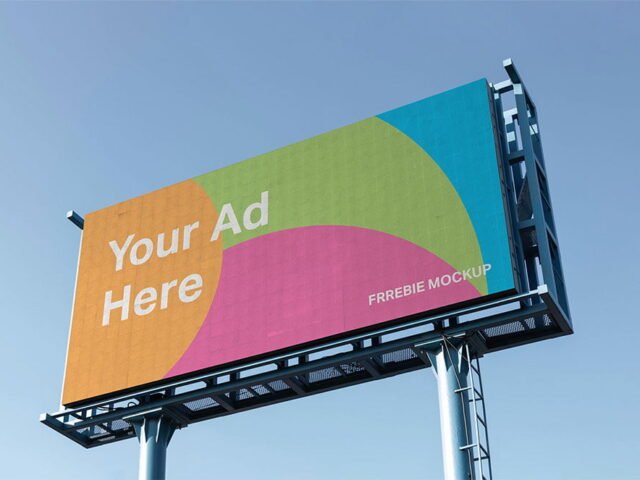
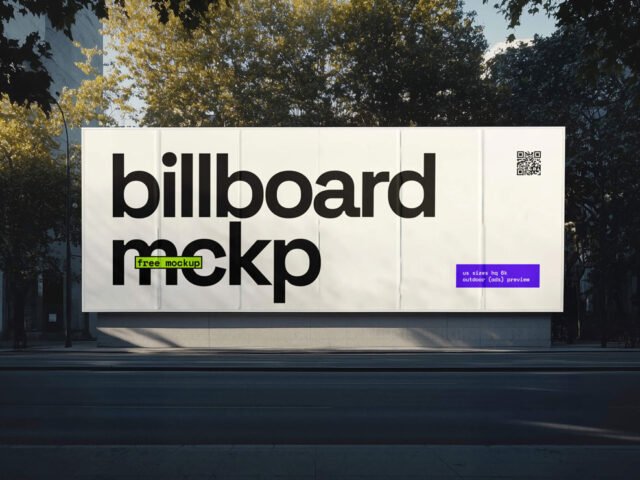
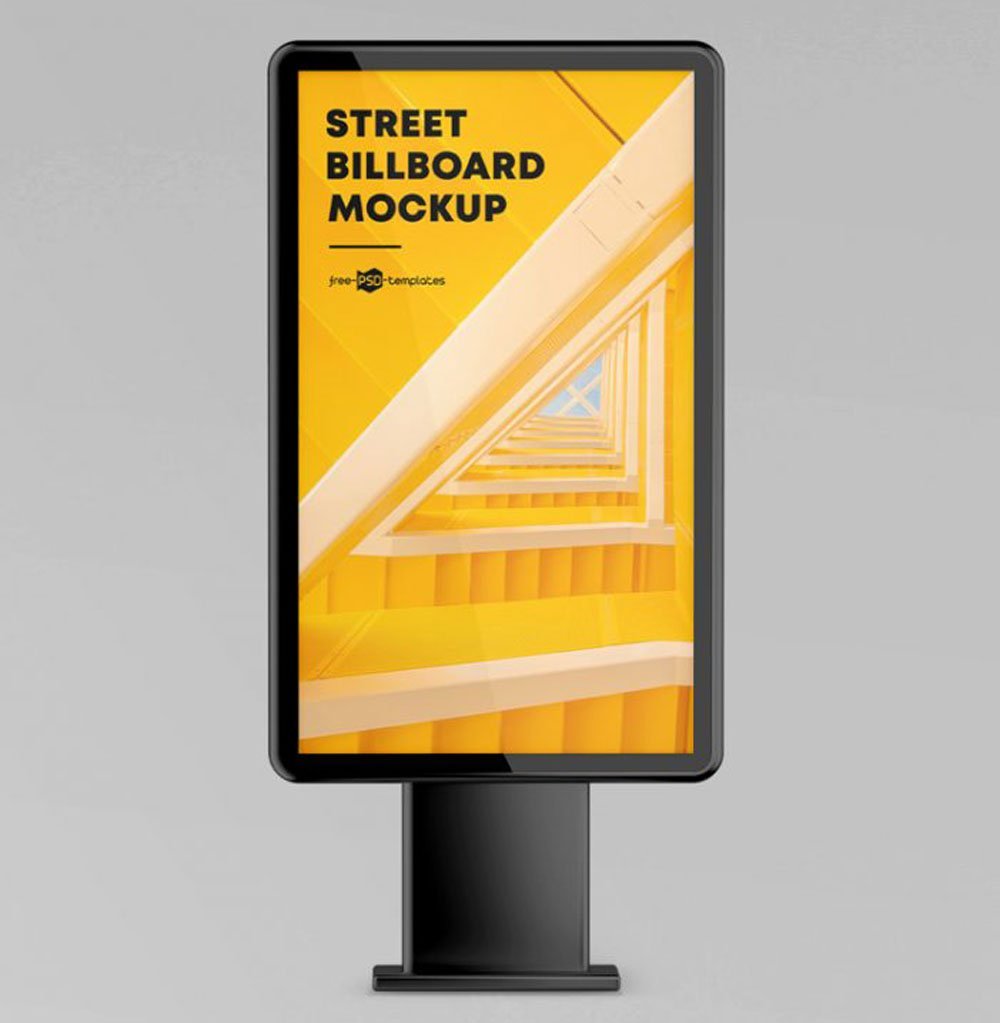
Outdoor Street Billboard Mockup
What's inside
- Applications Photoshop
- File Types PSD
- License Free (see author's terms)
- Author Free PSD Templates
Need to show an ad campaign to a client? This outdoor street billboard mockup does the job in a few minutes.
Useful for students pitching campaigns as much as for marketing teams. Match the brightness of your design to the scene; a very bright graphic in a shaded spot looks pasted in.
It’s also handy for student and portfolio work, when you want to show a campaign that never went live. Combine it with a poster or bus stop ad to show the campaign across several placements.
Good for
- An ad campaign
- A movie poster
- A product launch visual
Free PSD Templates created this one and hosts the download on their own site, so you always get the latest version straight from the source.
Editable options in the Outdoor Street Billboard Mockup PSD
Everything below is on its own layer:
- Ad artwork, placed through the smart object
- Lighting and shadow layers
- Glow layer for backlit scenes, where included
Editing the Outdoor Street Billboard Mockup, step by step
- Keep the ad simple: one image, a short headline and the logo.
- In the Layers panel, find the layer with the small smart object icon and double-click it.
- Drop your artwork in, fit it to the canvas, save and close. The mockup updates by itself.
- Save a JPG for clients and social media, and keep the PSD for later changes.
One more thing: night or backlit scenes usually have a glow layer. Push it up for lightboxes, down for printed paper.
Where the Outdoor Street Billboard Mockup works best
- Present a movie poster in a client proposal or brand guide.
- Make two or three colour versions of a product launch visual and let the client pick.
- Show an ad campaign to a client before it goes to print or production.
Good to know
- Made by Free PSD Templates. The download size and format are listed on their page.
- Check the licence on the author’s page. Personal and commercial terms differ from file to file.
- The preview shows the angle, background and lighting you’ll get.
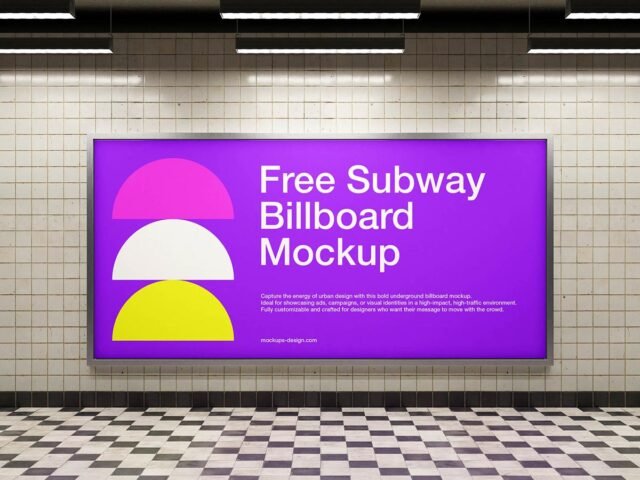
Scroll down for similar billboard mockups from other designers.
Questions about this mockup
Can I use this billboard mockup for client work?
Free PSD Templates sets the licence, and it can differ from file to file. Many free files allow personal and commercial use, but some are personal-only or ask for credit. Read the terms on the download page before a paid project.
How do I put my artwork on the billboard?
Find the smart object layer (it has a small icon on its thumbnail), double-click it, place your design, then save and close that tab.
Do I need Photoshop?
Yes. This is a PSD mockup built with smart objects, so you edit it in Adobe Photoshop. Any recent CC version works.
What ratio should my artwork be?
Open the smart object and check its canvas; design to that ratio. Most outdoor mockups use common print ratios, but it varies from file to file.
Why does the download open another website?
We list free files from designers around the web and link to the original page, so Free PSD Templates gets the visit and you get the file exactly as they published it.