Paper Mockup

What's inside
- Applications Photoshop
- File Types PSD
- License Free (see author's terms)
- Author Free Mockup Zone
This paper mockup is a quick way to show a letter without a photo shoot.
It’s a handy file for print designers and agencies. One thing worth knowing: dark designs often look flat on paper mockups. Turning the highlight layer up slightly brings back the sheen.
Seeing a layout on a real paper is also the easiest way to catch problems early. A phone number that looked fine on screen can turn out too small once it sits on paper.
Works well for
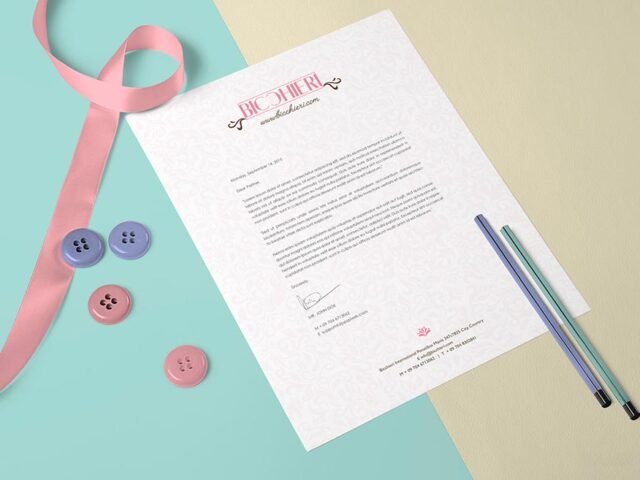
- A letter
- A report page
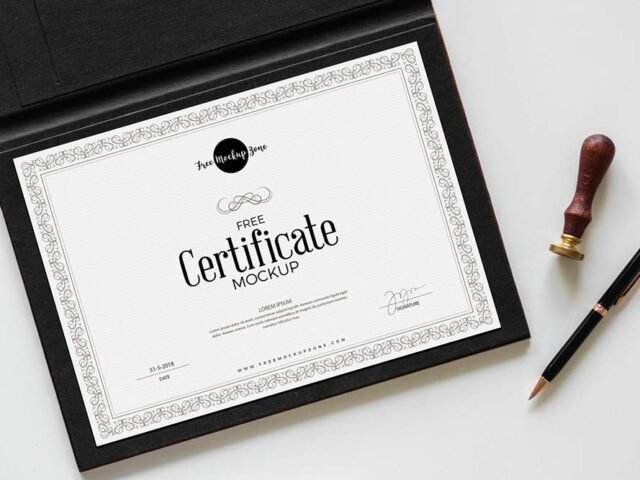
- A certificate
Free Mockup Zone created this one and hosts the download on their own site, so you always get the latest version straight from the source.
Editable options in the Paper Mockup PSD
Everything below is on its own layer:
- Your design, placed through the smart object
- Front and back artwork, where both sides are shown
- Shadows and highlights on their own layers
Add your design to the Paper Mockup
- Get your artwork ready at print size, with 3 mm of bleed if it runs to the edge.
- Open the PSD in Photoshop and find the smart object layer, usually named “Your Design” or “Place Here”.
- Paste your design, resize it to fill the area, then save (Ctrl/Cmd + S) and close that tab.
- Export with File › Export › Export As: JPG for sharing, PNG for the web.
Another tip: if the paper has texture, drop the opacity of your art by a few percent so the grain shows through.
Where the Paper Mockup works best
- Make two or three colour versions of a letter and let the client pick.
- Show a CV to a client before it goes to print or production.
- Show a report page on your online shop or product page.
Quick notes on this mockup
- Made by Free Mockup Zone. The download size and format are listed on their page.
- Built for Adobe Photoshop. A recent CC version handles the smart objects best.
- The preview shows the angle, background and lighting you’ll get.
- Check the licence on the author’s page. Personal and commercial terms differ from file to file.
Scroll down for similar paper mockups from other designers.
Questions about this mockup
What licence does it come with?
Free Mockup Zone sets the licence, and it can differ from file to file. Many free files allow personal and commercial use, but some are personal-only or ask for credit. Read the terms on the download page before a paid project.
How do I add my design?
Open the file in Photoshop, double-click the smart object thumbnail, paste or place your artwork in the new tab, save it (Ctrl/Cmd + S) and close. The main file updates on its own.
Which Photoshop version do I need?
A recent Photoshop CC version is best. Older versions can open the file but sometimes have trouble with smart objects and effects.
Can I show both sides?
It depends on the file. Many print mockups include a front and a back smart object; the preview usually shows whether both sides are visible.