Photo Frame Showcasing Mockup
What's inside
- Applications Photoshop
- File Types PSD
- License Free (see author's terms)
- Author Designbolts
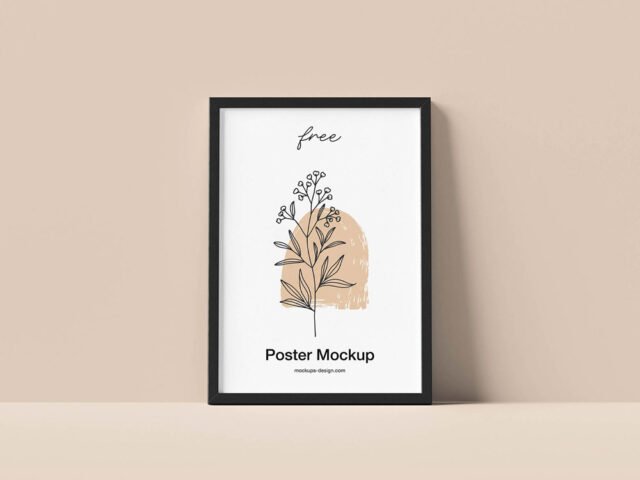
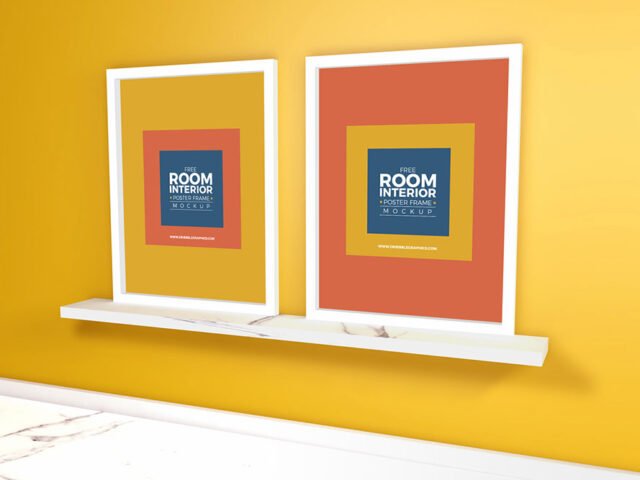
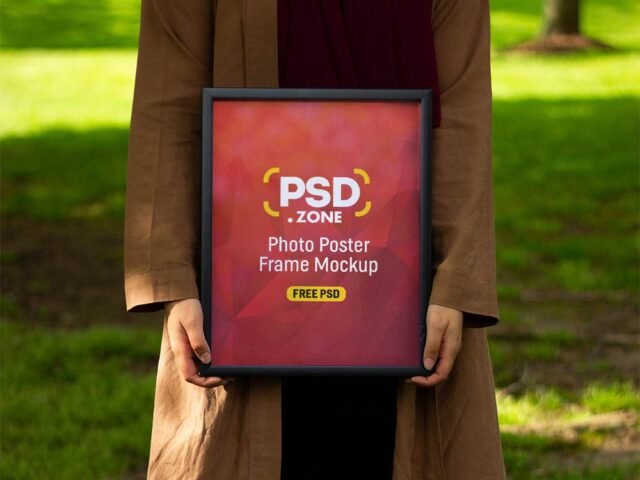
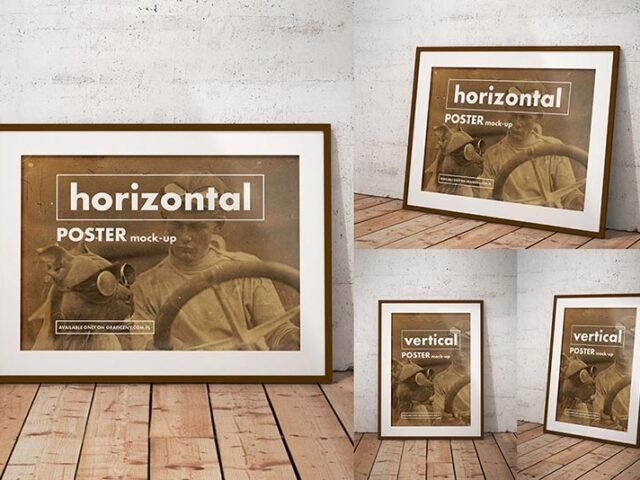
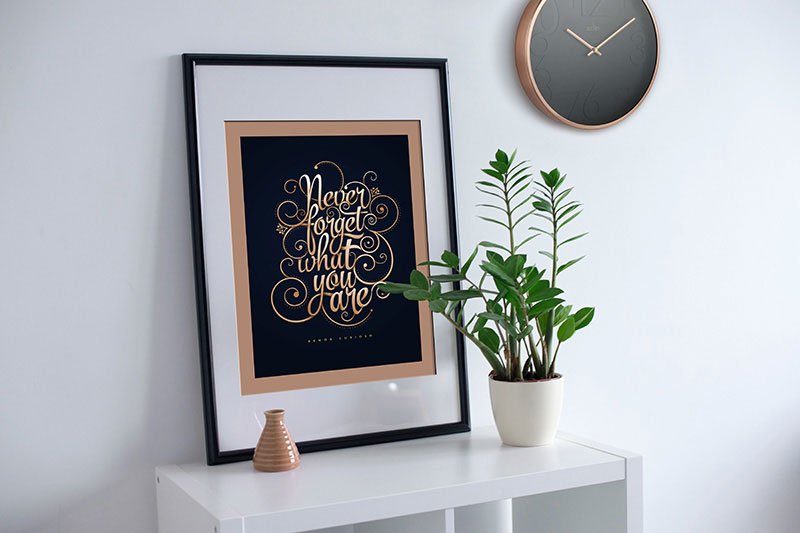
Here’s a photo frame showcasing mockup that works well for a certificate, a quote print and similar projects.
Good pick for Etsy print sellers, photographers or anyone putting together a portfolio. Match the frame ratio to your print (A-series, 4:5, 2:3). Printing sellers get returns when the preview ratio is wrong.
It helps you judge scale too: artwork that looks right on screen can feel tiny once it’s framed in a room.
The file is made by Designbolts. The download button takes you to their page, where you get the original file and the licence details.
Editable options in the Photo Frame Showcasing Mockup PSD
Main things you can change in Photoshop:
- Artwork, placed through the smart object
- Shadows on the wall
- Glass reflection layer
- Frame colour, where the file offers options
How to edit this Photo Frame Showcasing Mockup in Photoshop
- Choose artwork with the same ratio as the frame (often 2:3, 3:4, 4:5 or an A-size).
- Open the PSD in Photoshop and find the smart object layer, usually named “Your Design” or “Place Here”.
- Paste your design, resize it to fill the area, then save (Ctrl/Cmd + S) and close that tab.
- Switch the frame colour if the file has options.
- Export with File › Export › Export As: JPG for sharing, PNG for the web.
Another tip: muted artwork tends to look better in bright room scenes, while bold colours suit plain walls.
Best uses for this Photo Frame Showcasing Mockup
- Show a photo to a client before it goes to print or production.
- Use it as the cover image for a quote print in your portfolio.
- Show an art print on your online shop or product page.
Before you download
- Made by Designbolts. The download size and format are listed on their page.
- Built for Adobe Photoshop. A recent CC version handles the smart objects best.
- Some free mockups ask for credit when you post them. A short line in your caption is enough.
Need a different angle? The frame mockups category has plenty more free PSD files.
Questions about this mockup
Can I use this frame mockup for client work?
That depends on the author's terms. The download page lists what is allowed; when in doubt, ask the author directly.
How do I add my design?
Open the file in Photoshop, double-click the smart object thumbnail, paste or place your artwork in the new tab, save it (Ctrl/Cmd + S) and close. The main file updates on its own.
Which Photoshop version do I need?
A recent Photoshop CC version is best. Older versions can open the file but sometimes have trouble with smart objects and effects.
What print ratio does the frame take?
Open the smart object and check its canvas size. Frames are usually made for standard ratios like A-series, 4:5 or 2:3.
Why does the download open another website?
We list free files from designers around the web and link to the original page, so Designbolts gets the visit and you get the file exactly as they published it.