Photoshop Book Mockup

What's inside
- Applications Photoshop
- File Types PSD
- License Free (see author's terms)
- Author Free PSD Templates
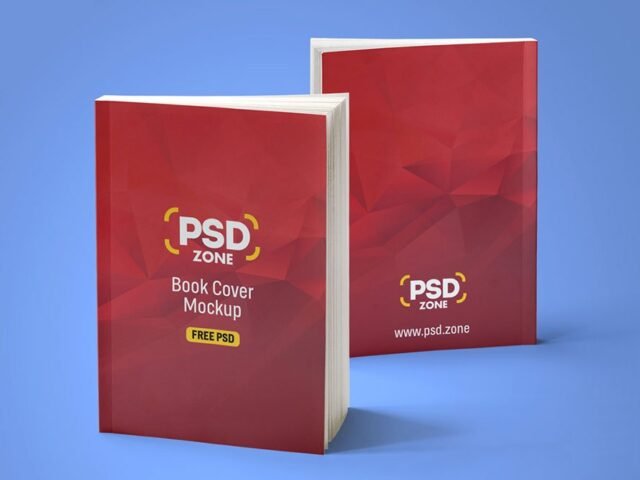
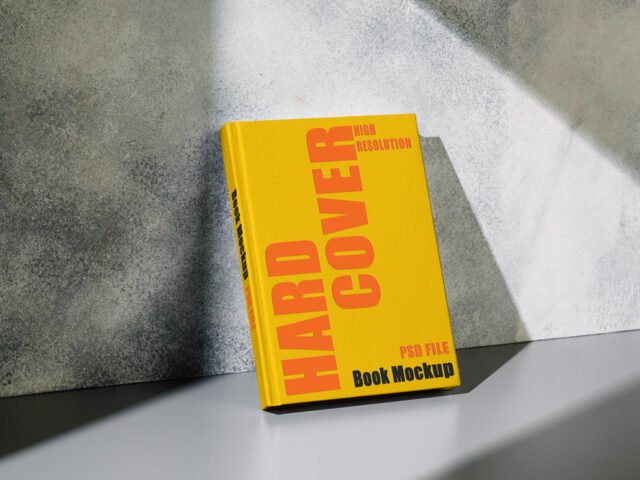
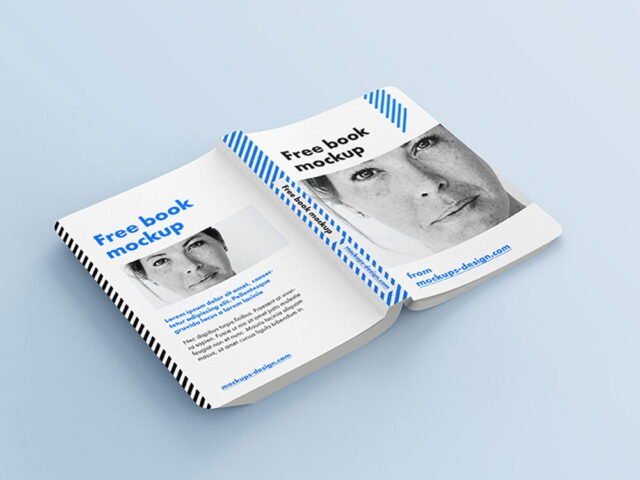
A photoshop book mockup, made for presenting an annual report cover. Drop in your artwork and the lighting and shadows stay as they are.
Good pick for authors, cover designers or anyone putting together a portfolio. A small tip: design the spine too, even if it’s narrow. Book mockups showing the side look unfinished with a blank spine.
Print jobs are expensive to redo, so a realistic preview before the order goes out is cheap insurance. If you’re building a full identity, pair it with an envelope or letterhead mockup for a matching set.
This is a free file from Free PSD Templates. When you click download you’ll land on their page to grab it.
What you can edit in this Photoshop Book Mockup
The PSD is layered, so you can change:
- Your design, placed through the smart object
- Paper or background colour
- Shadows and highlights on their own layers
How to use the Photoshop Book Mockup
- Set up the design flat at the real print size and keep text inside a safe margin.
- Open the file in Photoshop and double-click the smart object thumbnail in the Layers panel.
- Drop your artwork in, fit it to the canvas, save and close. The mockup updates by itself.
- Turn the texture layer up or down to match the paper you’ll print on.
- Save a JPG for clients and social media, and keep the PSD for later changes.
One more thing: if the paper has texture, drop the opacity of your art by a few percent so the grain shows through.
Where the Photoshop Book Mockup works best
- Present a cookbook in a client proposal or brand guide.
- Share an annual report cover on Instagram, Behance or Dribbble with a real-looking preview.
- Use it as the cover image for a book cover in your portfolio.
Before you download
- Made by Free PSD Templates. The download size and format are listed on their page.
- Check the smart object size before you design, so your artwork fits without stretching.
- The preview shows the angle, background and lighting you’ll get.
- Built for Adobe Photoshop. A recent CC version handles the smart objects best.
More free book mockups are listed below, each linking to the original author.
Questions about this mockup
Is it free for commercial use?
That depends on the author's terms. The download page lists what is allowed; when in doubt, ask the author directly.
How do I add my design?
Open the file in Photoshop, double-click the smart object thumbnail, paste or place your artwork in the new tab, save it (Ctrl/Cmd + S) and close. The main file updates on its own.
Which Photoshop version do I need?
A recent Photoshop CC version is best. Older versions can open the file but sometimes have trouble with smart objects and effects.
Can I show both sides?
It depends on the file. Many print mockups include a front and a back smart object; the preview usually shows whether both sides are visible.