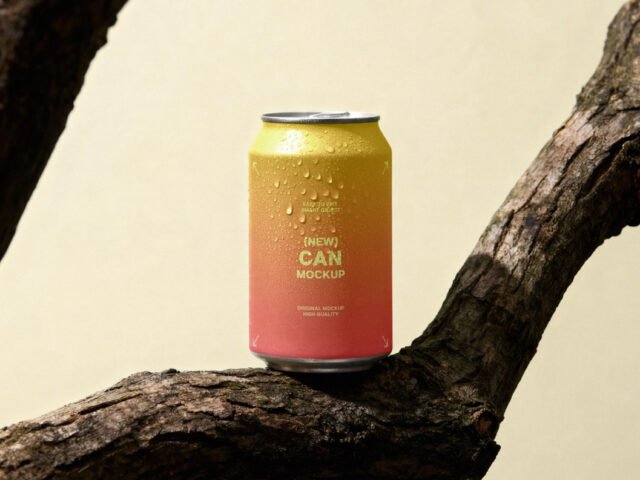
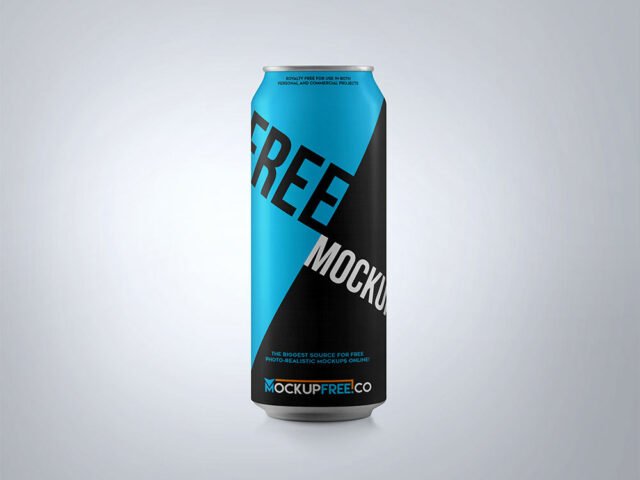
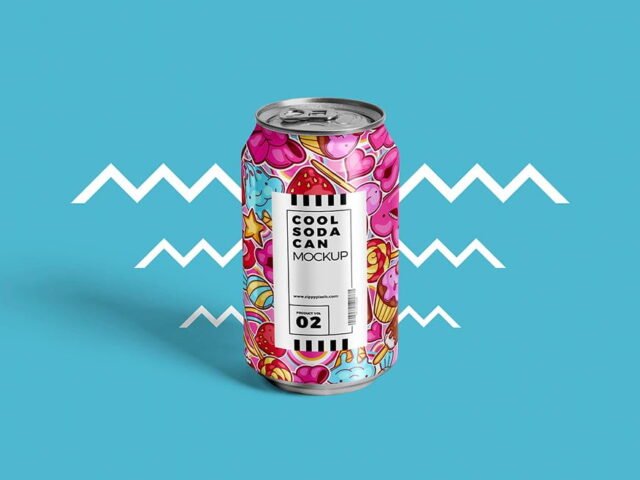
Plastic Shopping Basket Cans Mockup

What's inside
- Applications Photoshop
- File Types PSD
- License Free (see author's terms)
- Author Creatoom
Need to show a craft beer label to a client? This plastic shopping basket cans mockup does the job in a few minutes. The plastic surface is the main character here, so designs with some contrast stand out best.
Good pick for beverage startups, packaging designers or anyone putting together a portfolio. A small tip: transparent or glass items show the background through. Test your label on the actual background colour you’ll use.
Labels behave differently once they wrap around a shape, and this is where you find out if yours still reads. A shelf of two or three variants in different colours makes a strong hero image.
Credit goes to Creatoom. We link to their download page rather than re-uploading the file, so check their terms there before commercial use.
What’s inside the Plastic Shopping Basket Cans Mockup PSD
Open it in Photoshop and you can change:
- Label artwork, placed through the smart object
- Background colour
- Highlights and reflections
Add your design to the Plastic Shopping Basket Cans Mockup
- Prepare the label with a little space around the edges for the highlights.
- Open the file in Photoshop and double-click the smart object thumbnail in the Layers panel.
- Paste your design, resize it to fill the area, then save (Ctrl/Cmd + S) and close that tab.
- Change the background to your brand colour.
- Export with File › Export › Export As: JPG for sharing, PNG for the web.
Metallic and glossy finishes look best with a little contrast in the label; very flat pastel labels can look printed on paper.
Where the Plastic Shopping Basket Cans Mockup works best
- Present an energy drink wrap in a client proposal or brand guide.
- Share a soda design on Instagram, Behance or Dribbble with a real-looking preview.
- Show a craft beer label to a client before it goes to print or production.
Before you download
- Made by Creatoom. The download size and format are listed on their page.
- Some free mockups ask for credit when you post them. A short line in your caption is enough.
- Check the licence on the author’s page. Personal and commercial terms differ from file to file.
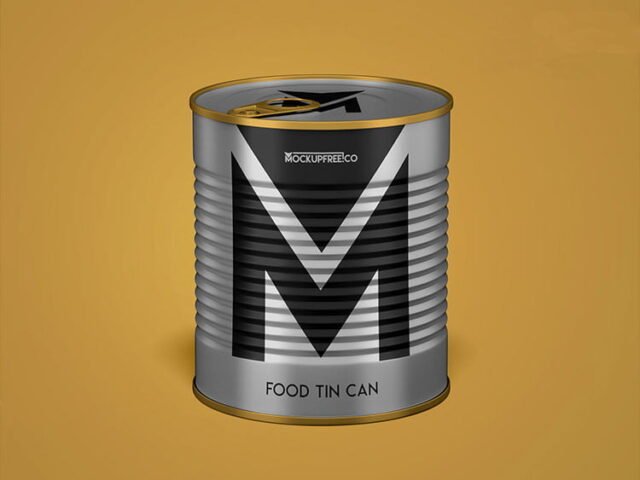
Scroll down for similar can mockups from other designers.
Questions about this mockup
Can I use this can mockup for client work?
That depends on the author's terms. The download page lists what is allowed; when in doubt, ask the author directly.
How do I put my artwork on the can?
Find the smart object layer (it has a small icon on its thumbnail), double-click it, place your design, then save and close that tab.
Which Photoshop version do I need?
A recent Photoshop CC version is best. Older versions can open the file but sometimes have trouble with smart objects and effects.
Will the label bend with the shape?
Good curved-product mockups use a warp so the label wraps around. The preview shows it: if the edges of the label curve away, it does.
Why does the download open another website?
We list free files from designers around the web and link to the original page, so Creatoom gets the visit and you get the file exactly as they published it.