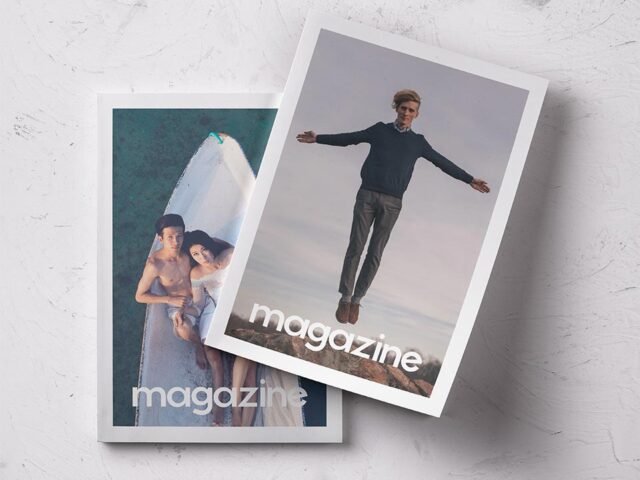
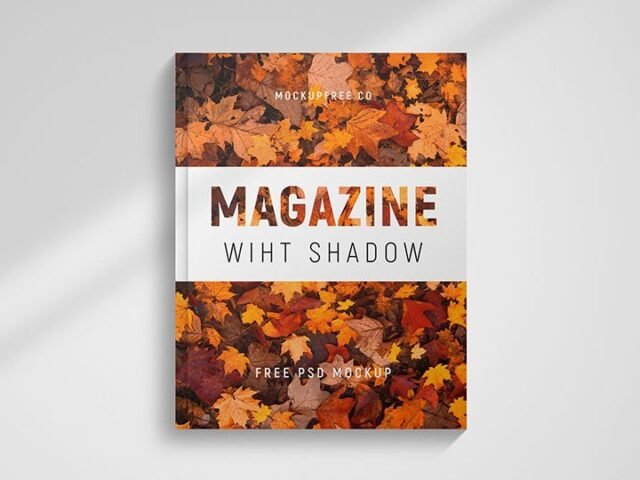
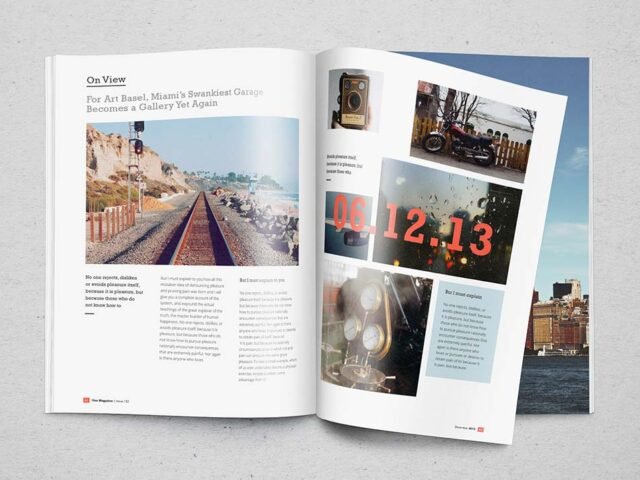
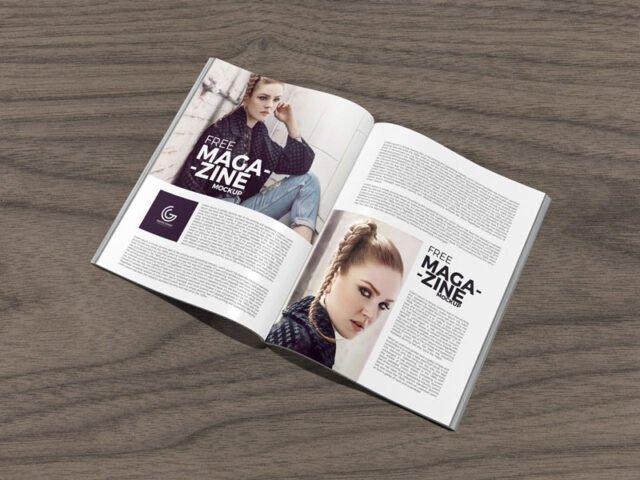
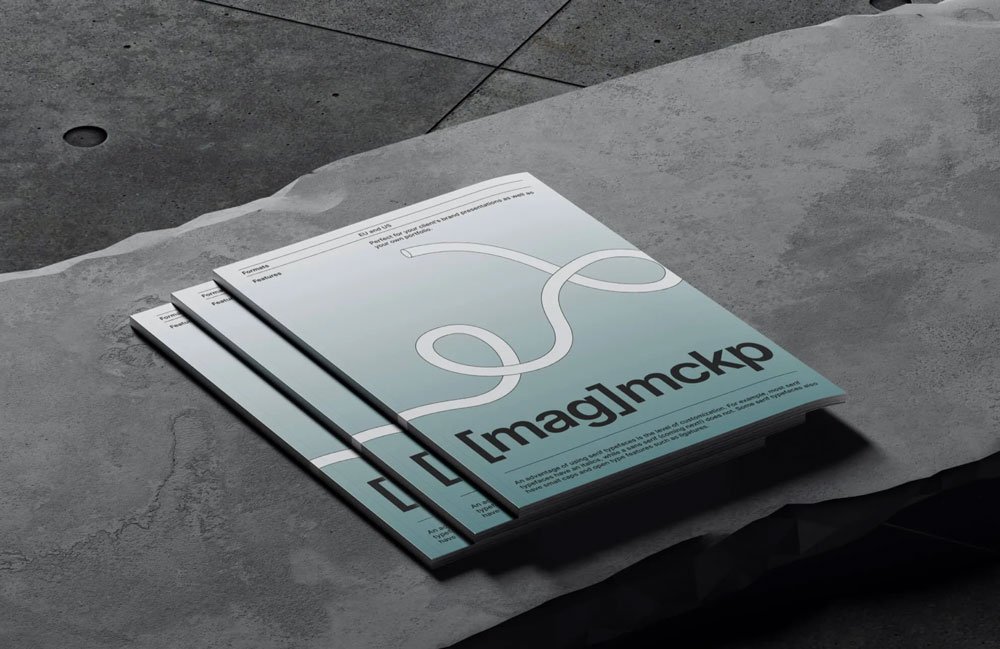
Three Magazines Mockup
What's inside
- Applications Photoshop
- File Types PSD
- License Free (see author's terms)
- Author Ls.Graphics
Presenting a company newsletter? Put it on this three magazines mockup and the client sees the real thing, not a flat file.
Useful for editorial designers as much as for design students. Tip: export your artwork at the size the smart object asks for; scaling a small file up is the usual reason print mockups look soft.
It also makes a good cover image for a Behance or Dribbble post, where the first thumbnail decides whether anyone clicks.
Use it for
- A company newsletter
- An editorial spread
- A magazine cover
Credit goes to Ls.Graphics. We link to their download page rather than re-uploading the file, so check their terms there before commercial use.
What you can edit in this Three Magazines Mockup
The PSD is layered, so you can change:
- Your design, placed through the smart object
- Paper or background colour
- Paper texture you can turn up or down
- Shadows and highlights on their own layers
How to edit this Three Magazines Mockup in Photoshop
- Get your artwork ready at print size, with 3 mm of bleed if it runs to the edge.
- In the Layers panel, find the layer with the small smart object icon and double-click it.
- Drop your artwork in, fit it to the canvas, save and close. The mockup updates by itself.
- Turn the texture layer up or down to match the paper you’ll print on.
- Export with File › Export › Export As: JPG for sharing, PNG for the web.
Another tip: use CMYK-friendly colours in the artwork itself, even though the mockup is RGB, so what the client sees is close to print.
Ways to use this Three Magazines Mockup
- Show a magazine cover to a client before it goes to print or production.
- Show a company newsletter on your online shop or product page.
- Share an editorial spread on Instagram, Behance or Dribbble with a real-looking preview.
Before you download
- Made by Ls.Graphics. The download size and format are listed on their page.
- Built for Adobe Photoshop. A recent CC version handles the smart objects best.
- The preview shows the angle, background and lighting you’ll get.
- Check the smart object size before you design, so your artwork fits without stretching.
Browse more free magazine mockups on Artistic Orbit, with new files added every day.
Questions about this mockup
What licence does it come with?
That depends on the author's terms. The download page lists what is allowed; when in doubt, ask the author directly.
How do I add my design?
Open the file in Photoshop, double-click the smart object thumbnail, paste or place your artwork in the new tab, save it (Ctrl/Cmd + S) and close. The main file updates on its own.
Which Photoshop version do I need?
A recent Photoshop CC version is best. Older versions can open the file but sometimes have trouble with smart objects and effects.
Can I show both sides?
It depends on the file. Many print mockups include a front and a back smart object; the preview usually shows whether both sides are visible.
Why does the download open another website?
We list free files from designers around the web and link to the original page, so Ls.Graphics gets the visit and you get the file exactly as they published it.