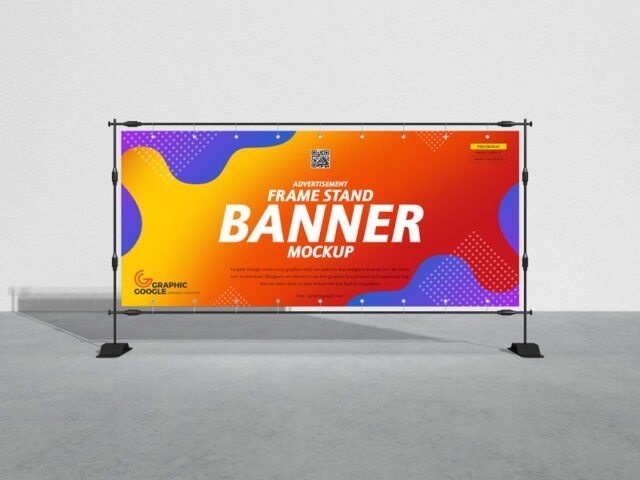
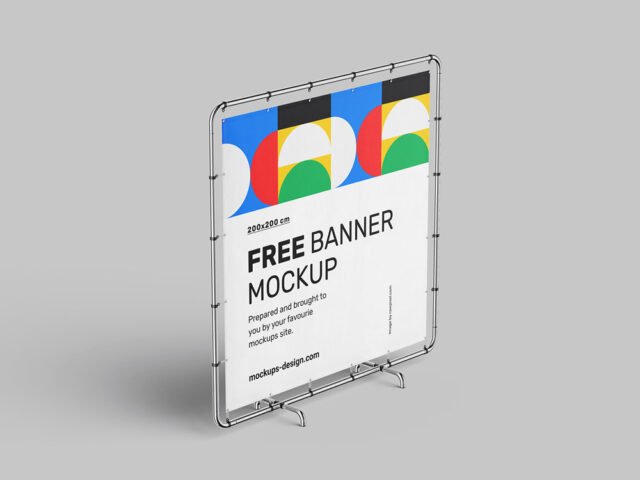
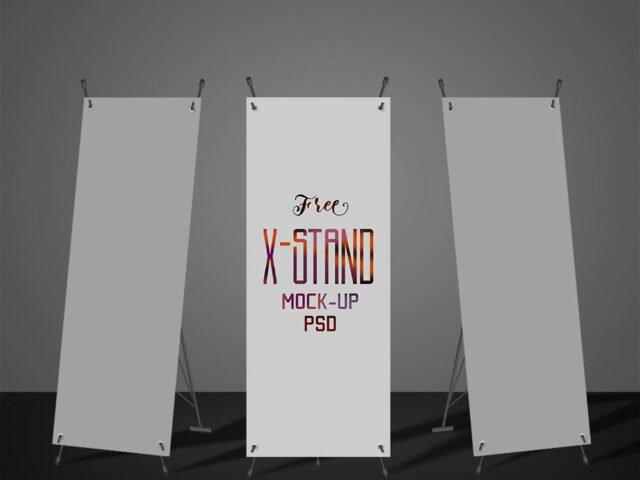
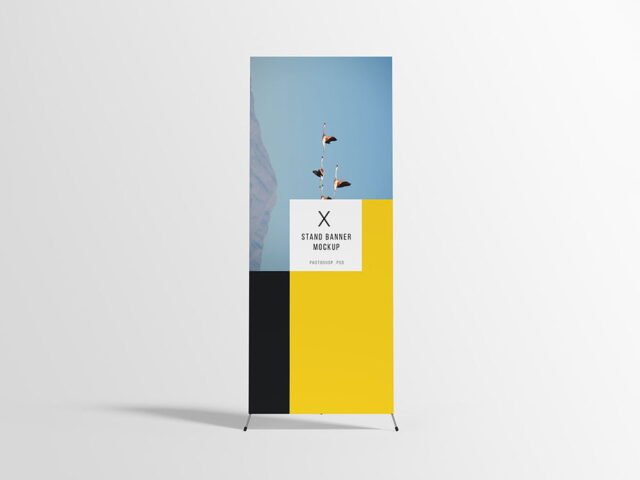
Vertical Fabric Banner Mockup
What's inside
- Applications Photoshop
- File Types PSD
- License Free (see author's terms)
- Author Pixelbuddha
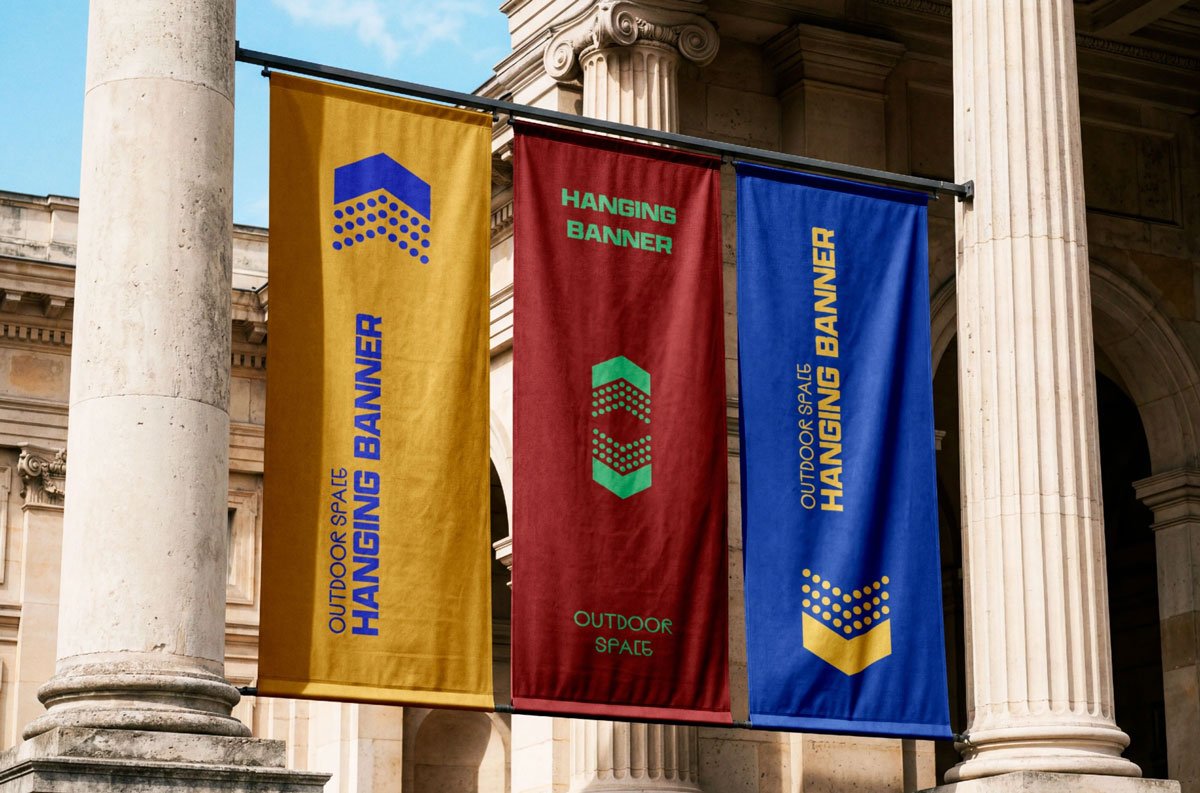
If you’re presenting a street banner, this vertical fabric banner mockup makes the idea feel real before anything is produced. Because it’s fabric, the material shows through a little, which keeps the result believable.
Good pick for retailers, print shops or anyone putting together a portfolio. Quick tip: check your artwork’s aspect ratio against the smart object before you start, or faces and logos get cropped.
Showing a campaign in context helps clients see the scale; a design that feels loud on a laptop can look quiet on the street. Show the same visual on a billboard and a flyer to present a consistent campaign.
Pixelbuddha created this one and hosts the download on their own site, so you always get the latest version straight from the source.
What you can edit in this Vertical Fabric Banner Mockup
Open it in Photoshop and you can change:
- Ad artwork, placed through the smart object
- Glow layer for backlit scenes, where included
- Brightness to match the scene
- Lighting and shadow layers
Add your design to the Vertical Fabric Banner Mockup
- Check the smart object’s ratio first, then build the ad to match it.
- Open the file in Photoshop and double-click the smart object thumbnail in the Layers panel.
- Paste your design, resize it to fill the area, then save (Ctrl/Cmd + S) and close that tab.
- Save a JPG for clients and social media, and keep the PSD for later changes.
Match the brightness of your design to the scene; a very bright graphic in a shaded spot looks pasted in.
Where the Vertical Fabric Banner Mockup works best
- Present a street banner in a client proposal or brand guide.
- Use it as the cover image for a sale banner in your portfolio.
- Share an event banner on Instagram, Behance or Dribbble with a real-looking preview.
Good to know
- Made by Pixelbuddha. The download size and format are listed on their page.
- Built for Adobe Photoshop. A recent CC version handles the smart objects best.
- Check the licence on the author’s page. Personal and commercial terms differ from file to file.
- Check the smart object size before you design, so your artwork fits without stretching.
Browse more free banner mockups on Artistic Orbit, with new files added every day.
Questions about this mockup
Can I use this banner mockup for client work?
That depends on the author's terms. The download page lists what is allowed; when in doubt, ask the author directly.
How do I add my design?
Open the file in Photoshop, double-click the smart object thumbnail, paste or place your artwork in the new tab, save it (Ctrl/Cmd + S) and close. The main file updates on its own.
Which Photoshop version do I need?
A recent Photoshop CC version is best. Older versions can open the file but sometimes have trouble with smart objects and effects.
Can I change the surroundings?
Usually only lighting and shadows are adjustable. The street, sky or building are part of the photo.