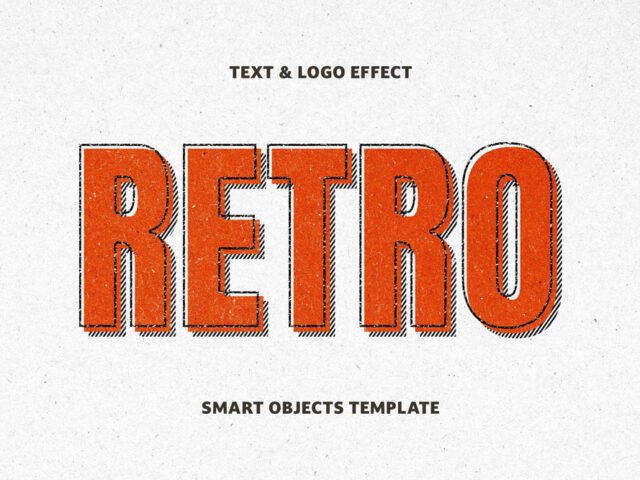
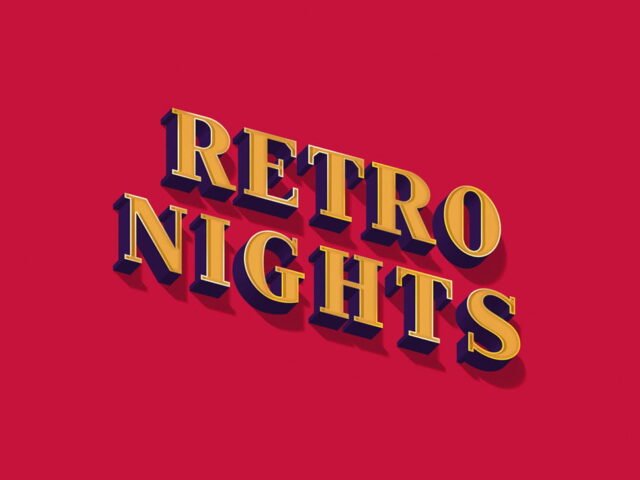
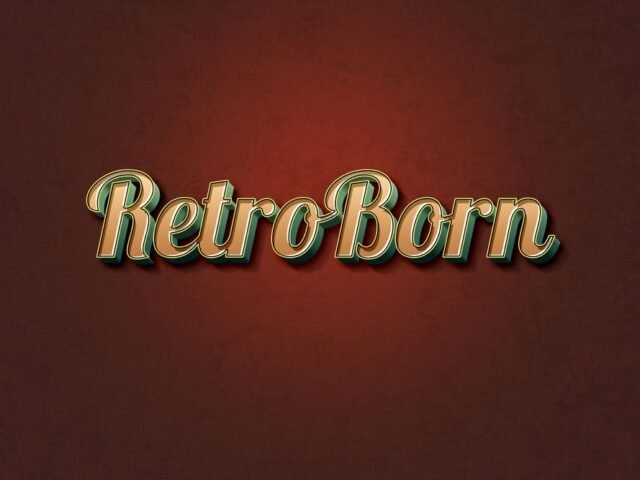
Vintage Old Film Text Effect

What's inside
- Applications Photoshop
- File Types PSD
- License Free (see author's terms)
- Author Pixelbuddha
Add Vintage Old Film Text Effect to your toolkit if you work on a logo or a thumbnail title a lot.
Useful for YouTubers as much as for game designers. Short words with bold letterforms carry text effects best. Long sentences lose the effect.
Free resources like this are a good way to try a style before committing to a paid pack.
Pixelbuddha created this one and hosts the download on their own site, so you always get the latest version straight from the source.
Getting started with the Vintage Old Film Text Effect
- Open the PSD in Photoshop.
- Double-click the smart object with the sample text.
- Type your text or paste your logo, then save and close.
- The effect updates on the main canvas; export as PNG or JPG.
Another tip: read the author’s notes on the download page. Asset packs often include install steps or usage limits.
Quick notes on this mockup
- Made by Pixelbuddha. File size and format are listed on their page.
- The preview shows exactly what’s included.
- Some free packs ask for credit when used publicly.
Scroll down for similar text effect from other designers.
Questions about this mockup
What licence does it come with?
That depends on the author's terms. The download page lists what is allowed; when in doubt, ask the author directly.
Do I need the same font?
The effect works with any font, but the look in the preview depends on the font the author used. If it's missing, Photoshop will ask you to replace it.
How do I change the text?
Text effects usually sit in a smart object. Double-click it, type your word, save, and the effect updates in the main file.