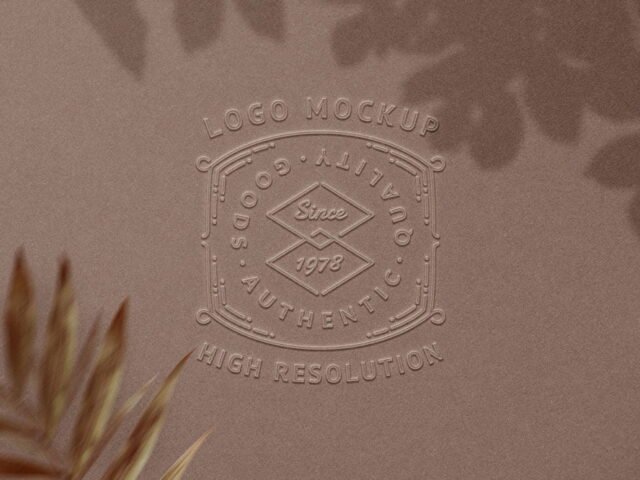
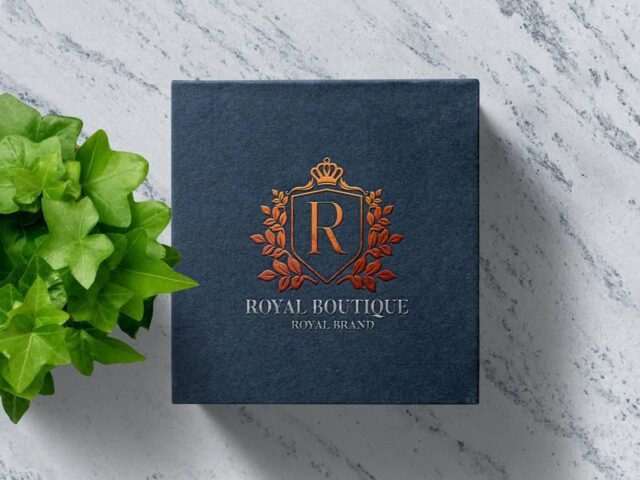
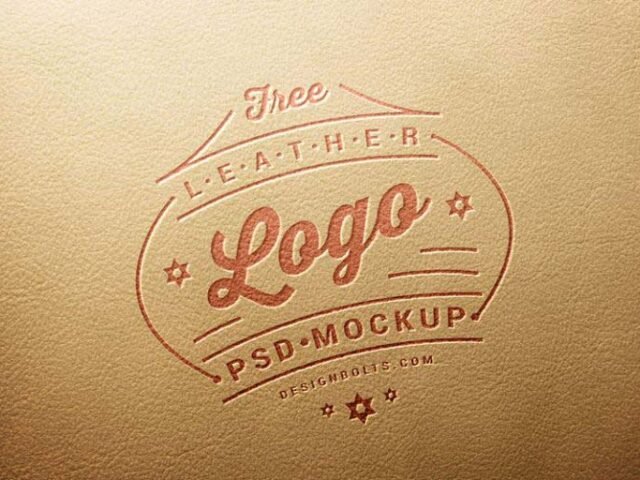
Cutout Logo Mockup

What's inside
- Applications Photoshop
- File Types PSD
- License Free (see author's terms)
- Author GraphicBurger
This cutout logo mockup is a quick way to show a new logo without a photo shoot.
Useful for freelancers on Behance as much as for branding studios. One thing worth knowing: single-colour versions of a logo usually look better in embossed or foil effects than full-colour ones.
A logo on its own is hard to judge; seeing it pressed, printed or lit on a real surface tells the client far more.
This is a free file from GraphicBurger. When you click download you’ll land on their page to grab it.
Editable options in the Cutout Logo Mockup PSD
Everything below is on its own layer:
- Your design, placed through the smart object
- Paper texture you can turn up or down
- Paper or background colour
Editing the Cutout Logo Mockup, step by step
- Set up the design flat at the real print size and keep text inside a safe margin.
- In the Layers panel, find the layer with the small smart object icon and double-click it.
- Paste your design, resize it to fill the area, then save (Ctrl/Cmd + S) and close that tab.
- Export a full-size image for your portfolio and a smaller one for social media.
Worth remembering: keep text at least a few millimetres from the edge. The mockup shows the trim, and cramped margins read as a mistake.
Where the Cutout Logo Mockup works best
- Show a new logo on your online shop or product page.
- Show a brand mark reveal to a client before it goes to print or production.
- Share a signage concept on Instagram, Behance or Dribbble with a real-looking preview.
Good to know
- Made by GraphicBurger. The download size and format are listed on their page.
- The preview shows the angle, background and lighting you’ll get.
- Check the licence on the author’s page. Personal and commercial terms differ from file to file.
More free logo mockups are listed below, each linking to the original author.
Questions about this mockup
Is it free for commercial use?
That depends on the author's terms. The download page lists what is allowed; when in doubt, ask the author directly.
How do I put my artwork on the logo?
Find the smart object layer (it has a small icon on its thumbnail), double-click it, place your design, then save and close that tab.
Which Photoshop version do I need?
A recent Photoshop CC version is best. Older versions can open the file but sometimes have trouble with smart objects and effects.
Does the effect work with any logo?
Effects like foil, emboss or 3D are applied through layer styles, so any logo placed in the smart object gets them. Thin lines and tiny text may lose detail, so test a simplified version too.