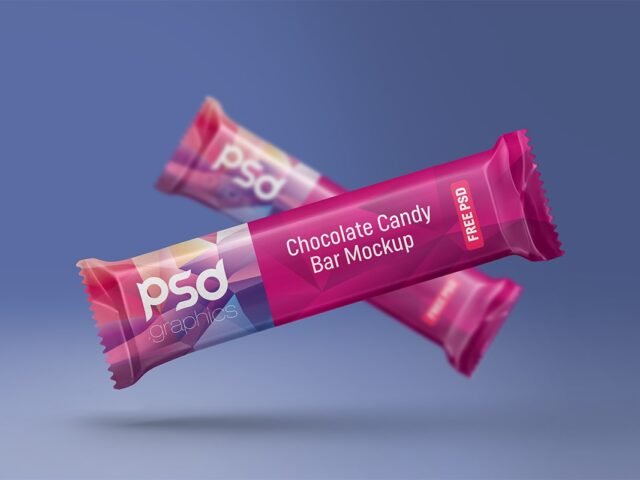
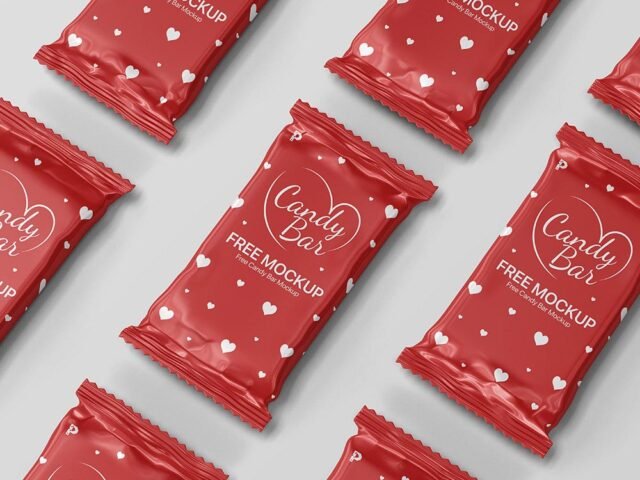
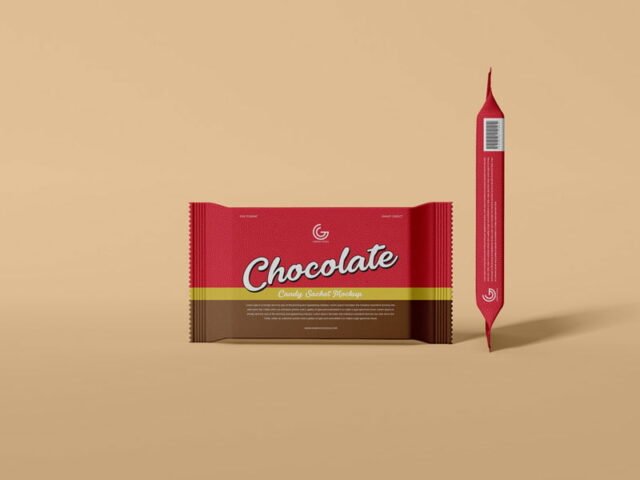
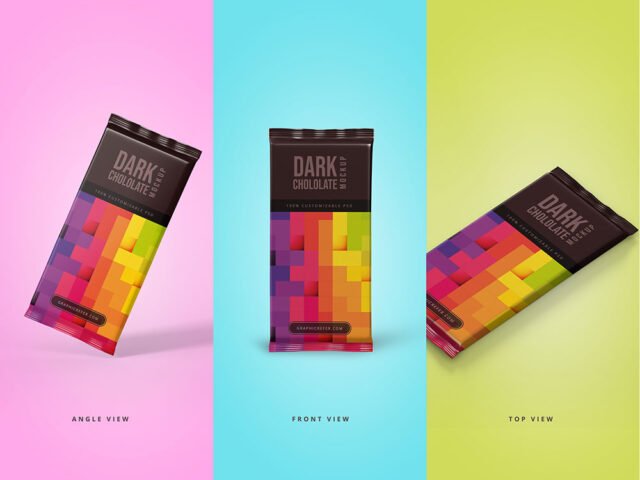
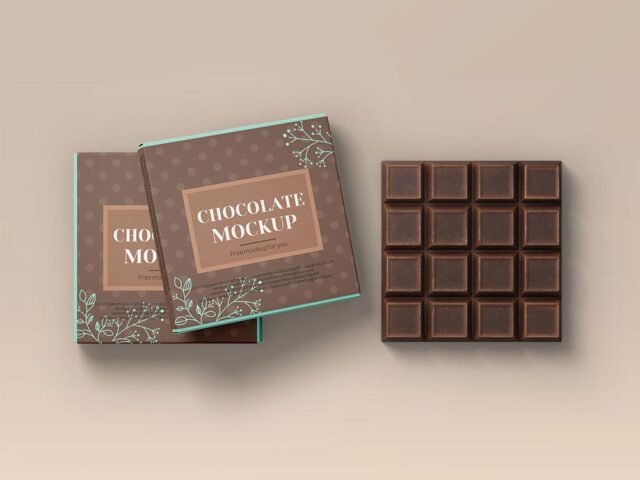
Packaging Chocolate Bar Mockup

What's inside
- Applications Photoshop
- File Types PSD
- License Free (see author's terms)
- Author Zippypixels
Need to show a seasonal pack to a client? This packaging chocolate bar mockup does the job in a few minutes.
Gift shops and confectionery brands tend to get the most out of files like this. A small tip: render two colour versions side by side. Clients choose faster when they compare.
It’s also handy for crowdfunding pages and pitch decks, when the product exists but the packaging hasn’t been printed yet. Show it with a shipping box or bag from the same range to present the whole unboxing.
The file is made by Zippypixels. The download button takes you to their page, where you get the original file and the licence details.
Editable options in the Packaging Chocolate Bar Mockup PSD
Open it in Photoshop and you can change:
- Label or box artwork, placed through the smart object
- Base colour of the pack
- Background colour
- Shadows
Editing the Packaging Chocolate Bar Mockup, step by step
- Finish the label first, with barcode and small print in place.
- Open the file in Photoshop and double-click the smart object thumbnail in the Layers panel.
- Paste your design, resize it to fill the area, then save (Ctrl/Cmd + S) and close that tab.
- Turn the highlight layer down if it washes out your logo.
- Export with File › Export › Export As: JPG for sharing, PNG for the web.
Worth remembering: check barcodes, weights and small legal text at 100% zoom. Packaging clients always look for those.
Best uses for this Packaging Chocolate Bar Mockup
- Use it as the cover image for a seasonal pack in your portfolio.
- Share a candy box on Instagram, Behance or Dribbble with a real-looking preview.
- Make two or three colour versions of a chocolate bar wrapper and let the client pick.
Before you download
- Made by Zippypixels. The download size and format are listed on their page.
- Built for Adobe Photoshop. A recent CC version handles the smart objects best.
- The preview shows the angle, background and lighting you’ll get.
Browse more free chocolate mockups on Artistic Orbit, with new files added every day.
Questions about this mockup
Is it free for commercial use?
Zippypixels sets the licence, and it can differ from file to file. Many free files allow personal and commercial use, but some are personal-only or ask for credit. Read the terms on the download page before a paid project.
How do I add my design?
Open the file in Photoshop, double-click the smart object thumbnail, paste or place your artwork in the new tab, save it (Ctrl/Cmd + S) and close. The main file updates on its own.
Do I need Photoshop?
Yes. This is a PSD mockup built with smart objects, so you edit it in Adobe Photoshop. Any recent CC version works.
Can I change the packaging colour?
Usually yes. There is normally a colour layer under the design smart object, so you can change the base colour without touching your artwork.