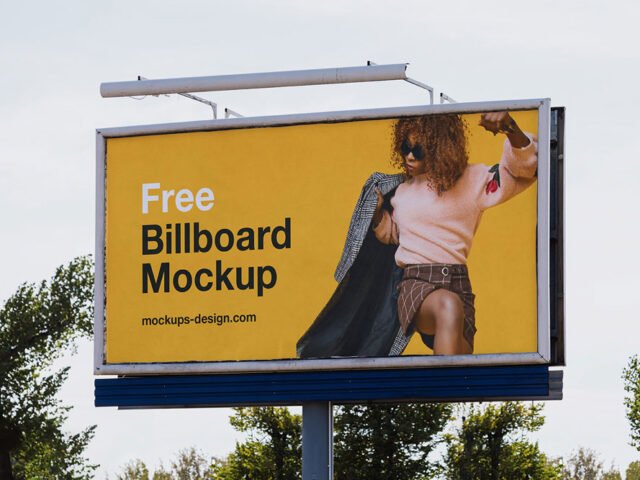
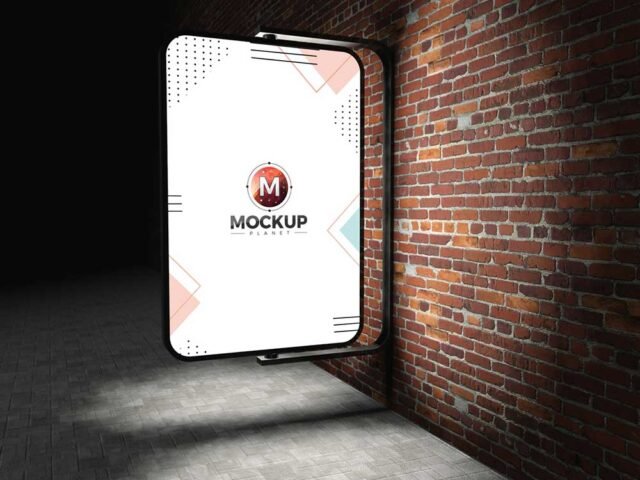
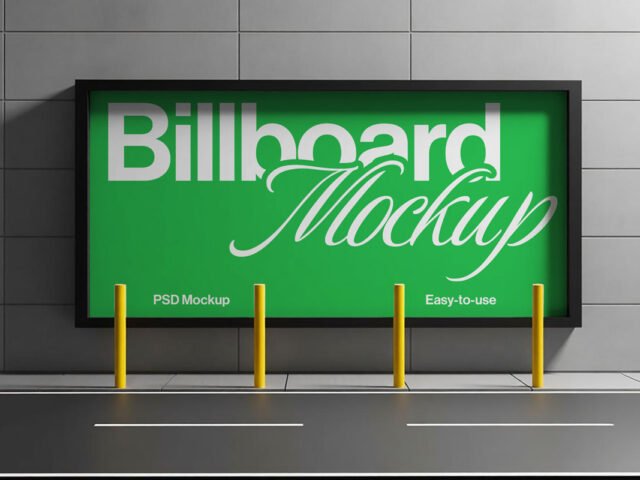
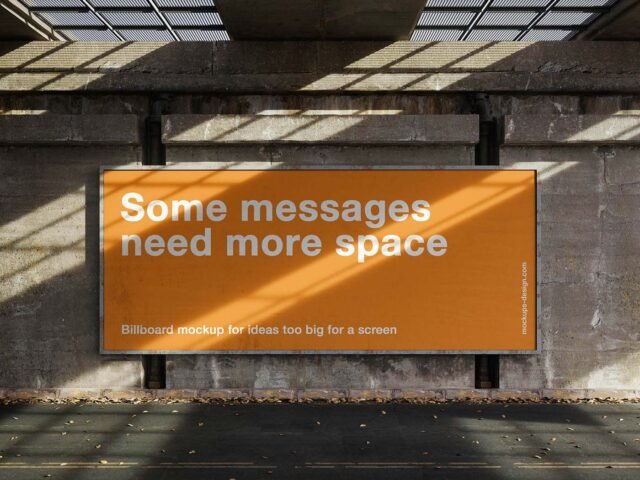
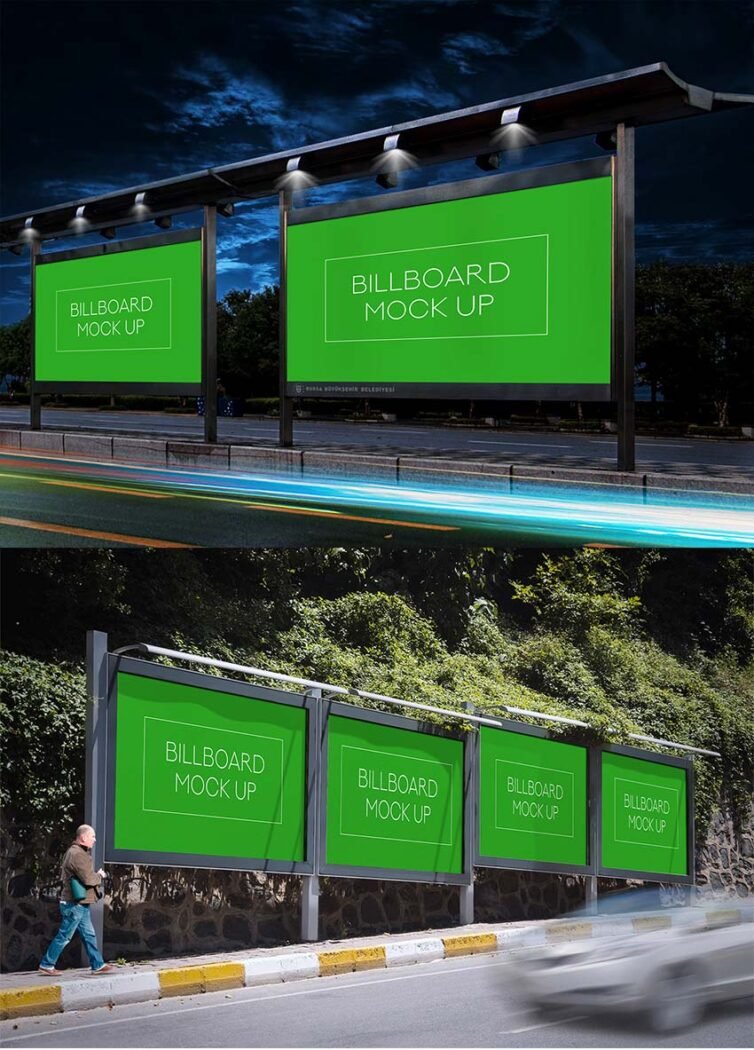
Billboard PSD Mockup
What's inside
- Applications Photoshop
- File Types PSD
- License Free (see author's terms)
- Author Behance
This billboard mockup is one of the simpler ways to present a product launch visual or an ad campaign convincingly.
It’s a handy file for ad agencies and marketing teams. Tip: night or backlit scenes usually have a glow layer. Push it up for lightboxes, down for printed paper.
It’s also handy for student and portfolio work, when you want to show a campaign that never went live. Combine it with a poster or bus stop ad to show the campaign across several placements.
This is a free file from a designer on Behance. When you click download you’ll land on their page to grab it.
What you can edit in this Billboard Mockup
Main things you can change in Photoshop:
- Ad artwork, placed through the smart object
- Lighting and shadow layers
- Glow layer for backlit scenes, where included
How to edit this Billboard Mockup in Photoshop
- Keep the ad simple: one image, a short headline and the logo.
- In the Layers panel, find the layer with the small smart object icon and double-click it.
- Paste your design, resize it to fill the area, then save (Ctrl/Cmd + S) and close that tab.
- Check the crop so faces and logos stay inside the frame.
- Save a JPG for clients and social media, and keep the PSD for later changes.
One more thing: match the brightness of your design to the scene; a very bright graphic in a shaded spot looks pasted in.
Where the Billboard Mockup works best
- Share an ad campaign on Instagram, Behance or Dribbble with a real-looking preview.
- Show a movie poster to a client before it goes to print or production.
- Show a product launch visual on your online shop or product page.
Quick notes on this mockup
- Made by a designer on Behance. The download size and format are listed on their page.
- Check the licence on the author’s page. Personal and commercial terms differ from file to file.
- Some free mockups ask for credit when you post them. A short line in your caption is enough.
Browse more free billboard mockups on Artistic Orbit, with new files added every day.
Questions about this mockup
Can I use this billboard mockup for client work?
It's free to download, but the licence belongs to a designer on Behance. Check their page: it states whether commercial use is allowed and if attribution is needed.
How do I put my artwork on the billboard?
Find the smart object layer (it has a small icon on its thumbnail), double-click it, place your design, then save and close that tab.
Do I need Photoshop?
Yes. This is a PSD mockup built with smart objects, so you edit it in Adobe Photoshop. Any recent CC version works.
Can I change the surroundings?
Usually only lighting and shadows are adjustable. The street, sky or building are part of the photo.