Glossy Wall Logo Mockup
What's inside
- Applications Photoshop
- File Types PSD
- License Free (see author's terms)
- Author Graphicsfamily
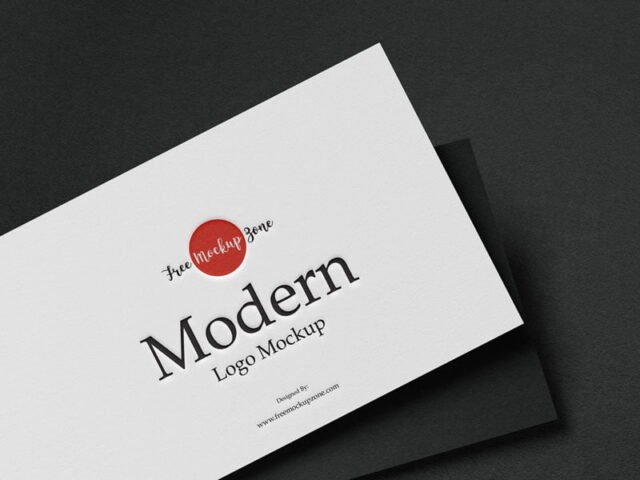
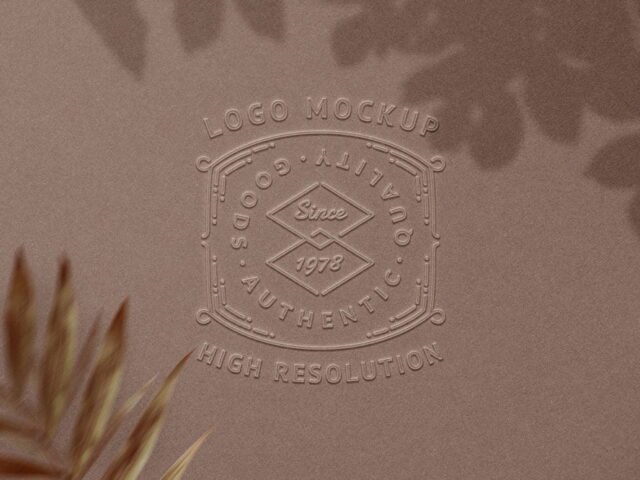
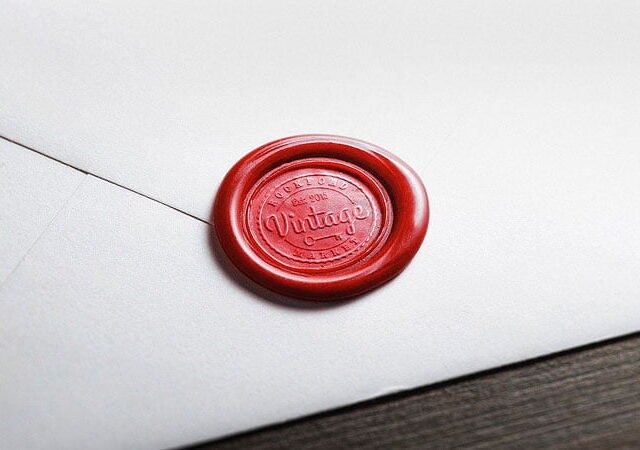
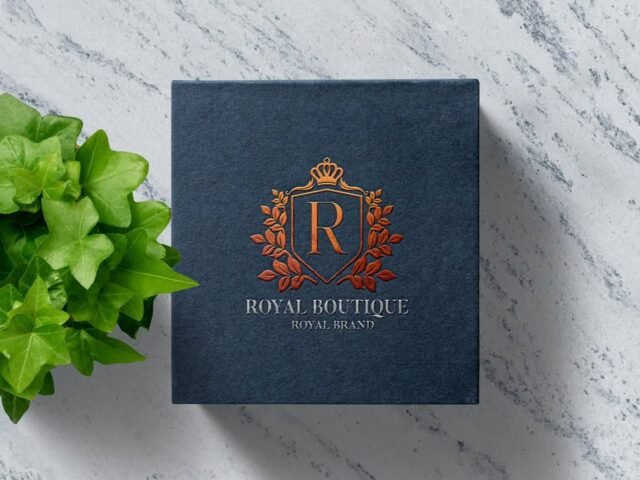
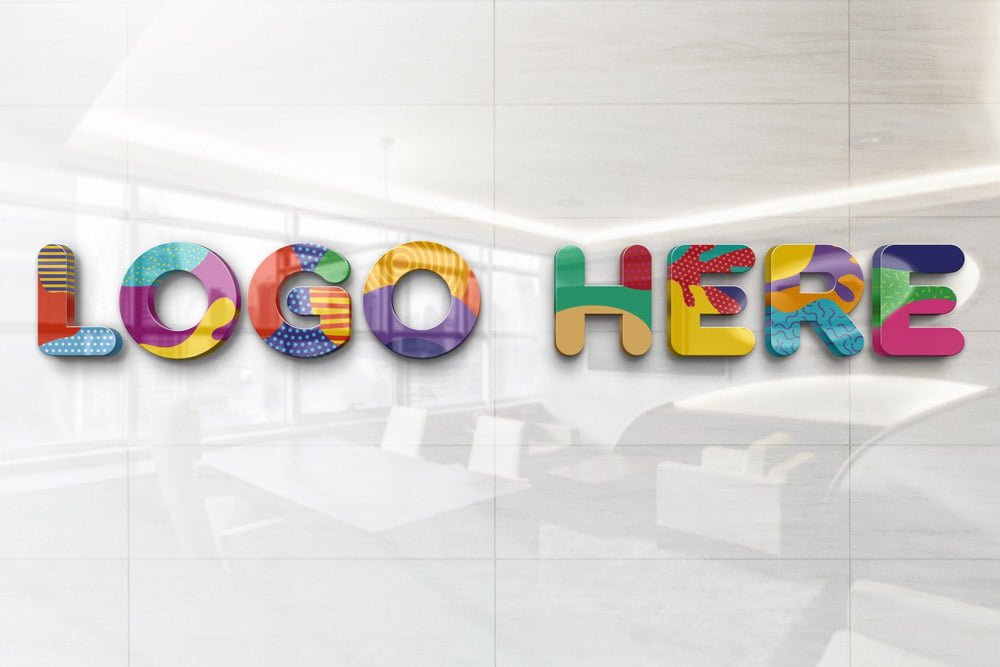
Show a signage concept the way it will actually look: on a glossy wall logo mockup. The glossy finish gives the preview a tactile look that flat artwork doesn’t have.
It’s a handy file for branding studios and logo designers. Quick tip: use a vector or high-resolution PNG version of the logo; this is the one mockup where every edge is looked at closely.
A logo on its own is hard to judge; seeing it pressed, printed or lit on a real surface tells the client far more.
Credit goes to Graphicsfamily. We link to their download page rather than re-uploading the file, so check their terms there before commercial use.
What’s inside the Glossy Wall Logo Mockup PSD
The PSD is layered, so you can change:
- Your design, placed through the smart object
- Paper or background colour
- Front and back artwork, where both sides are shown
Add your design to the Glossy Wall Logo Mockup
- Get your artwork ready at print size, with 3 mm of bleed if it runs to the edge.
- Open the file in Photoshop and double-click the smart object thumbnail in the Layers panel.
- Drop your artwork in, fit it to the canvas, save and close. The mockup updates by itself.
- Turn the texture layer up or down to match the paper you’ll print on.
- Export a full-size image for your portfolio and a smaller one for social media.
One more thing: export your artwork at the size the smart object asks for; scaling a small file up is the usual reason print mockups look soft.
Where the Glossy Wall Logo Mockup works best
- Present a signage concept in a client proposal or brand guide.
- Share a brand mark reveal on Instagram, Behance or Dribbble with a real-looking preview.
- Use it as the cover image for a new logo in your portfolio.
Quick notes on this mockup
- Made by Graphicsfamily. The download size and format are listed on their page.
- Built for Adobe Photoshop. A recent CC version handles the smart objects best.
- Check the licence on the author’s page. Personal and commercial terms differ from file to file.
- Some free mockups ask for credit when you post them. A short line in your caption is enough.
Scroll down for similar logo mockups from other designers.
Questions about this mockup
Can I use this logo mockup for client work?
That depends on the author's terms. The download page lists what is allowed; when in doubt, ask the author directly.
How do I put my artwork on the logo?
Find the smart object layer (it has a small icon on its thumbnail), double-click it, place your design, then save and close that tab.
Do I need Photoshop?
Yes. This is a PSD mockup built with smart objects, so you edit it in Adobe Photoshop. Any recent CC version works.
Does the effect work with any logo?
Effects like foil, emboss or 3D are applied through layer styles, so any logo placed in the smart object gets them. Thin lines and tiny text may lose detail, so test a simplified version too.