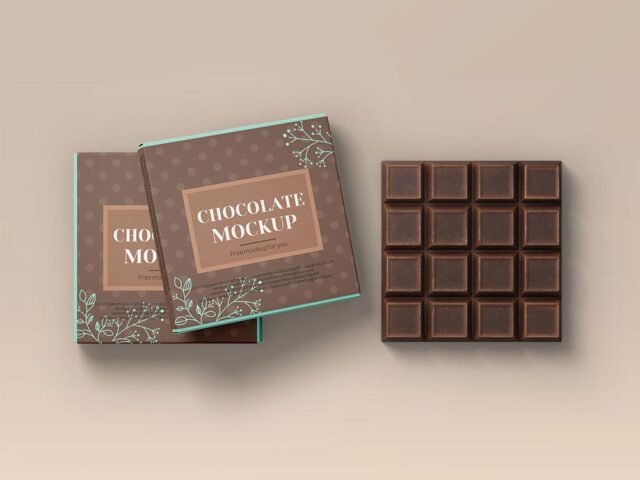
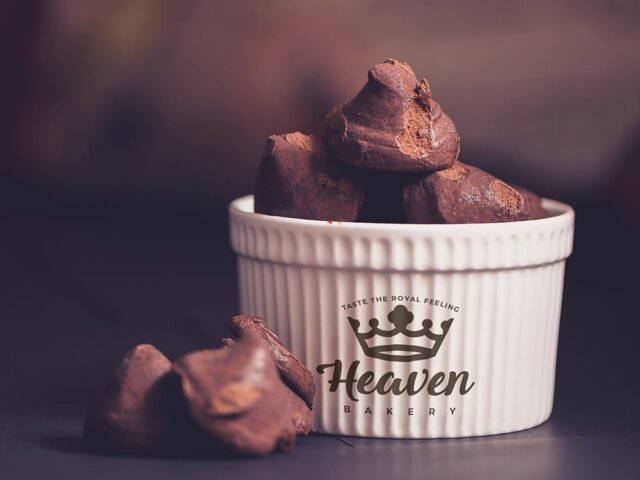
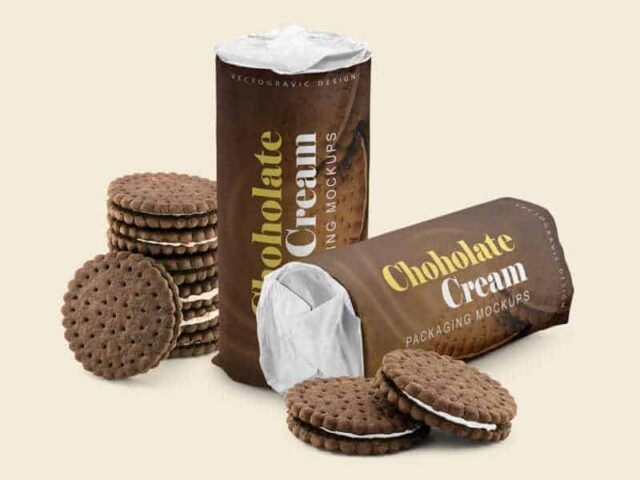
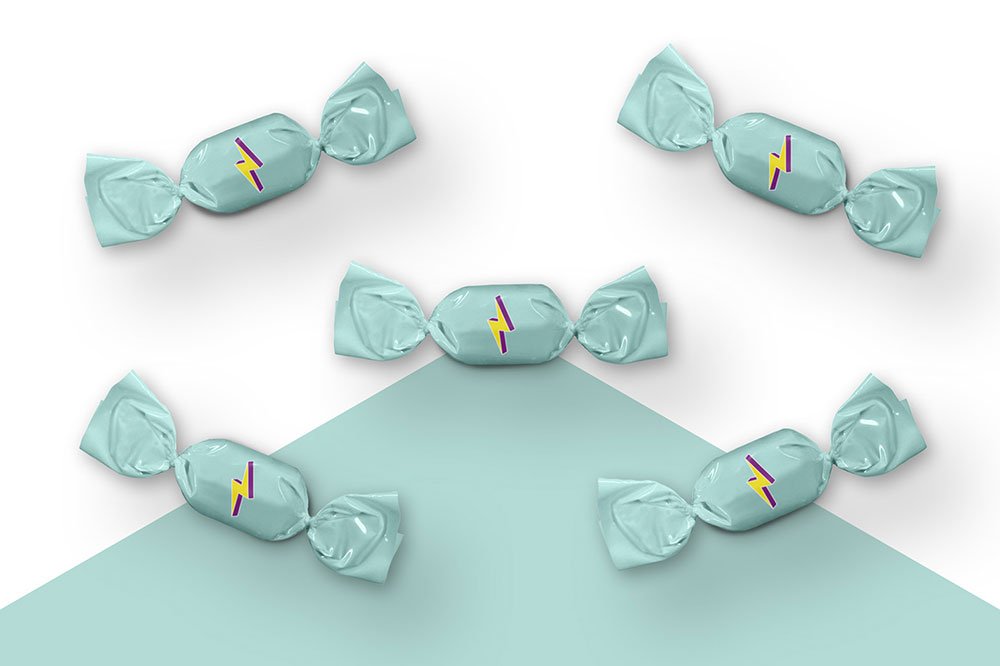
Bonbon Candy Mockup
What's inside
- Applications Photoshop
- File Types PSD
- License Free (see author's terms)
- Author Behance
This bonbon candy mockup is a quick way to show a candy box without a photo shoot.
Useful for gift shops as much as for confectionery brands. Glossy packaging picks up highlights over your art; reduce the highlight layer if your logo gets washed out.
A realistic render saves a round of physical samples, which for packaging can take weeks. Show it with a shipping box or bag from the same range to present the whole unboxing.
A designer on Behance created this one and hosts the download on their own site, so you always get the latest version straight from the source.
Editable options in the Bonbon Candy Mockup PSD
Everything below is on its own layer:
- Label or box artwork, placed through the smart object
- Gloss and highlight layers
- Base colour of the pack
How to edit this Bonbon Candy Mockup in Photoshop
- Finish the label first, with barcode and small print in place.
- Open the PSD in Photoshop and find the smart object layer, usually named “Your Design” or “Place Here”.
- Place your design, hide the sample artwork, save, and go back to the main file.
- Check each visible side so the panels line up.
- Export with File › Export › Export As: JPG for sharing, PNG for the web.
Another tip: build the label or dieline flat first, then place it; bending text inside the mockup is harder to fix later.
Where the Bonbon Candy Mockup works best
- Use it as the cover image for a seasonal pack in your portfolio.
- Show a candy box on your online shop or product page.
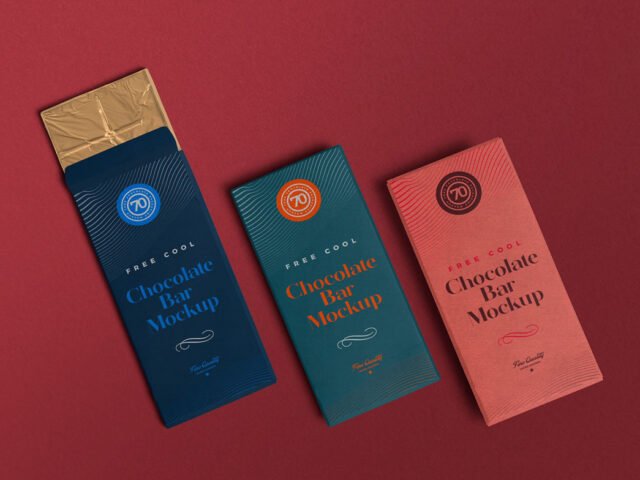
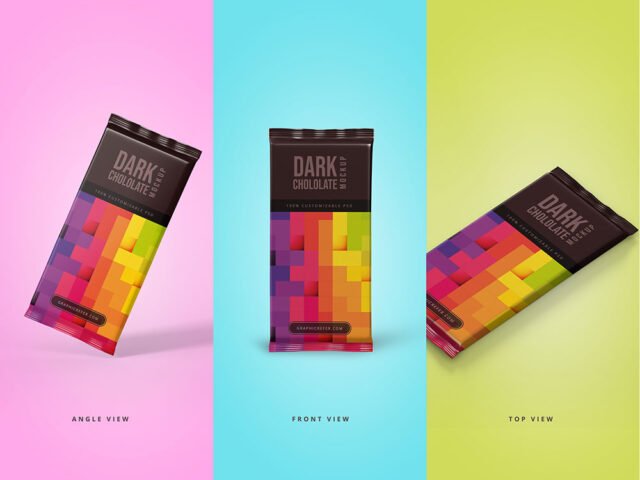
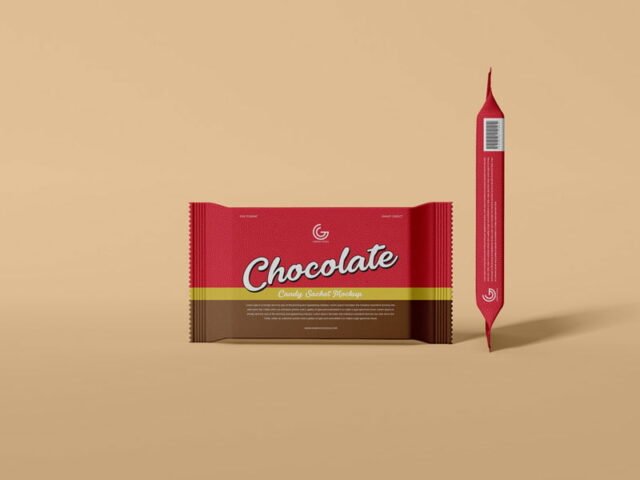
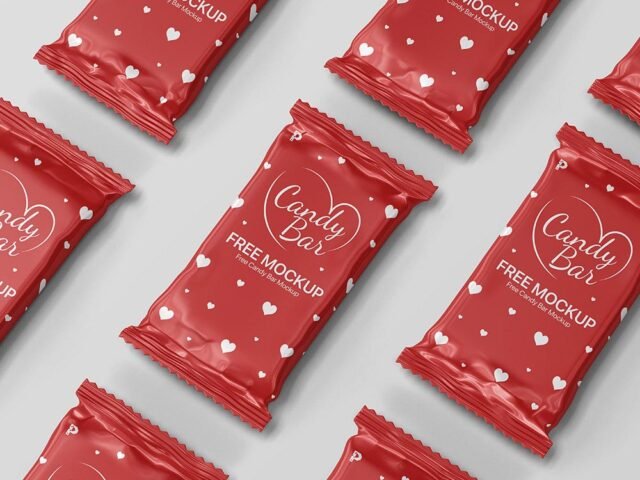
- Make two or three colour versions of a chocolate bar wrapper and let the client pick.
Quick notes on this mockup
- Made by a designer on Behance. The download size and format are listed on their page.
- Built for Adobe Photoshop. A recent CC version handles the smart objects best.
- Some free mockups ask for credit when you post them. A short line in your caption is enough.
More free chocolate mockups are listed below, each linking to the original author.
Questions about this mockup
Can I use this chocolate packaging mockup for client work?
That depends on the author's terms. The download page lists what is allowed; when in doubt, ask the author directly.
How do I put my artwork on the chocolate packaging?
Find the smart object layer (it has a small icon on its thumbnail), double-click it, place your design, then save and close that tab.
Do I need Photoshop?
Yes. This is a PSD mockup built with smart objects, so you edit it in Adobe Photoshop. Any recent CC version works.
Is the design wrapped around the shape?
Round packs usually use warp or displacement so the label bends with the shape. Flat boxes use separate smart objects for each visible side.
Why does the download open another website?
We list free files from designers around the web and link to the original page, so a designer on Behance gets the visit and you get the file exactly as they published it.