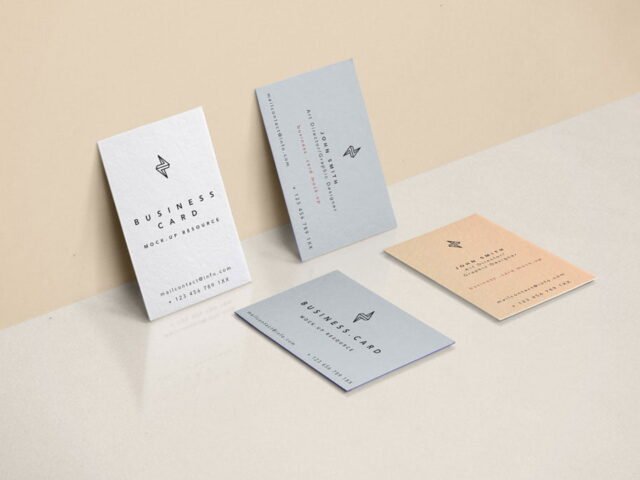
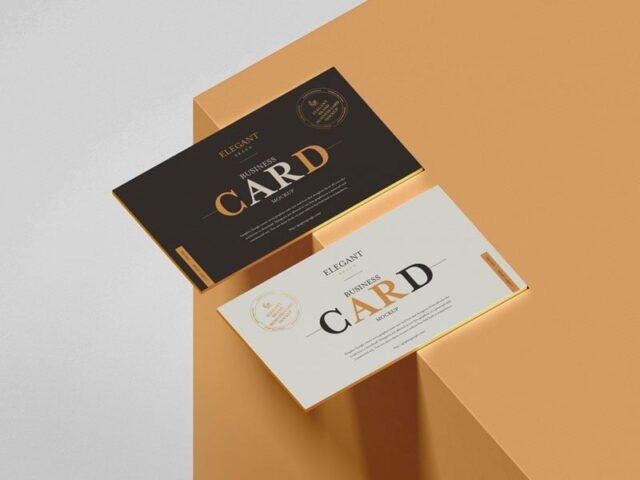
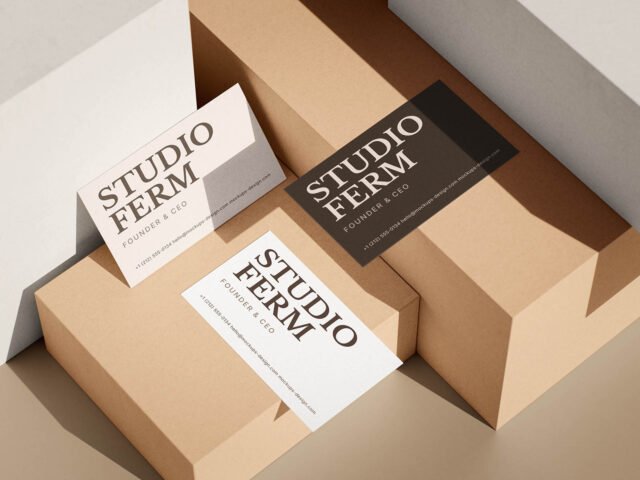
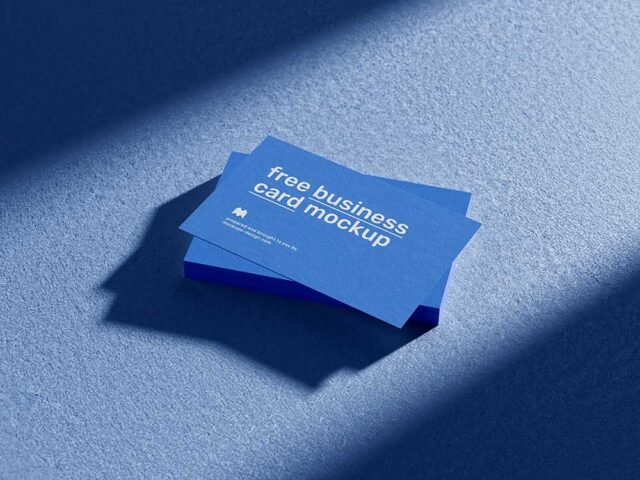
Piece Wood Business Card Mockup
What's inside
- Applications Photoshop
- File Types PSD
- License Free (see author's terms)
- Author Mockups Design
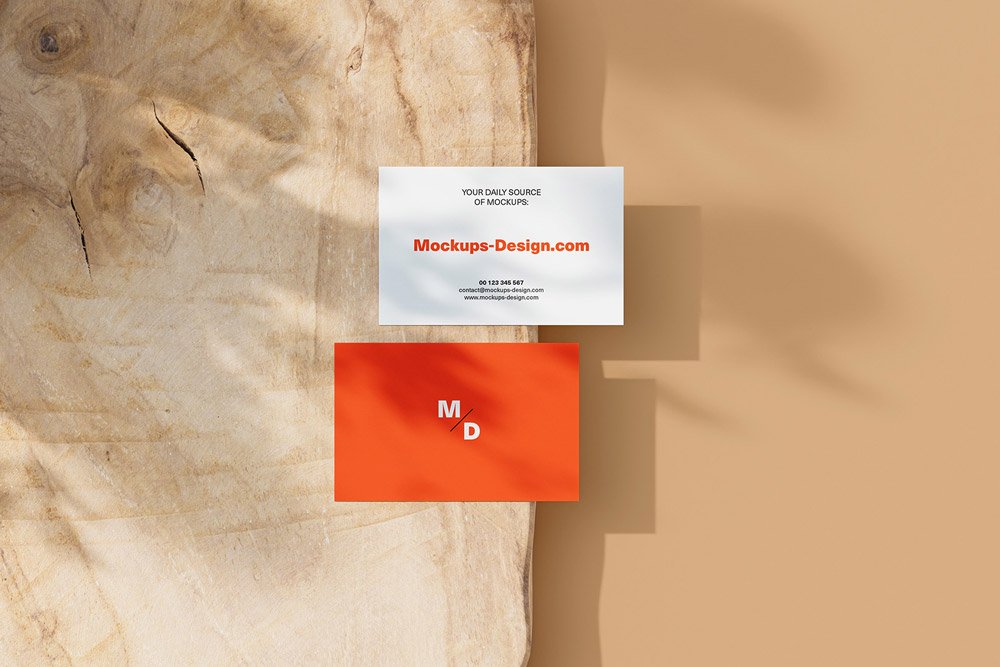
Presenting a minimal logo card? Put it on this piece wood business card mockup and the client sees the real thing, not a flat file. The wood finish gives the preview a tactile look that flat artwork doesn’t have.
Freelance designers and branding studios tend to get the most out of files like this. Tip: standard cards are small; keep body text at 7–8 pt or larger so it stays readable in the preview.
Seeing a layout on a real business card is also the easiest way to catch problems early. A phone number that looked fine on screen can turn out too small once it sits on paper.
This is a free file from Mockups Design. When you click download you’ll land on their page to grab it.
Piece Wood Business Card Mockup: editable parts
The PSD is layered, so you can change:
- Your design, placed through the smart object
- Shadows and highlights on their own layers
- Paper or background colour
How to edit this Piece Wood Business Card Mockup in Photoshop
- Set up the design flat at the real print size and keep text inside a safe margin.
- Open the PSD in Photoshop and find the smart object layer, usually named “Your Design” or “Place Here”.
- Paste your design, resize it to fill the area, then save (Ctrl/Cmd + S) and close that tab.
- Export with File › Export › Export As: JPG for sharing, PNG for the web.
Use CMYK-friendly colours in the artwork itself, even though the mockup is RGB, so what the client sees is close to print.
Ways to use this Piece Wood Business Card Mockup
- Present a front and back card design in a client proposal or brand guide.
- Show a QR code card to a client before it goes to print or production.
- Make two or three colour versions of a minimal logo card and let the client pick.
Good to know
- Made by Mockups Design. The download size and format are listed on their page.
- Built for Adobe Photoshop. A recent CC version handles the smart objects best.
- Check the licence on the author’s page. Personal and commercial terms differ from file to file.
More free business card mockups are listed below, each linking to the original author.
Questions about this mockup
Is it free for commercial use?
Mockups Design sets the licence, and it can differ from file to file. Many free files allow personal and commercial use, but some are personal-only or ask for credit. Read the terms on the download page before a paid project.
How do I put my artwork on the business card?
Find the smart object layer (it has a small icon on its thumbnail), double-click it, place your design, then save and close that tab.
Do I need Photoshop?
Yes. This is a PSD mockup built with smart objects, so you edit it in Adobe Photoshop. Any recent CC version works.
What size card is this made for?
Most business card mockups use the common 85 × 55 mm or 3.5 × 2 in size. Check the smart object's canvas to be sure before you design.