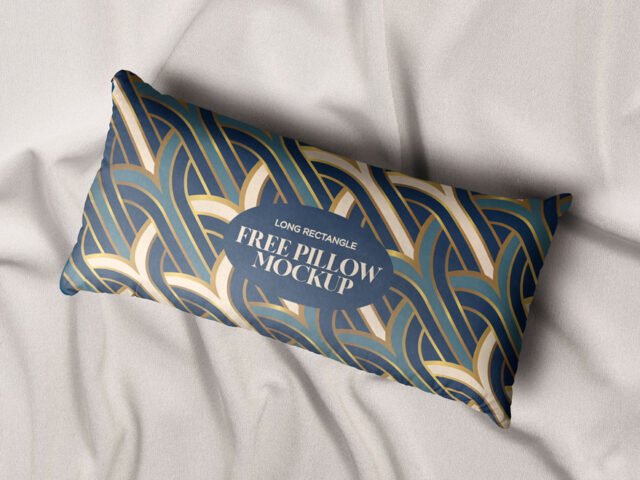
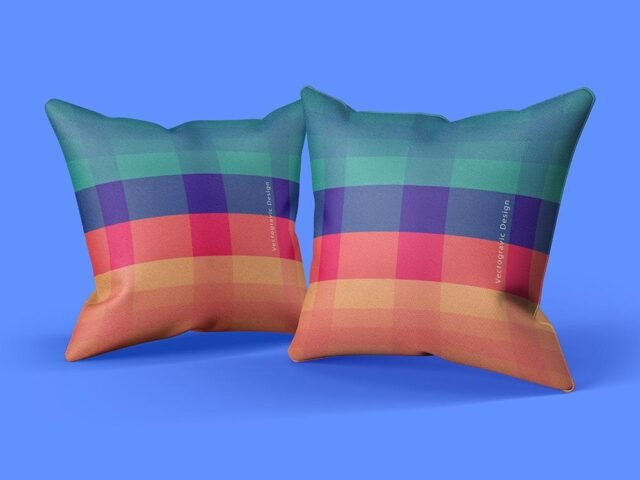
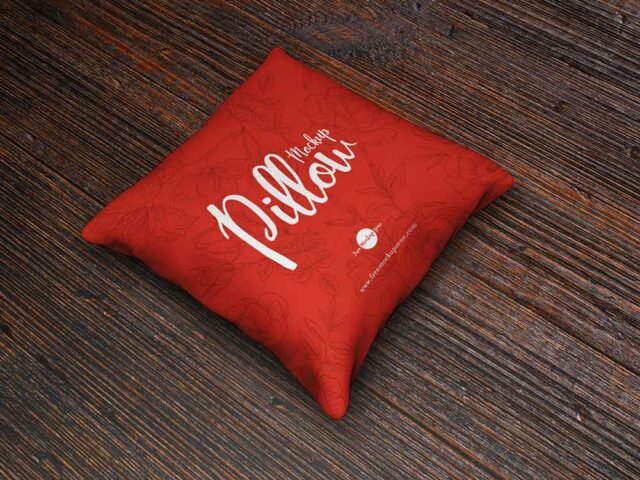
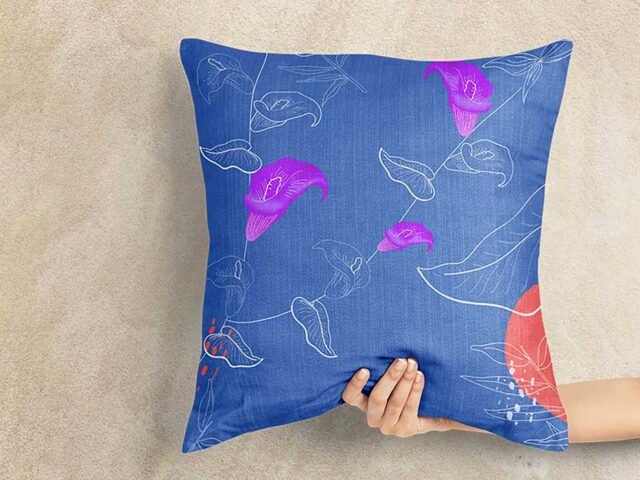
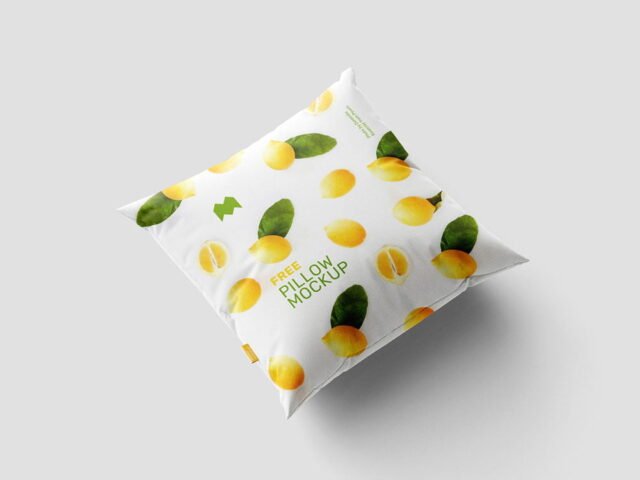
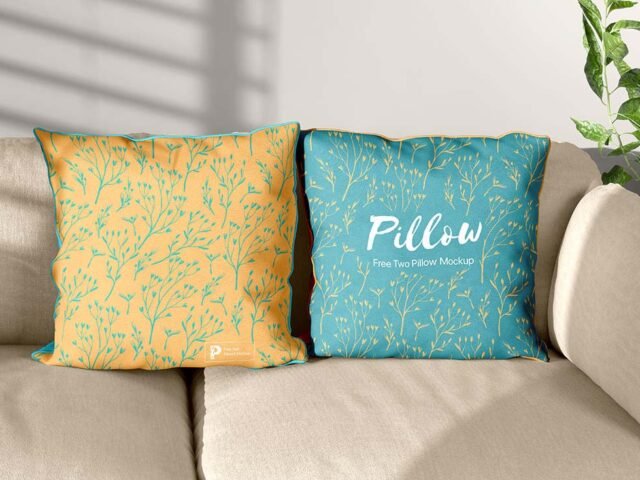
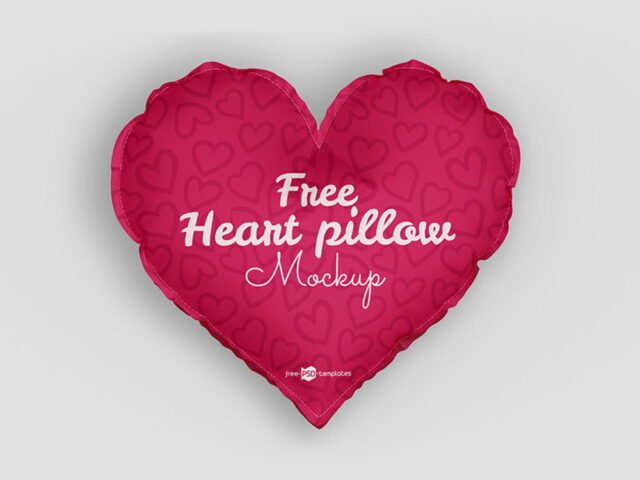
Pillow Cushion Mockup
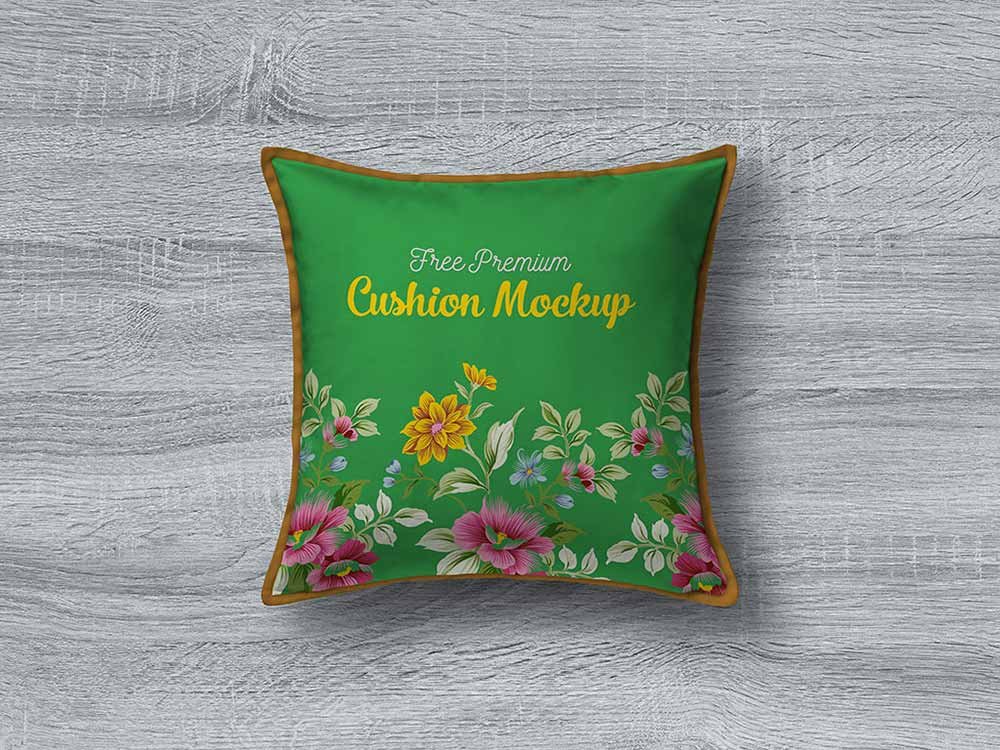
What's inside
- Applications Photoshop
- File Types PSD
- License Free (see author's terms)
- Author Designbolts
Need to show a pattern to a client? This pillow cushion mockup does the job in a few minutes.
Etsy sellers and home decor shops tend to get the most out of files like this. A small tip: if the print looks too sharp, a very slight blur (0.3 px) makes it sit into the fabric.
Selling merch online without photos of every colour is hard; a good apparel mockup fills that gap until the samples arrive. Shops often pair it with a cap or tote bag mockup to show a small merch collection.
Use it for
- A pattern
- A photo print
- A quote print
Credit goes to Designbolts. We link to their download page rather than re-uploading the file, so check their terms there before commercial use.
Pillow Cushion Mockup: editable parts
The PSD is layered, so you can change:
- Print design, placed through the smart object
- Background colour
- Folds and wrinkles that wrap your print
Editing the Pillow Cushion Mockup, step by step
- Save your print as a PNG with a transparent background.
- In the Layers panel, find the layer with the small smart object icon and double-click it.
- Place your design, hide the sample artwork, save, and go back to the main file.
- Export with File › Export › Export As: JPG for sharing, PNG for the web.
Place the design as a flat PNG with a transparent background, then let the fabric displacement do the folds.
Where the Pillow Cushion Mockup works best
- Show a quote print on your online shop or product page.
- Share a photo print on Instagram, Behance or Dribbble with a real-looking preview.
- Make two or three colour versions of a pattern and let the client pick.
Good to know
- Made by Designbolts. The download size and format are listed on their page.
- Some free mockups ask for credit when you post them. A short line in your caption is enough.
- Built for Adobe Photoshop. A recent CC version handles the smart objects best.
- The preview shows the angle, background and lighting you’ll get.
More free pillow mockups are listed below, each linking to the original author.
Questions about this mockup
Can I use this pillow mockup for client work?
It's free to download, but the licence belongs to Designbolts. Check their page: it states whether commercial use is allowed and if attribution is needed.
How do I add my design?
Open the file in Photoshop, double-click the smart object thumbnail, paste or place your artwork in the new tab, save it (Ctrl/Cmd + S) and close. The main file updates on its own.
Do I need Photoshop?
Yes. This is a PSD mockup built with smart objects, so you edit it in Adobe Photoshop. Any recent CC version works.
Can I change the fabric colour?
Almost every apparel mockup has a colour fill or adjustment layer for the garment. Double-click its thumbnail and pick your colour.