Two Pillows Mockup
What's inside
- Applications Photoshop
- File Types PSD
- License Free (see author's terms)
- Author Pixpine
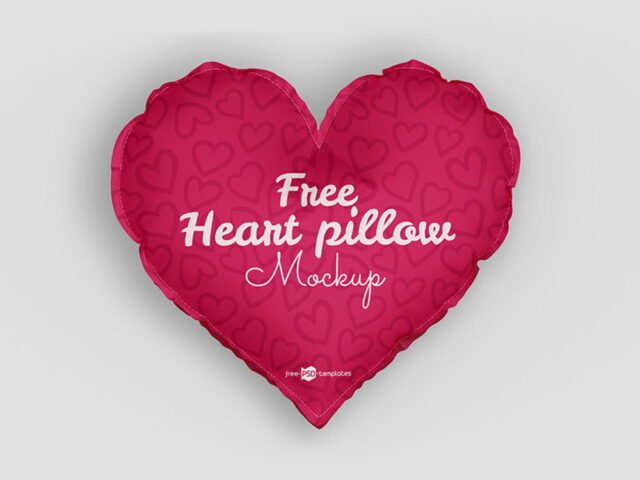
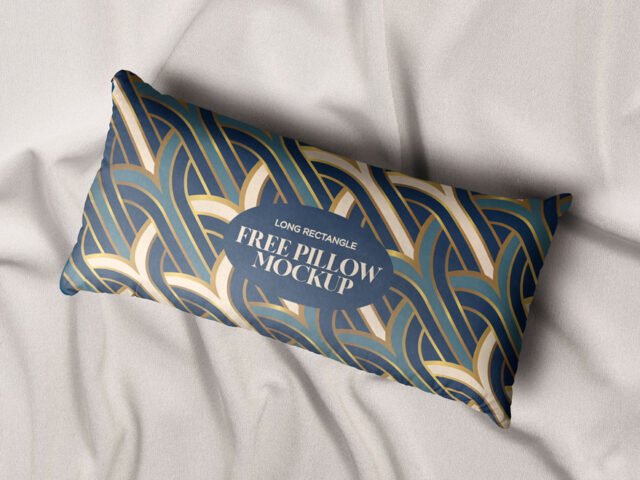
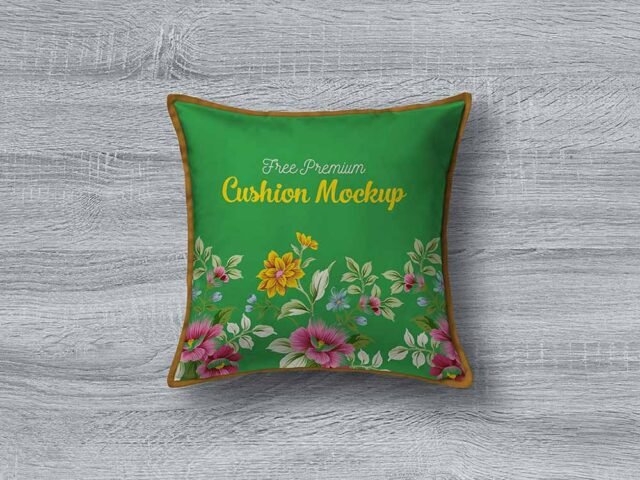
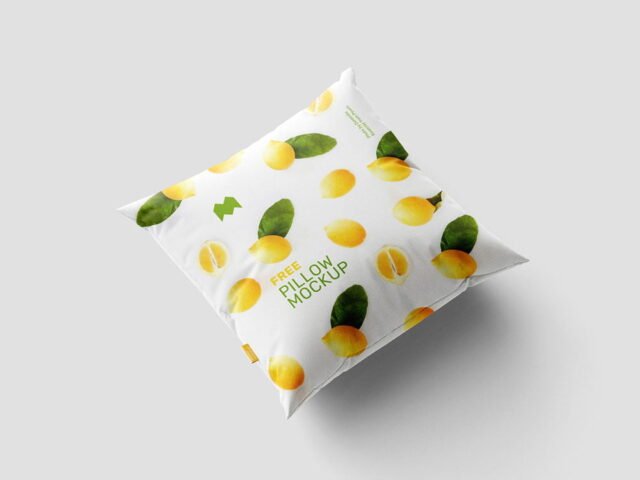
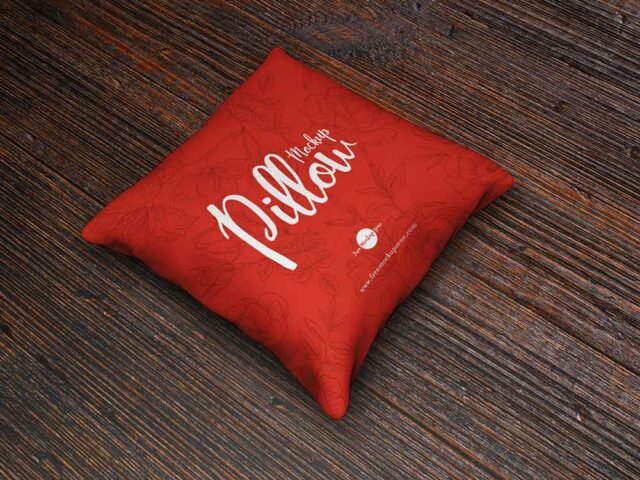
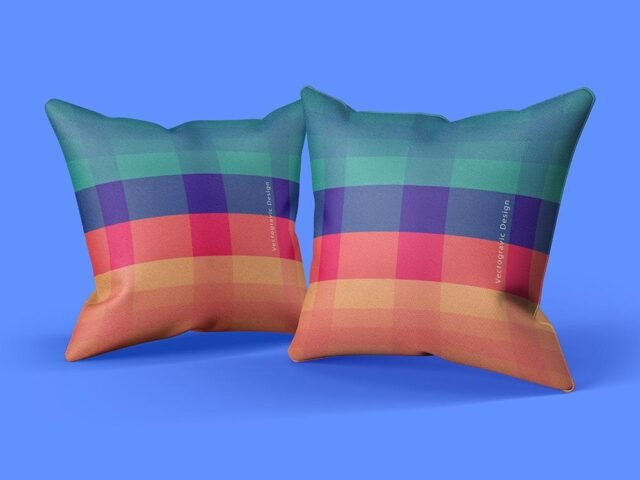
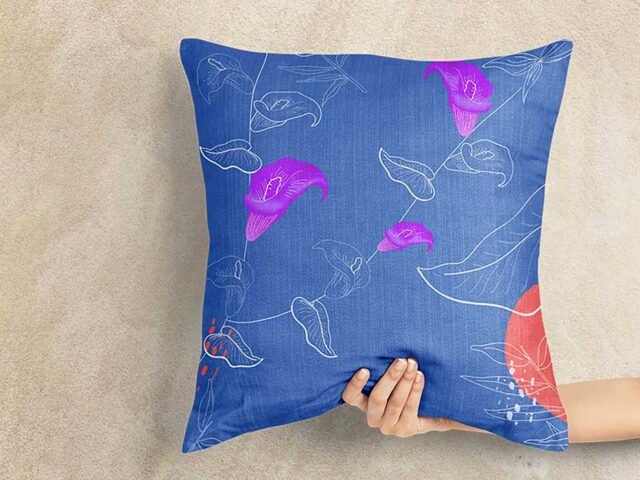
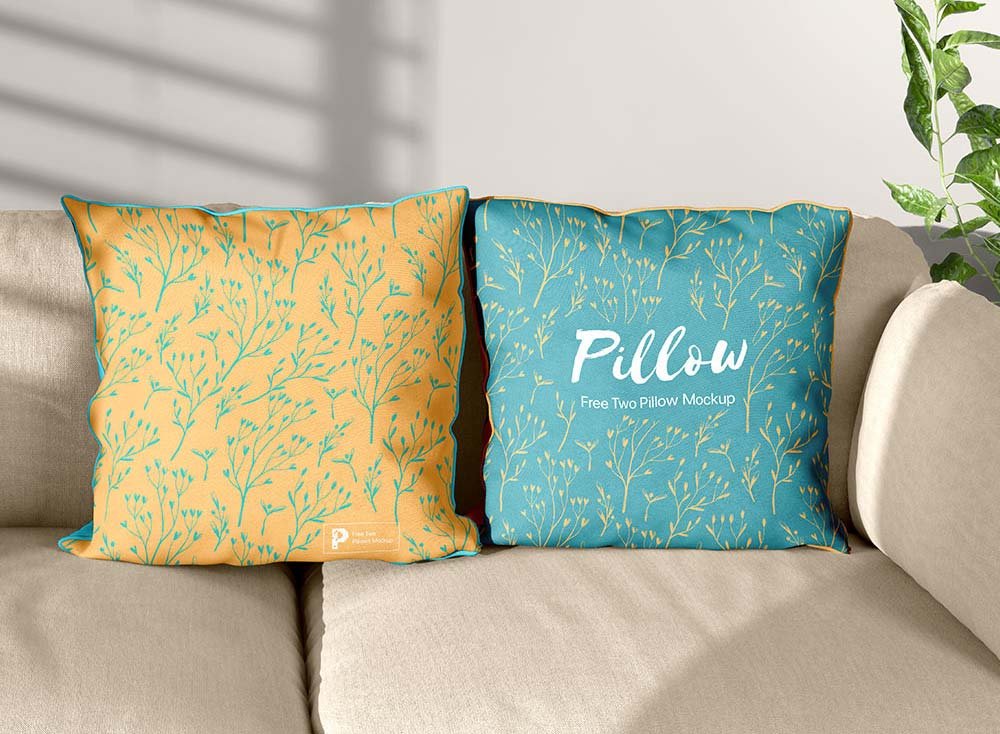
Show a pattern the way it will actually look: on a two pillows mockup.
It’s a handy file for home decor shops and textile designers. One thing worth knowing: light prints on light fabric vanish; try the garment colour layer first before you change your artwork.
Selling merch online without photos of every colour is hard; a good apparel mockup fills that gap until the samples arrive.
Pixpine created this one and hosts the download on their own site, so you always get the latest version straight from the source.
What you can edit in this Two Pillows Mockup
Main things you can change in Photoshop:
- Print design, placed through the smart object
- Folds and wrinkles that wrap your print
- Shadows and highlights
How to use the Two Pillows Mockup
- Decide where the design sits on the item and size your art for that spot.
- Open the file in Photoshop and double-click the smart object thumbnail in the Layers panel.
- Paste your design, resize it to fill the area, then save (Ctrl/Cmd + S) and close that tab.
- Save a JPG for clients and social media, and keep the PSD for later changes.
Worth remembering: place the design as a flat PNG with a transparent background, then let the fabric displacement do the folds.
Where the Two Pillows Mockup works best
- Show a quote print on your online shop or product page.
- Show a pattern to a client before it goes to print or production.
- Share a photo print on Instagram, Behance or Dribbble with a real-looking preview.
Good to know
- Made by Pixpine. The download size and format are listed on their page.
- Check the licence on the author’s page. Personal and commercial terms differ from file to file.
- The preview shows the angle, background and lighting you’ll get.
Need a different angle? The pillow mockups category has plenty more free PSD files.
Questions about this mockup
Is it free for commercial use?
That depends on the author's terms. The download page lists what is allowed; when in doubt, ask the author directly.
How do I put my artwork on the pillow?
Find the smart object layer (it has a small icon on its thumbnail), double-click it, place your design, then save and close that tab.
Which Photoshop version do I need?
A recent Photoshop CC version is best. Older versions can open the file but sometimes have trouble with smart objects and effects.
Does the print follow the fabric folds?
Better apparel mockups use a displacement map or warp so the print follows the wrinkles. Check the preview: if the folds show through the logo, it does.