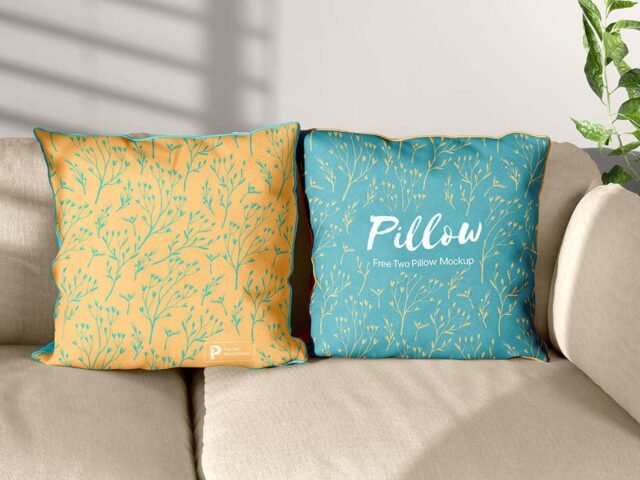
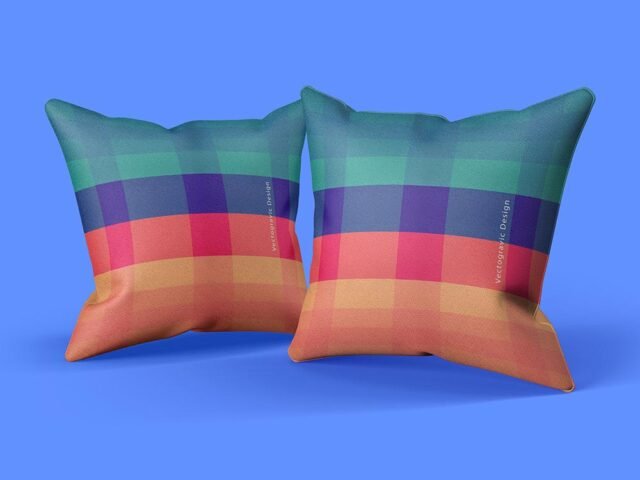
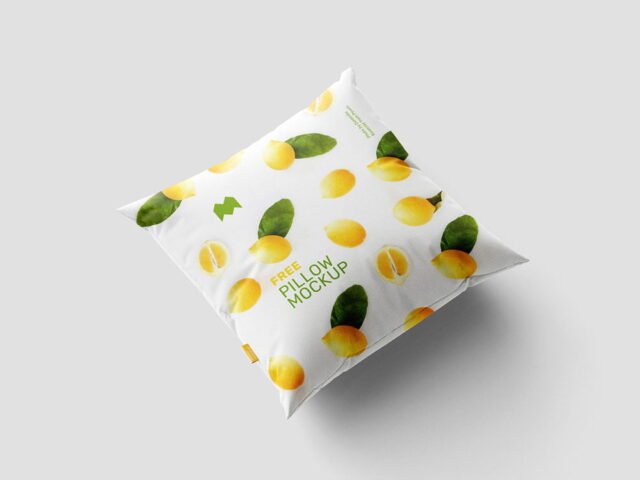
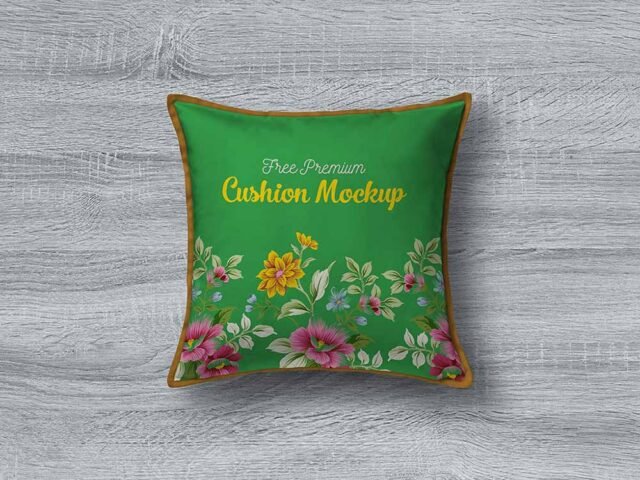
Square Cushion Mockups

What's inside
- Applications Photoshop
- File Types PSD
- License Free (see author's terms)
- Author Mockupful
Presenting a quote print? Put it on this square cushion mockup and the client sees the real thing, not a flat file.
Home decor shops and Etsy sellers tend to get the most out of files like this. Quick tip: keep chest prints around a third of the shirt width. Oversized art looks unrealistic on a folded or worn garment.
It’s also useful before a print run, to check how large the design should really be on the garment.
Use it for
- A quote print
- A pattern
- A photo print
Mockupful created this one and hosts the download on their own site, so you always get the latest version straight from the source.
What you can edit in this Square Cushion Mockups
The PSD is layered, so you can change:
- Print design, placed through the smart object
- Shadows and highlights
- Background colour
- Fabric colour
Editing the Square Cushion Mockups, step by step
- Decide where the design sits on the item and size your art for that spot.
- In the Layers panel, find the layer with the small smart object icon and double-click it.
- Place your design, hide the sample artwork, save, and go back to the main file.
- Export with File › Export › Export As: JPG for sharing, PNG for the web.
Worth remembering: place the design as a flat PNG with a transparent background, then let the fabric displacement do the folds.
Where the Square Cushion Mockups works best
- Make two or three colour versions of a pattern and let the client pick.
- Share a quote print on Instagram, Behance or Dribbble with a real-looking preview.
- Show a photo print to a client before it goes to print or production.
Before you download
- Made by Mockupful. The download size and format are listed on their page.
- Some free mockups ask for credit when you post them. A short line in your caption is enough.
- Check the licence on the author’s page. Personal and commercial terms differ from file to file.
Browse more free pillow mockups on Artistic Orbit, with new files added every day.
Questions about this mockup
Is it free for commercial use?
Mockupful sets the licence, and it can differ from file to file. Many free files allow personal and commercial use, but some are personal-only or ask for credit. Read the terms on the download page before a paid project.
How do I put my artwork on the pillow?
Find the smart object layer (it has a small icon on its thumbnail), double-click it, place your design, then save and close that tab.
Which Photoshop version do I need?
A recent Photoshop CC version is best. Older versions can open the file but sometimes have trouble with smart objects and effects.
Does the print follow the fabric folds?
Better apparel mockups use a displacement map or warp so the print follows the wrinkles. Check the preview: if the folds show through the logo, it does.
Why does the download open another website?
We list free files from designers around the web and link to the original page, so Mockupful gets the visit and you get the file exactly as they published it.