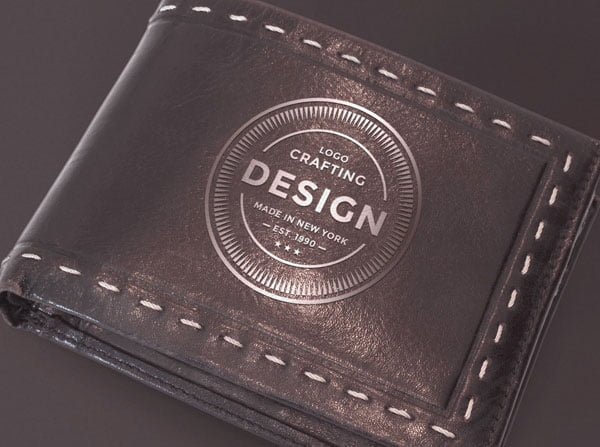
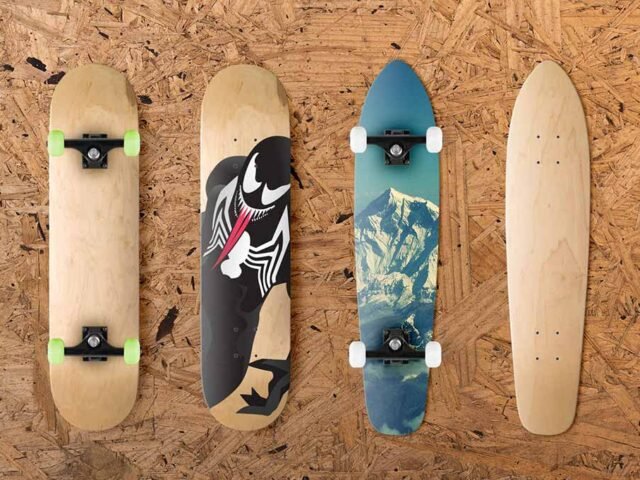
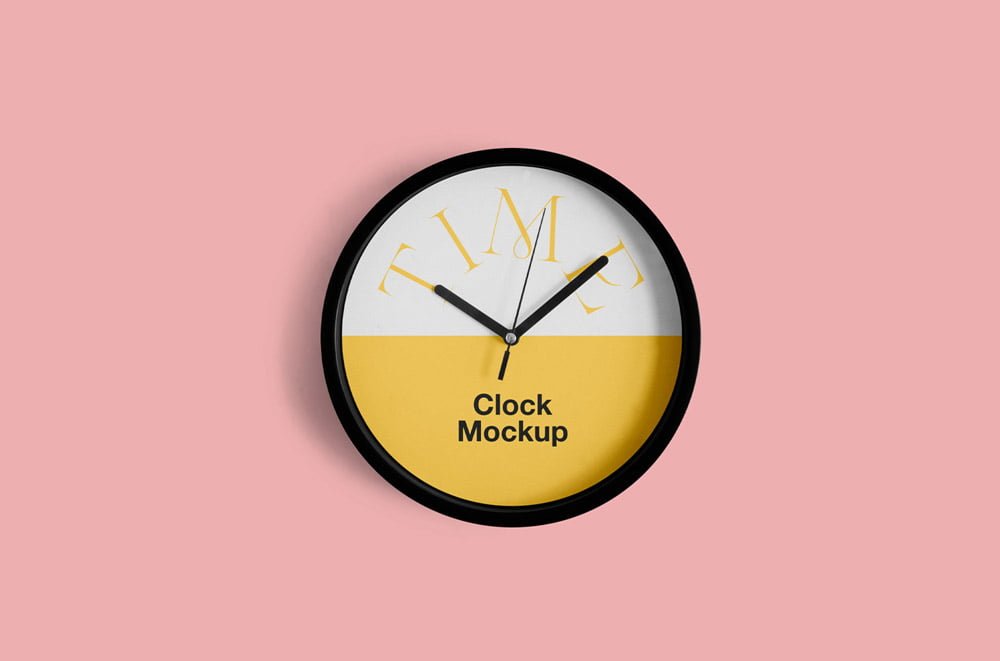
Rounded Clock Mockup
What's inside
- Applications Photoshop
- File Types PSD
- License Free (see author's terms)
- Author Mr.Mockup
Need to show a small logo to a client? This rounded clock mockup does the job in a few minutes.
Good pick for product designers, Etsy sellers or anyone putting together a portfolio. Quick tip: use a PNG with transparency for logos so the material around them keeps its texture.
Merch and gift ideas are much easier to approve when people can see them on the real object.
Good for
- A small logo
- A pattern
- Merch branding
Mr.Mockup created this one and hosts the download on their own site, so you always get the latest version straight from the source.
What you can edit in this Rounded Clock Mockup
Main things you can change in Photoshop:
- Logo or artwork, placed through the smart object
- Background colour
- Shadows
Editing the Rounded Clock Mockup, step by step
- Export your logo or artwork as a PNG with transparency.
- Open the file in Photoshop and double-click the smart object thumbnail in the Layers panel.
- Place your design, hide the sample artwork, save, and go back to the main file.
- Adjust the shadow so the object sits on the surface.
- Export a full-size image for your portfolio and a smaller one for social media.
One more thing: keep your artwork simple. Small objects shrink details quickly, so a bold mark reads better than fine lines.
Where the Rounded Clock Mockup works best
- Show a pattern to a client before it goes to print or production.
- Share a small logo on Instagram, Behance or Dribbble with a real-looking preview.
- Show merch branding on your online shop or product page.
Quick notes on this mockup
- Made by Mr.Mockup. The download size and format are listed on their page.
- Check the smart object size before you design, so your artwork fits without stretching.
- The preview shows the angle, background and lighting you’ll get.
Browse more free accessories mockups on Artistic Orbit, with new files added every day.
Questions about this mockup
Can I use this accessory mockup for client work?
That depends on the author's terms. The download page lists what is allowed; when in doubt, ask the author directly.
How do I put my artwork on the accessory?
Find the smart object layer (it has a small icon on its thumbnail), double-click it, place your design, then save and close that tab.
Which Photoshop version do I need?
A recent Photoshop CC version is best. Older versions can open the file but sometimes have trouble with smart objects and effects.
Can I change the background?
Most object mockups have a background colour or image layer at the bottom of the stack that you can swap.