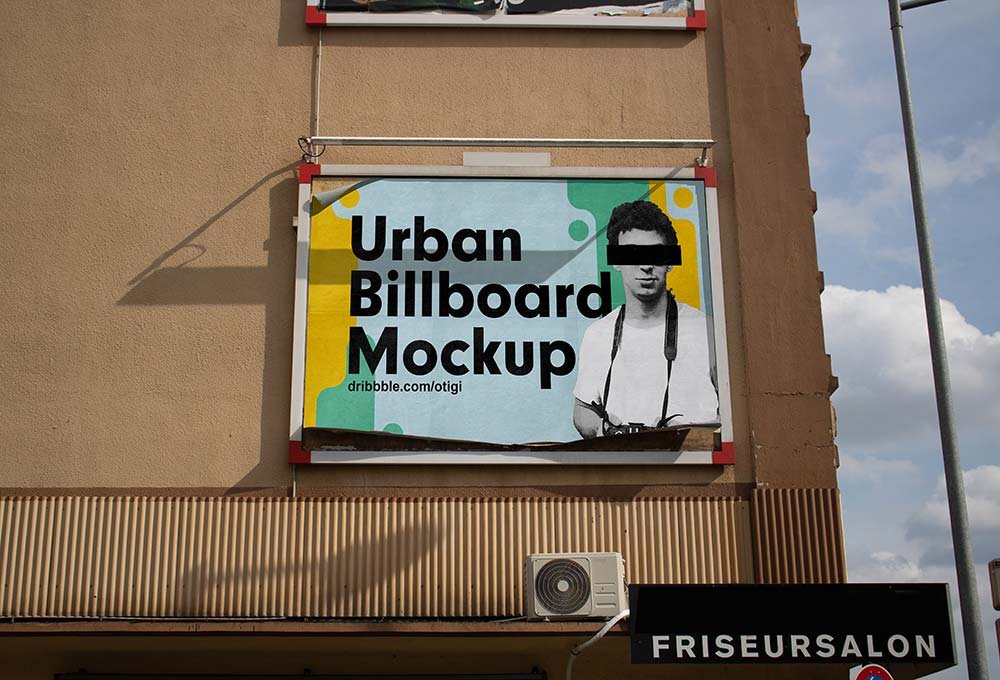
Urban Billboard Mockup
What's inside
- Applications Photoshop
- File Types PSD
- License Free (see author's terms)
- Author Behance
An urban billboard mockup, made for presenting a movie poster. Drop in your artwork and the lighting and shadows stay as they are.
It’s a handy file for marketing teams and students pitching campaigns. Quick tip: outdoor ads are read in a second or two. Big type and one image will look far better in this scene than a busy layout.
Showing a campaign in context helps clients see the scale; a design that feels loud on a laptop can look quiet on the street.
This is a free file from a designer on Behance. When you click download you’ll land on their page to grab it.
Urban Billboard Mockup: editable parts
Main things you can change in Photoshop:
- Ad artwork, placed through the smart object
- Lighting and shadow layers
- Brightness to match the scene
- Glow layer for backlit scenes, where included
How to edit this Urban Billboard Mockup in Photoshop
- Keep the ad simple: one image, a short headline and the logo.
- Open the PSD in Photoshop and find the smart object layer, usually named “Your Design” or “Place Here”.
- Paste your design, resize it to fill the area, then save (Ctrl/Cmd + S) and close that tab.
- Use the glow layer for night or backlit scenes.
- Save a JPG for clients and social media, and keep the PSD for later changes.
Worth remembering: night or backlit scenes usually have a glow layer. Push it up for lightboxes, down for printed paper.
Best uses for this Urban Billboard Mockup
- Show a movie poster on your online shop or product page.
- Present a product launch visual in a client proposal or brand guide.
- Share an ad campaign on Instagram, Behance or Dribbble with a real-looking preview.
Good to know
- Made by a designer on Behance. The download size and format are listed on their page.
- Check the licence on the author’s page. Personal and commercial terms differ from file to file.
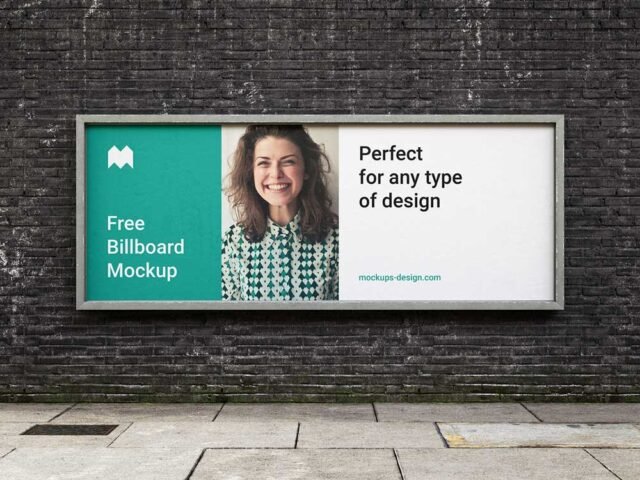
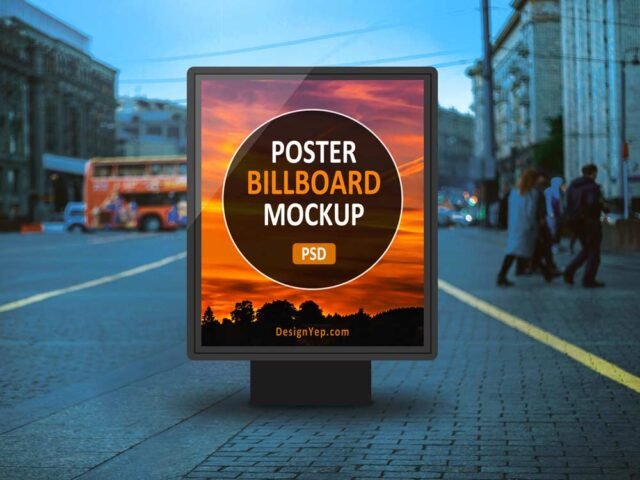
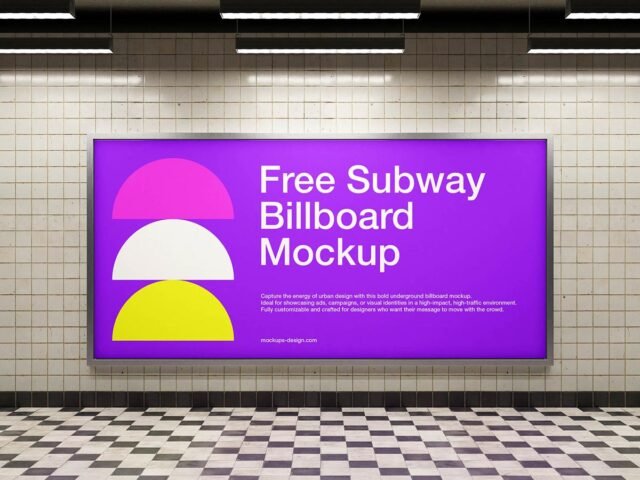
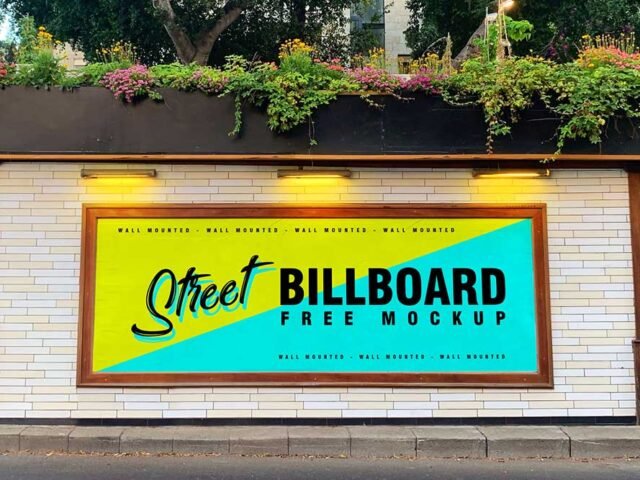
- The preview shows the angle, background and lighting you’ll get.
More free billboard mockups are listed below, each linking to the original author.
Questions about this mockup
Can I use this billboard mockup for client work?
It's free to download, but the licence belongs to a designer on Behance. Check their page: it states whether commercial use is allowed and if attribution is needed.
How do I add my design?
Open the file in Photoshop, double-click the smart object thumbnail, paste or place your artwork in the new tab, save it (Ctrl/Cmd + S) and close. The main file updates on its own.
Which Photoshop version do I need?
A recent Photoshop CC version is best. Older versions can open the file but sometimes have trouble with smart objects and effects.
Can I change the surroundings?
Usually only lighting and shadows are adjustable. The street, sky or building are part of the photo.