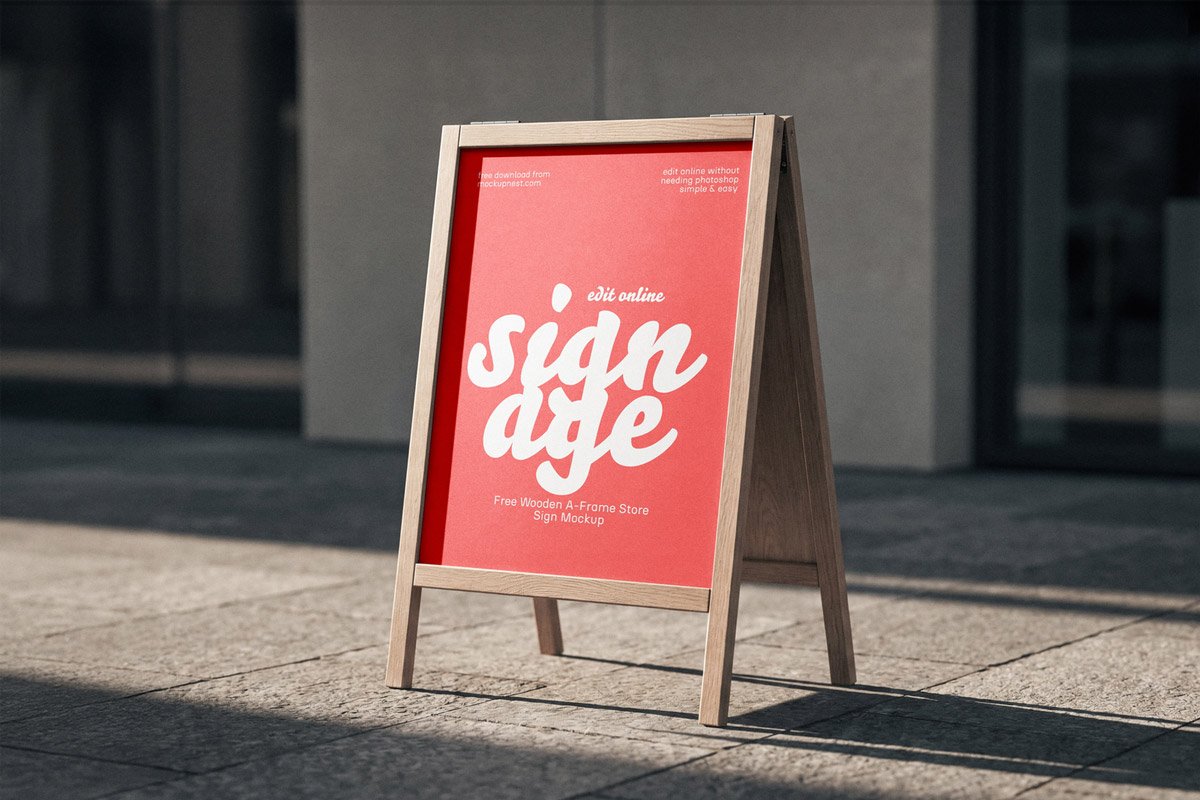
Wooden Store Stand Mockup
What's inside
- Applications Photoshop
- File Types PSD
- License Free (see author's terms)
- Author Mockup Nest
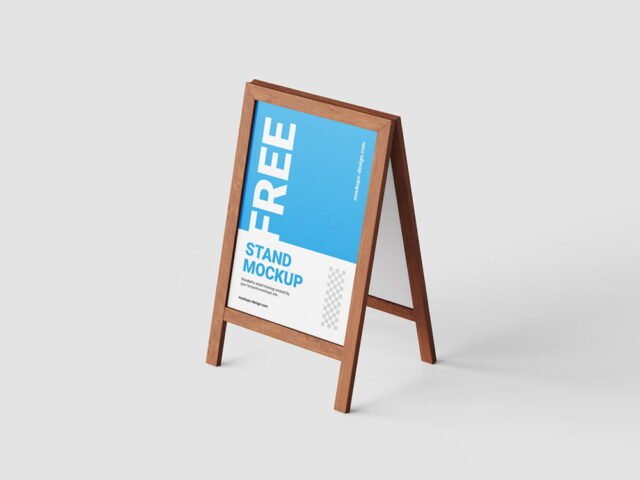
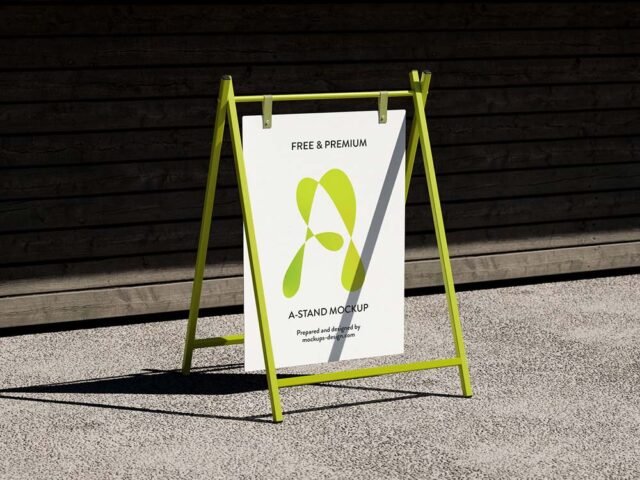
Presenting a point-of-sale display? Put it on this wooden store stand mockup and the client sees the real thing, not a flat file. The wood surface is the main character here, so designs with some contrast stand out best.
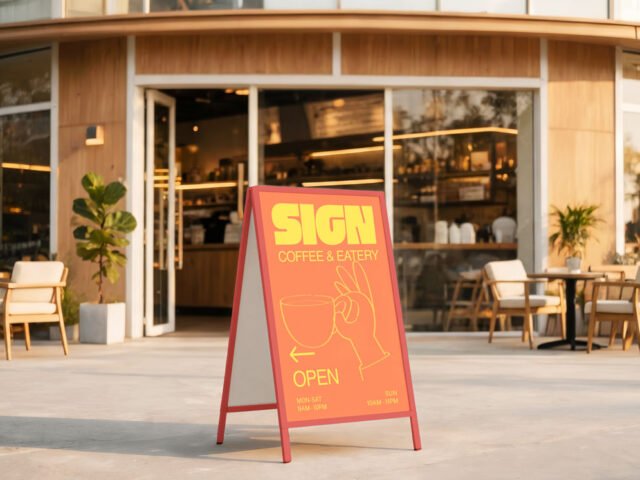
It’s a handy file for retail marketers and exhibitors. One thing worth knowing: outdoor ads are read in a second or two. Big type and one image will look far better in this scene than a busy layout.
It’s also handy for student and portfolio work, when you want to show a campaign that never went live. Combine it with a poster or bus stop ad to show the campaign across several placements.
Good for
- A point-of-sale display
- A counter design
- A trade show booth
Credit goes to Mockup Nest. We link to their download page rather than re-uploading the file, so check their terms there before commercial use.
What you can edit in this Wooden Store Stand Mockup
The PSD is layered, so you can change:
- Ad artwork, placed through the smart object
- Brightness to match the scene
- Lighting and shadow layers
Add your design to the Wooden Store Stand Mockup
- Check the smart object’s ratio first, then build the ad to match it.
- Open the file in Photoshop and double-click the smart object thumbnail in the Layers panel.
- Drop your artwork in, fit it to the canvas, save and close. The mockup updates by itself.
- Save a JPG for clients and social media, and keep the PSD for later changes.
Worth remembering: night or backlit scenes usually have a glow layer. Push it up for lightboxes, down for printed paper.
Ways to use this Wooden Store Stand Mockup
- Make two or three colour versions of a trade show booth and let the client pick.
- Show a counter design on your online shop or product page.
- Show a point-of-sale display to a client before it goes to print or production.
Good to know
- Made by Mockup Nest. The download size and format are listed on their page.
- Built for Adobe Photoshop. A recent CC version handles the smart objects best.
- Check the smart object size before you design, so your artwork fits without stretching.
Need a different angle? The stand mockups category has plenty more free PSD files.
Questions about this mockup
What licence does it come with?
It's free to download, but the licence belongs to Mockup Nest. Check their page: it states whether commercial use is allowed and if attribution is needed.
How do I add my design?
Open the file in Photoshop, double-click the smart object thumbnail, paste or place your artwork in the new tab, save it (Ctrl/Cmd + S) and close. The main file updates on its own.
Which Photoshop version do I need?
A recent Photoshop CC version is best. Older versions can open the file but sometimes have trouble with smart objects and effects.
Can I change the surroundings?
Usually only lighting and shadows are adjustable. The street, sky or building are part of the photo.
Why does the download open another website?
We list free files from designers around the web and link to the original page, so Mockup Nest gets the visit and you get the file exactly as they published it.