Hand Holding Beer Mockup
What's inside
- Applications Photoshop
- File Types PSD
- License Free (see author's terms)
- Author Mr.Mockup
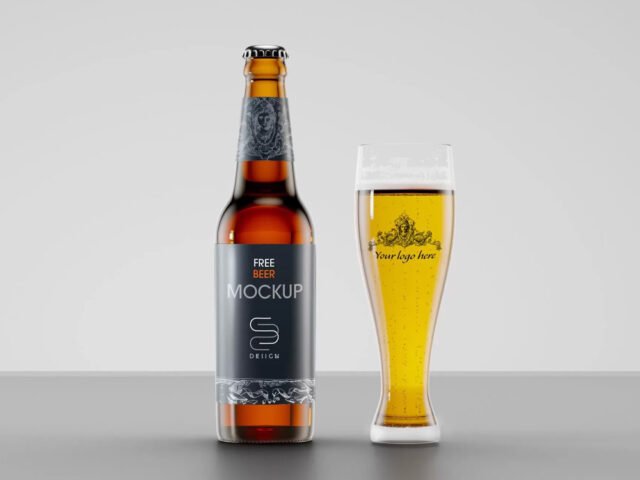
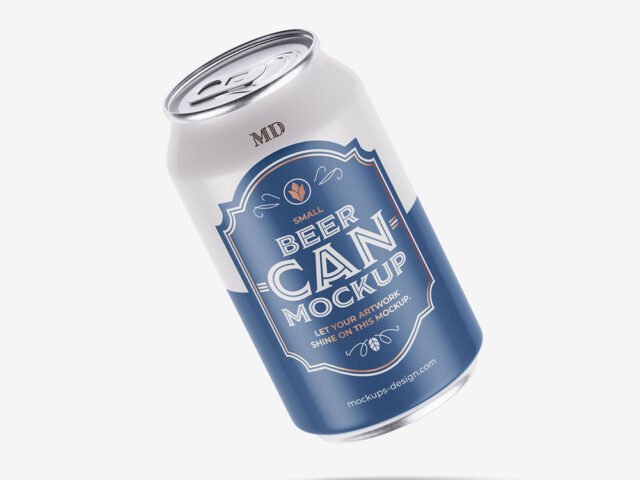
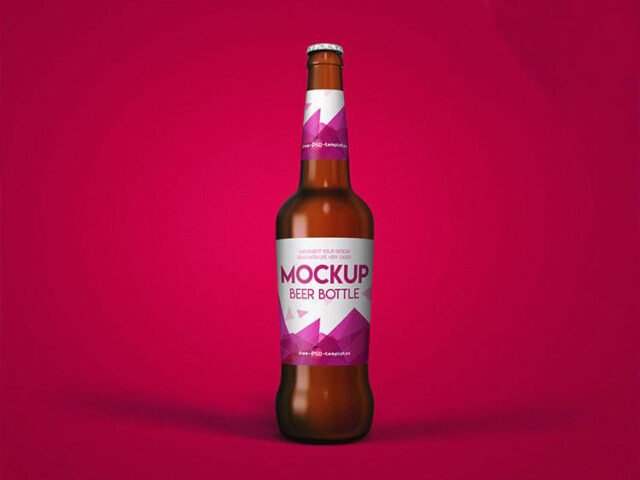
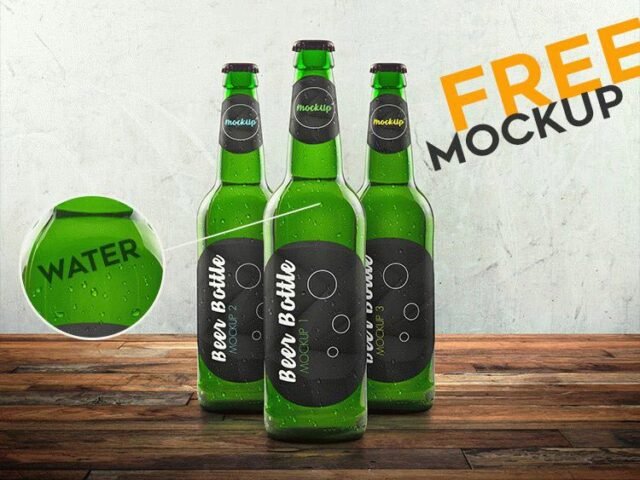
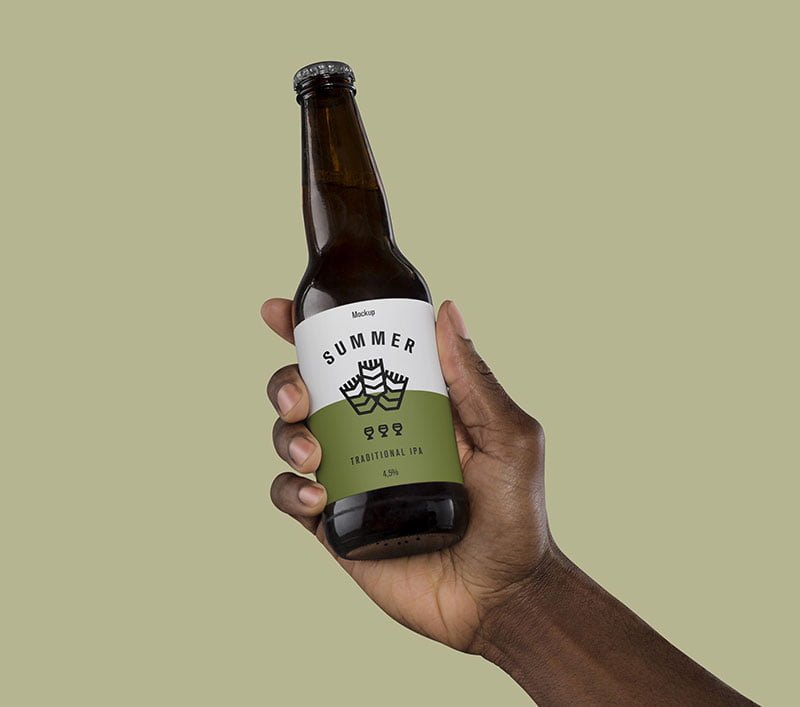
This hand holding beer mockup is a quick way to show a craft beer can without a photo shoot.
Useful for label designers as much as for bars. Transparent or glass items show the background through. Test your label on the actual background colour you’ll use.
Labels behave differently once they wrap around a shape, and this is where you find out if yours still reads. Pair it with a box or bag mockup to show the full product range.
Use it for
- A craft beer can
- A beer label
- A six-pack carrier
The file is made by Mr.Mockup. The download button takes you to their page, where you get the original file and the licence details.
Editable options in the Hand Holding Beer Mockup PSD
Everything below is on its own layer:
- Label artwork, placed through the smart object
- Shadows
- Highlights and reflections
- Background colour
How to edit this Hand Holding Beer Mockup in Photoshop
- Design the label flat and keep the logo in the middle third, where the curve bends it least.
- Open the file in Photoshop and double-click the smart object thumbnail in the Layers panel.
- Paste your design, resize it to fill the area, then save (Ctrl/Cmd + S) and close that tab.
- Turn the highlight layer down if it cuts across the logo.
- Save a JPG for clients and social media, and keep the PSD for later changes.
One more thing: metallic and glossy finishes look best with a little contrast in the label; very flat pastel labels can look printed on paper.
Best uses for this Hand Holding Beer Mockup
- Use it as the cover image for a beer label in your portfolio.
- Make two or three colour versions of a six-pack carrier and let the client pick.
- Share a craft beer can on Instagram, Behance or Dribbble with a real-looking preview.
Before you download
- Made by Mr.Mockup. The download size and format are listed on their page.
- Check the smart object size before you design, so your artwork fits without stretching.
- The preview shows the angle, background and lighting you’ll get.
Need a different angle? The beer mockups category has plenty more free PSD files.
Questions about this mockup
What licence does it come with?
It's free to download, but the licence belongs to Mr.Mockup. Check their page: it states whether commercial use is allowed and if attribution is needed.
How do I put my artwork on the beer packaging?
Find the smart object layer (it has a small icon on its thumbnail), double-click it, place your design, then save and close that tab.
Which Photoshop version do I need?
A recent Photoshop CC version is best. Older versions can open the file but sometimes have trouble with smart objects and effects.
Will the label bend with the shape?
Good curved-product mockups use a warp so the label wraps around. The preview shows it: if the edges of the label curve away, it does.