T-Shirt Mockups for Print on Demand: How to Make Listing Photos That Sell
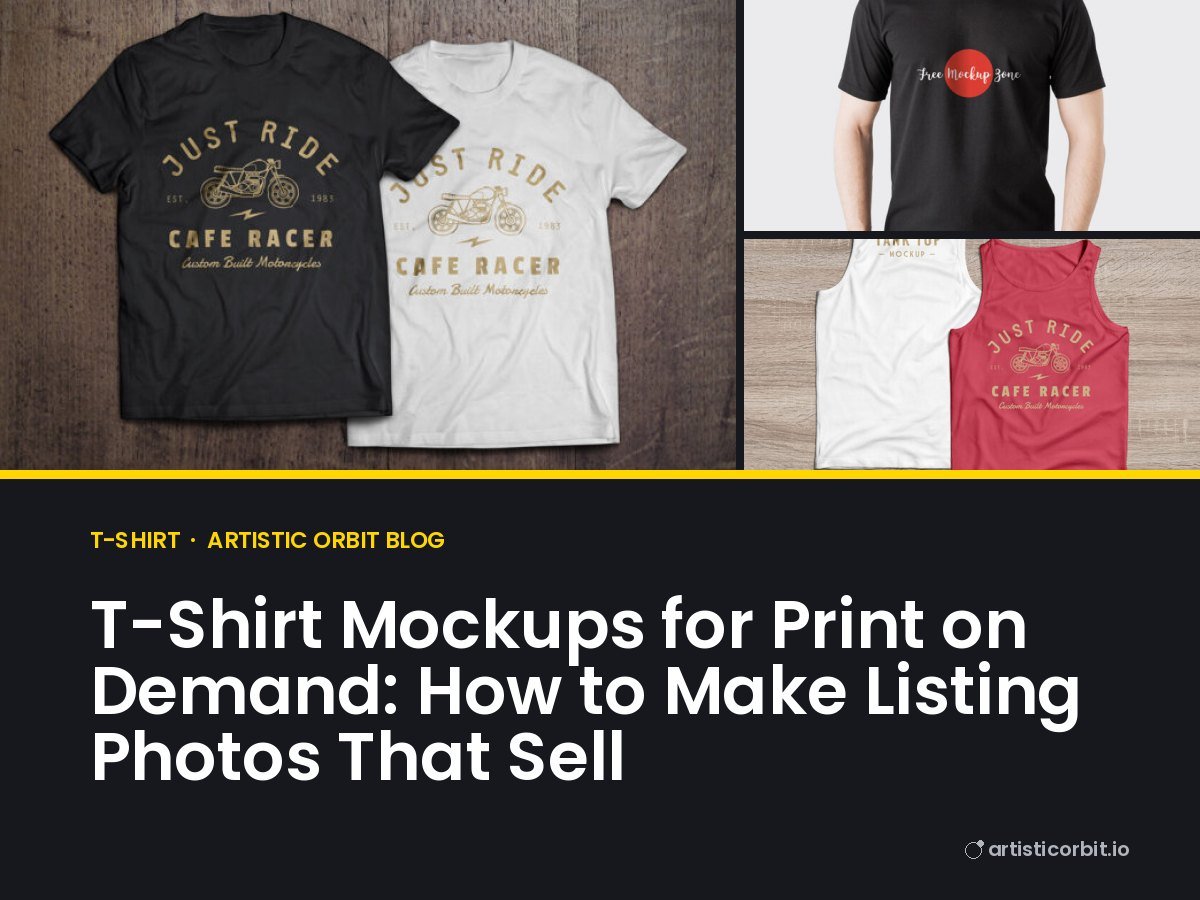
When you sell print-on-demand shirts, you never hold the product before it sells. The customer never does either. The mockup is the product photo. That makes it one of the most important parts of the whole shop, often more important than people expect.
Here’s how to use t-shirt mockups so your listings look real, trustworthy and clickable.
Choose the right kind of mockup
There are three main styles, and a good listing uses more than one:
- Flat lay: the shirt laid on a surface, shot from above. Clean and clear. Perfect as the first image because the design is easy to see in small search results.
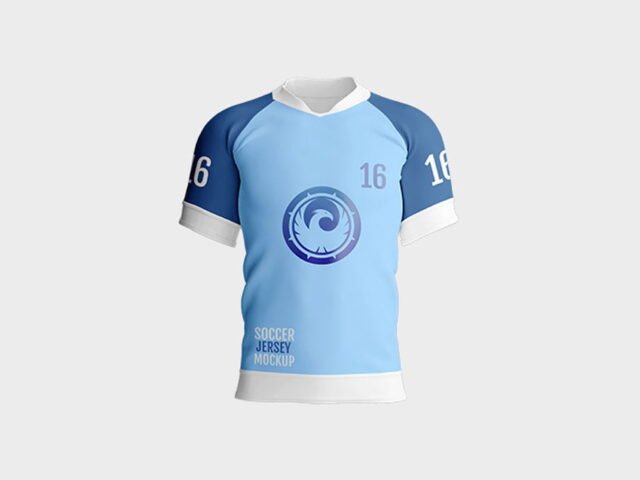
- Hanging or ghost: the shirt on a hanger or shaped as if worn by an invisible body. Shows the fit and shape.
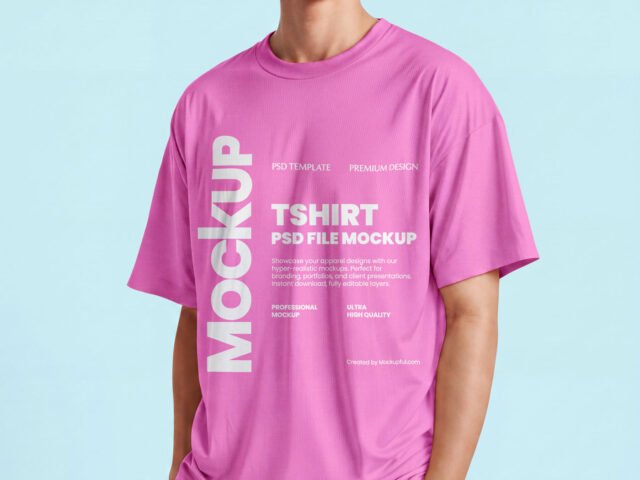
- Model or lifestyle: a real person wearing the shirt, in a real place. This sells the feeling: “that could be me”.
Browse t-shirt mockups, or hoodie mockups if you sell warmer clothes too.
Size the design like the real print
The fastest way to make a mockup look fake is a design that’s too big. A real front print on an adult shirt is usually around 10 to 12 inches wide. On a mockup, that’s roughly from armpit seam to armpit seam, minus a hand’s width on each side. Many beginners stretch the design edge to edge, and it looks nothing like the shirt the buyer receives.
Also think about height. Most chest prints start two to four inches below the collar. Too low and it sits on the stomach, which looks odd.
If you’re new to smart objects, our step-by-step mockup guide shows exactly how to place and resize your design.
Match the shirt colour to what you actually sell
Most shirt mockups let you change the fabric colour with a colour layer. Pick colours that exist in your print provider’s catalogue, and check the result against their colour chart. “Heather grey” on a mockup that looks bright silver will lead to disappointed buyers.
Keep in mind that light ink on dark shirts and dark ink on light shirts behave differently. If your design has thin dark lines, it may vanish on a black shirt. Test both.
A listing image order that works
- Hero image: flat lay or ghost shirt, plain background, design clearly visible. This is what shows in search.
- Model shot: someone wearing it, so people see scale and style.
- Close-up: zoomed in on the design so buyers can see the detail.
- Colour options: the same design on each shirt colour you offer, in one image.
- Size chart: your provider’s measurements in a simple graphic.
Five to seven images is plenty. More images that say the same thing don’t help.
Make the shop look like a brand
Use the same background, lighting and mockup style across all your listings. When someone looks at your shop page, a grid of matching photos looks like a real brand. A mix of random scenes looks like a side project, even when the designs are great.
Pick one or two mockup sets from the same designer and build every listing with them. It also saves time: you only learn the layers once.
Don’t forget the fonts
Typography shirts are one of the biggest print-on-demand categories. Bold, chunky fonts and hand-lettered styles read well from a distance, which matters on a shirt. Browse t-shirt fonts for ideas.
Important: selling shirts is commercial use. The font must be licensed for it, and some designers ask for an extra licence for products made to sell. Check before you upload anything. Our licence guide explains what to look for.
Check the mockup licence too
Most free mockups allow you to use the final images for commercial listings, but not to resell the mockup file itself. Some ask for credit. A few don’t allow commercial use at all. We show the licence on every download page, and the designer’s page has the full terms.
Be honest with your photos
Marketplaces want product photos to represent what the buyer gets. Don’t use a mockup that shows embroidery if you sell printed shirts, or a premium heavyweight tee if your provider uses a lightweight blank. Honest images mean fewer returns and better reviews.
T-shirt mockups to start with


Quick answers
Can I use free t-shirt mockups on Etsy?
Usually yes, as long as the mockup’s licence allows commercial use of the final images. Always check the licence on the designer’s page.
What size should my design be on a t-shirt mockup?
Aim for the size of the real print, usually around 10 to 12 inches wide on an adult shirt. Don’t stretch it edge to edge.
Which mockup should be my main listing photo?
A flat lay or ghost shirt on a plain background works best, because the design is easy to see in small search thumbnails.